The Scenario
ContextA growing fintech company runs its internal tools and user identities on Microsoft 365 and Entra ID, but its engineering and DevOps teams also need access to AWS for cloud infrastructure work.
The Problem
Managing separate AWS usernames and passwords for every engineer is a security risk. When someone leaves the company, IT has to remember to remove them from AWS separately — if they forget, that's an open door.
The Solution
Federate AWS access through Entra ID using SAML 2.0 SSO. Engineers authenticate with Microsoft credentials, and AWS trusts the signed SAML assertion from Entra ID — reducing separate AWS passwords, lowering orphaned-account risk, and centralizing sign-in evidence.
"This is Zero Trust in practice — identity is the perimeter."
Architecture Scope
BoundariesThis repository demonstrates the AWS Single-Account Access enterprise application pattern in Microsoft Entra ID with AWS IAM SAML role federation — not a full AWS IAM Identity Center multi-account rollout.
- Microsoft Entra ID enterprise application
- SAML-based sign-on configuration
- AWS IAM SAML identity provider
- AWS IAM role trust relationship
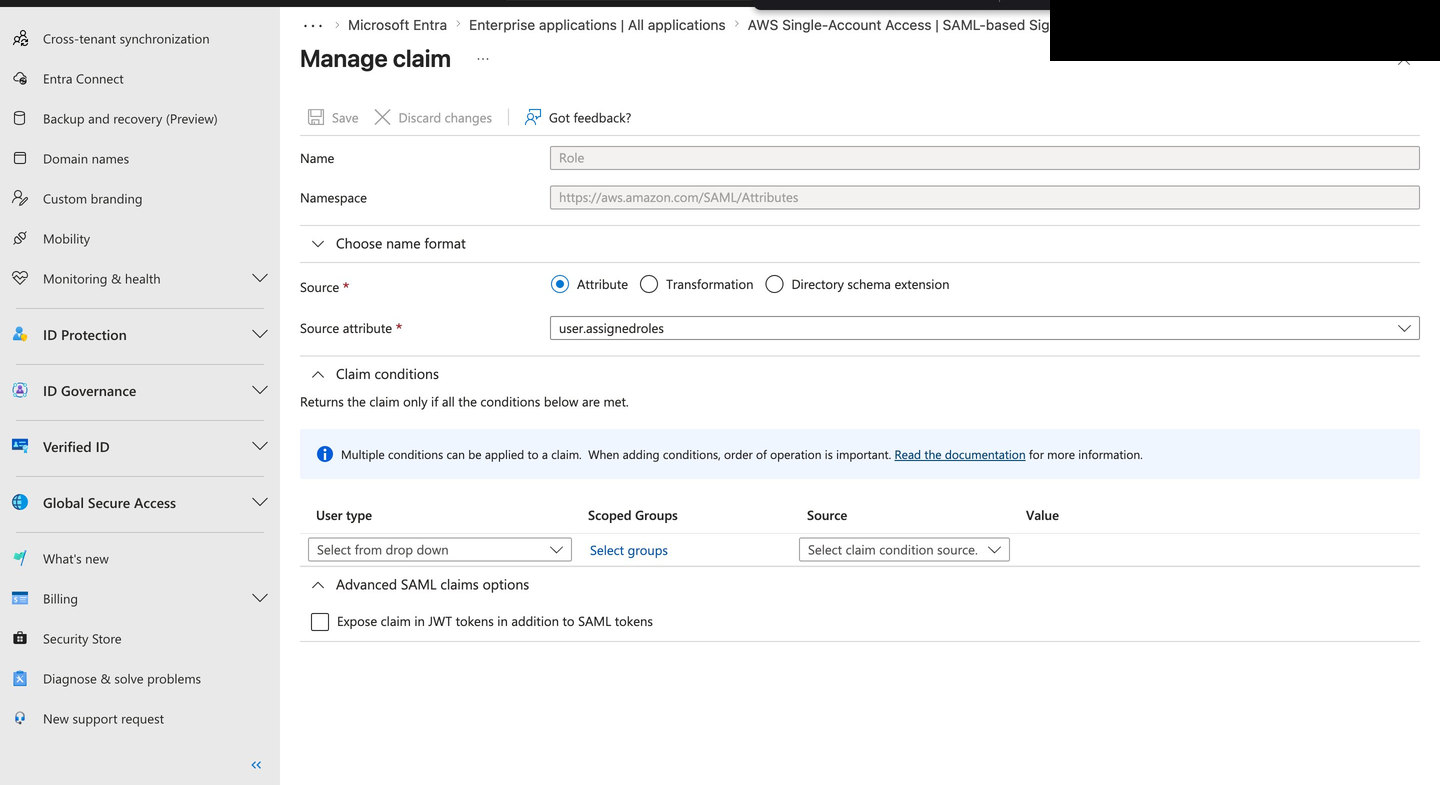
- Entra ID role claim mapping
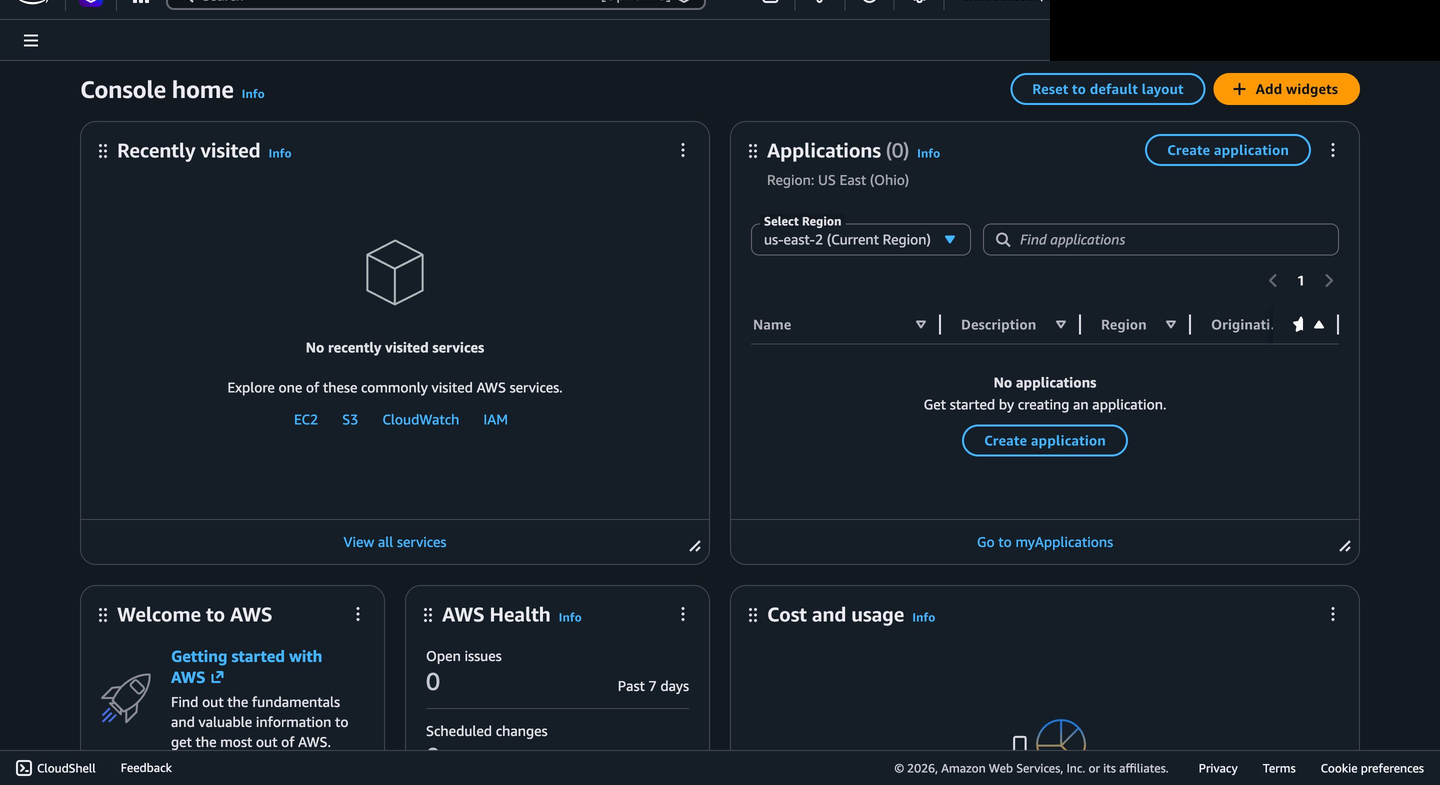
- AWS console access through federated role assumption
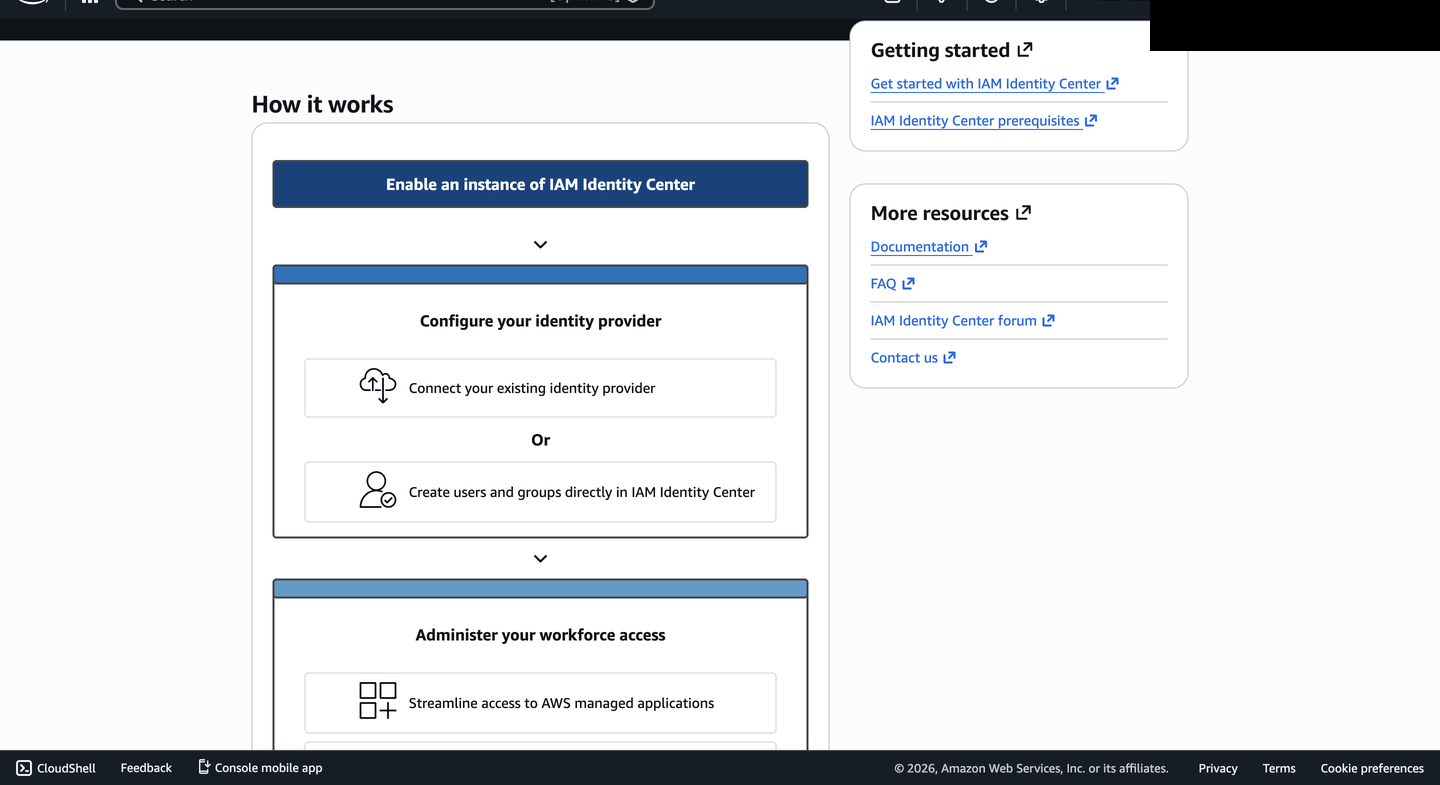
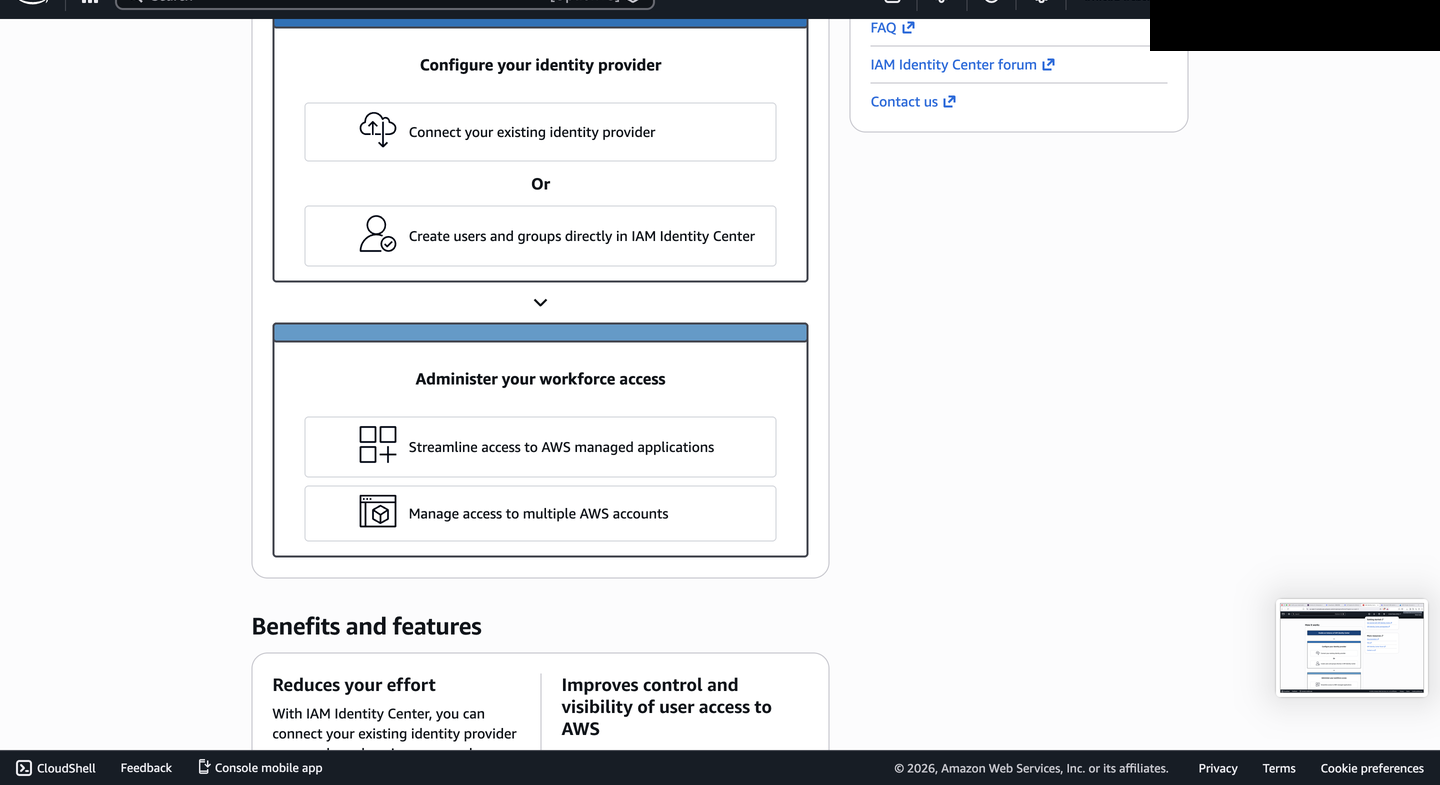
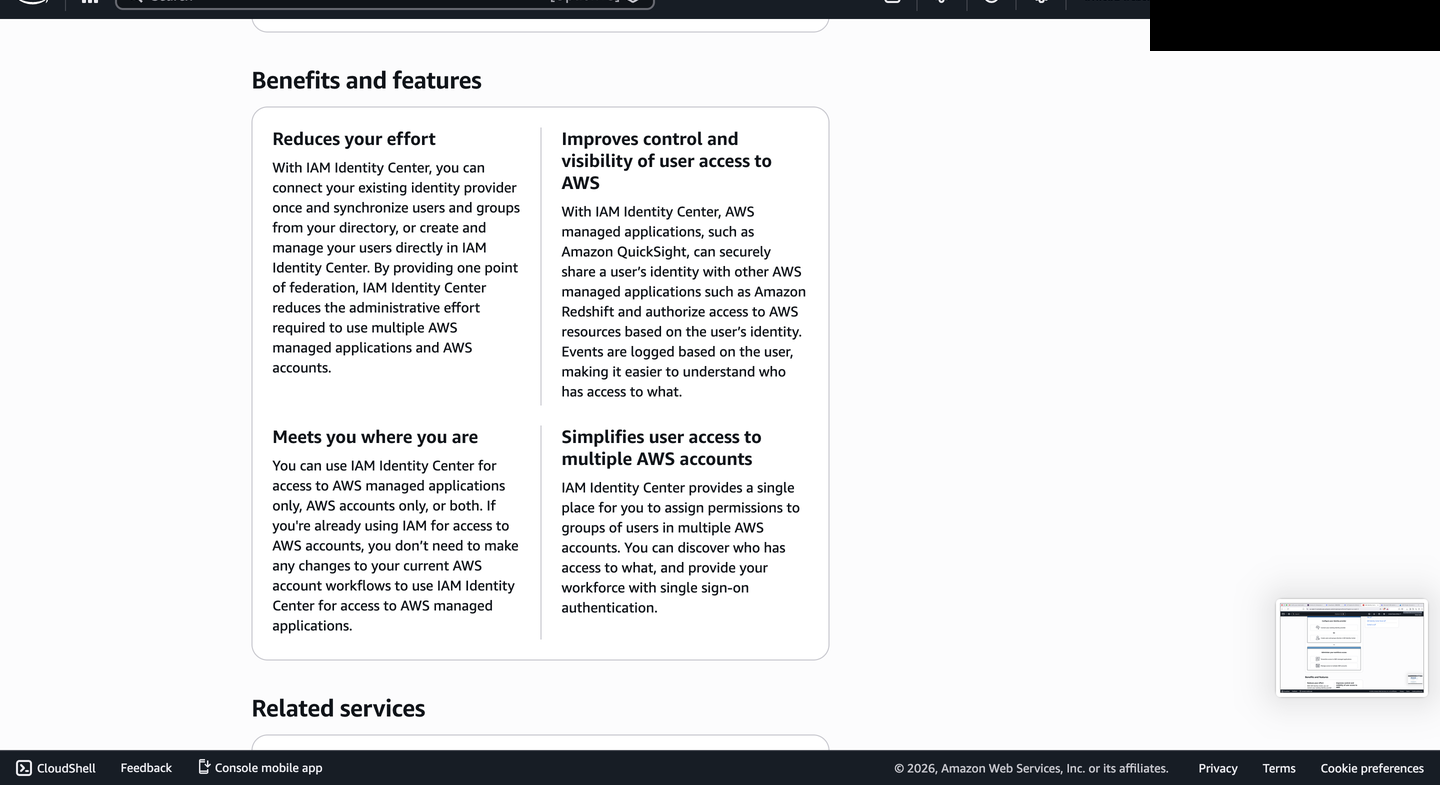
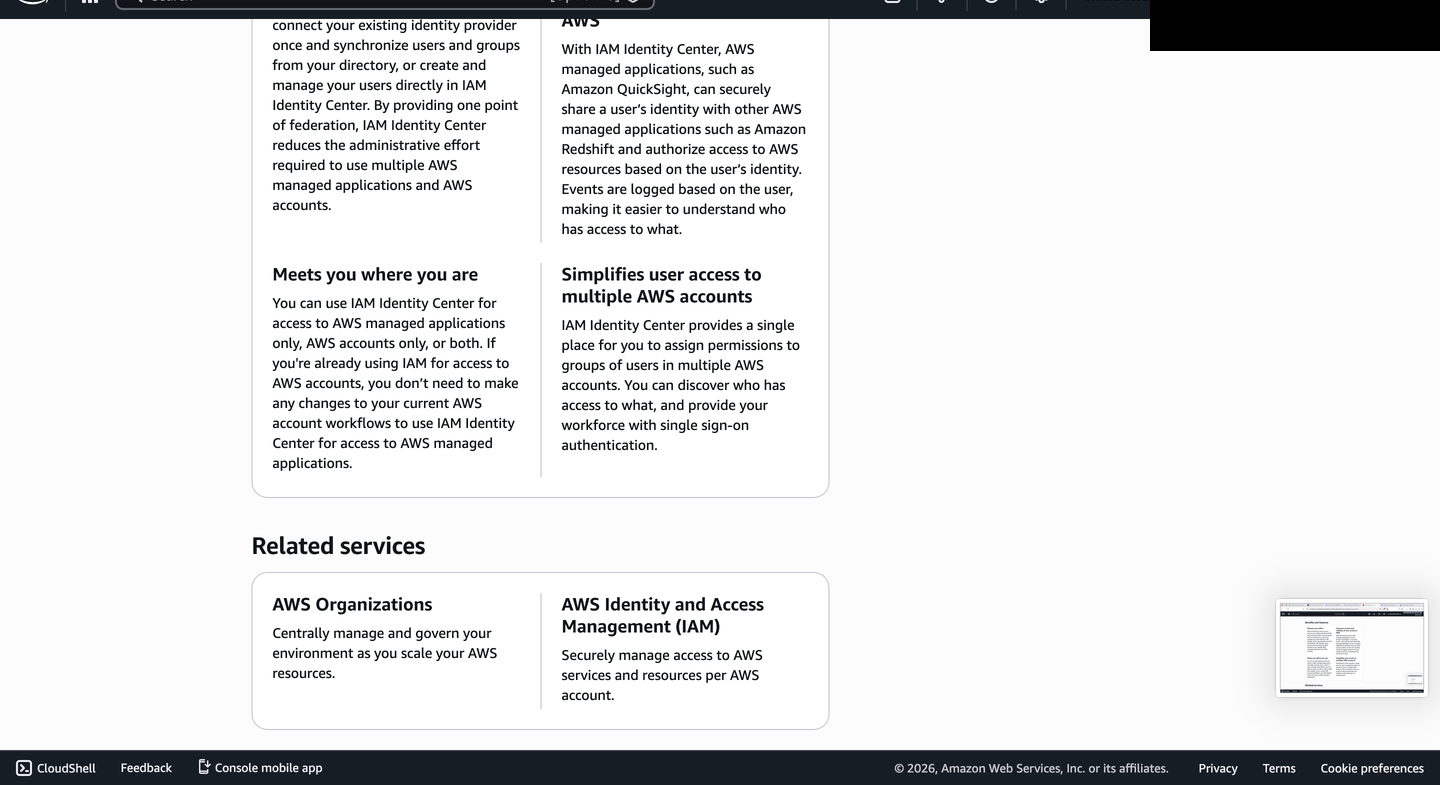
Some AWS console screens reference IAM Identity Center guidance because AWS surfaces related identity options in the console — that guidance is shown as context, not as the implementation path documented here.
How the SSO Flow Works
The Pact Between RealmsOne sign-in event crosses two cloud platforms. The left half happens entirely inside Entra ID; the right half happens entirely inside AWS IAM. The only thing that crosses the seam is a signed SAML assertion — the sealed letter passed between two houses.
- User opens AWS in their browser and is redirected to Entra ID login
- User authenticates with password + MFA (if required)
- Entra ID generates a signed SAML assertion containing the user's identity and assigned AWS role ARN
- Assertion is posted to the AWS Assertion Consumer Service (ACS) URL
- AWS validates the assertion's signature against the registered EntraID metadata
- User assumes the
EntraID-ReadOnlyIAM role named in the assertion - AWS Console opens — no separate AWS credentials used
- Role path is recorded as
EntraID-ReadOnly/user@example.com
What Was Built
ConfigurationMicrosoft Entra ID
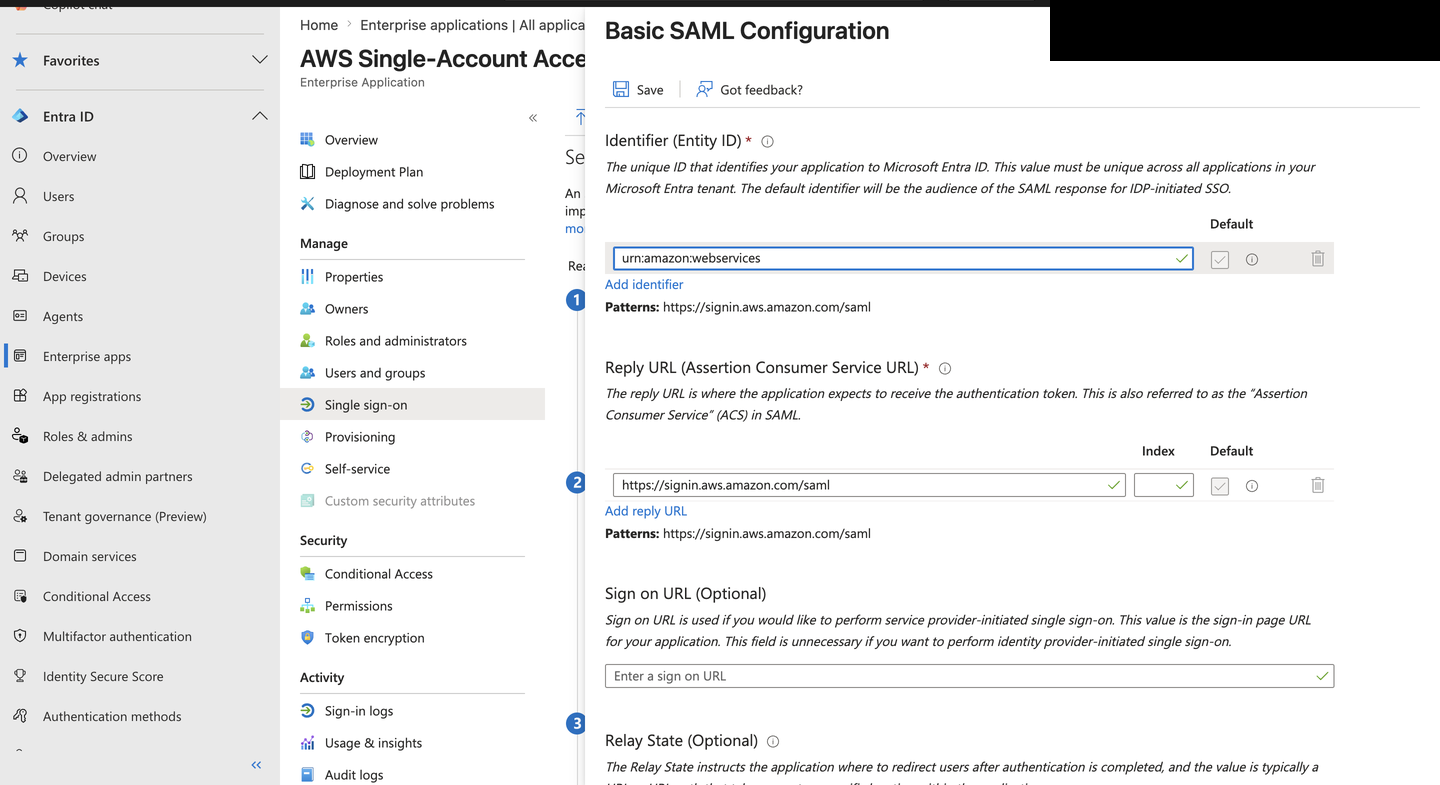
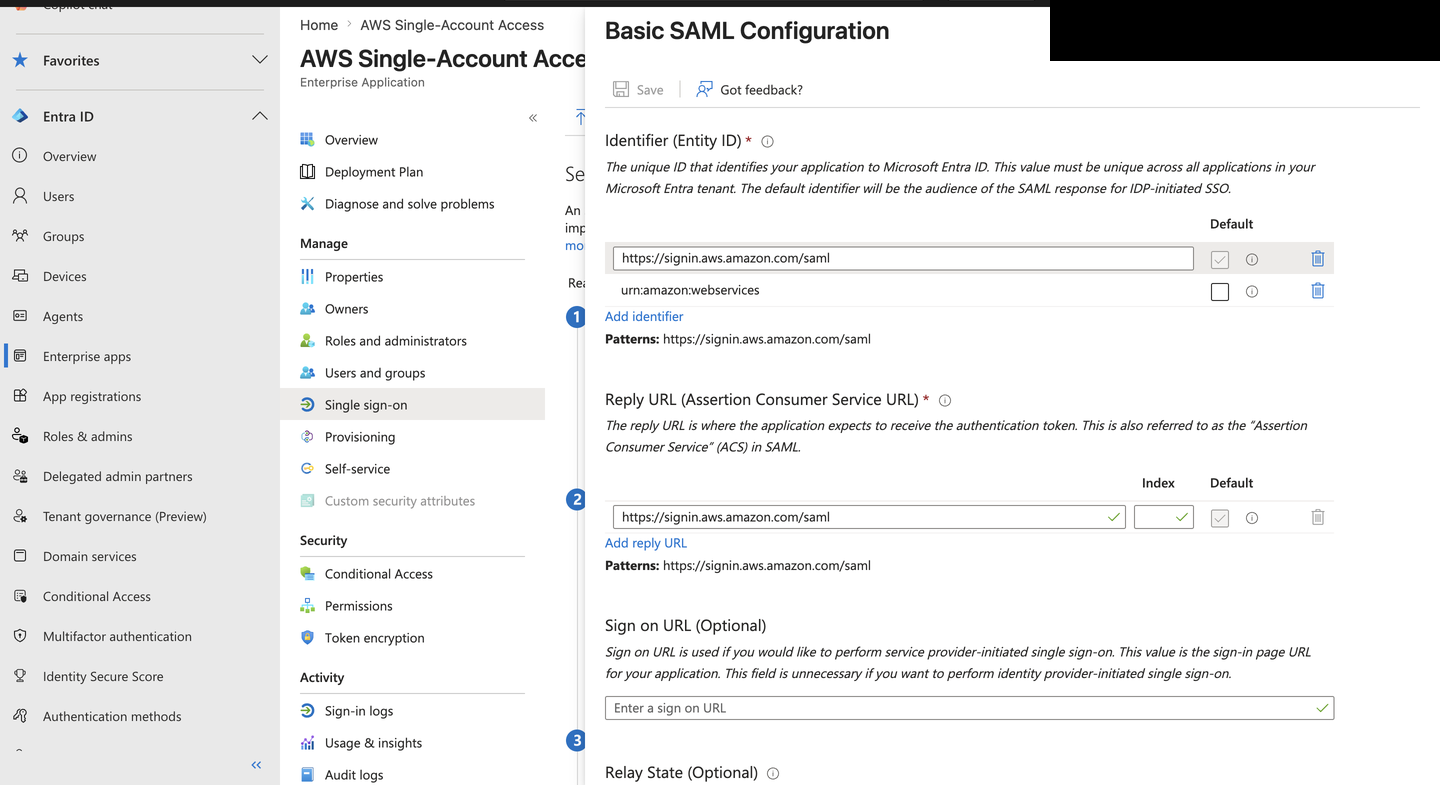
Identity Provider- Added AWS Single-Account Access as an Enterprise Application
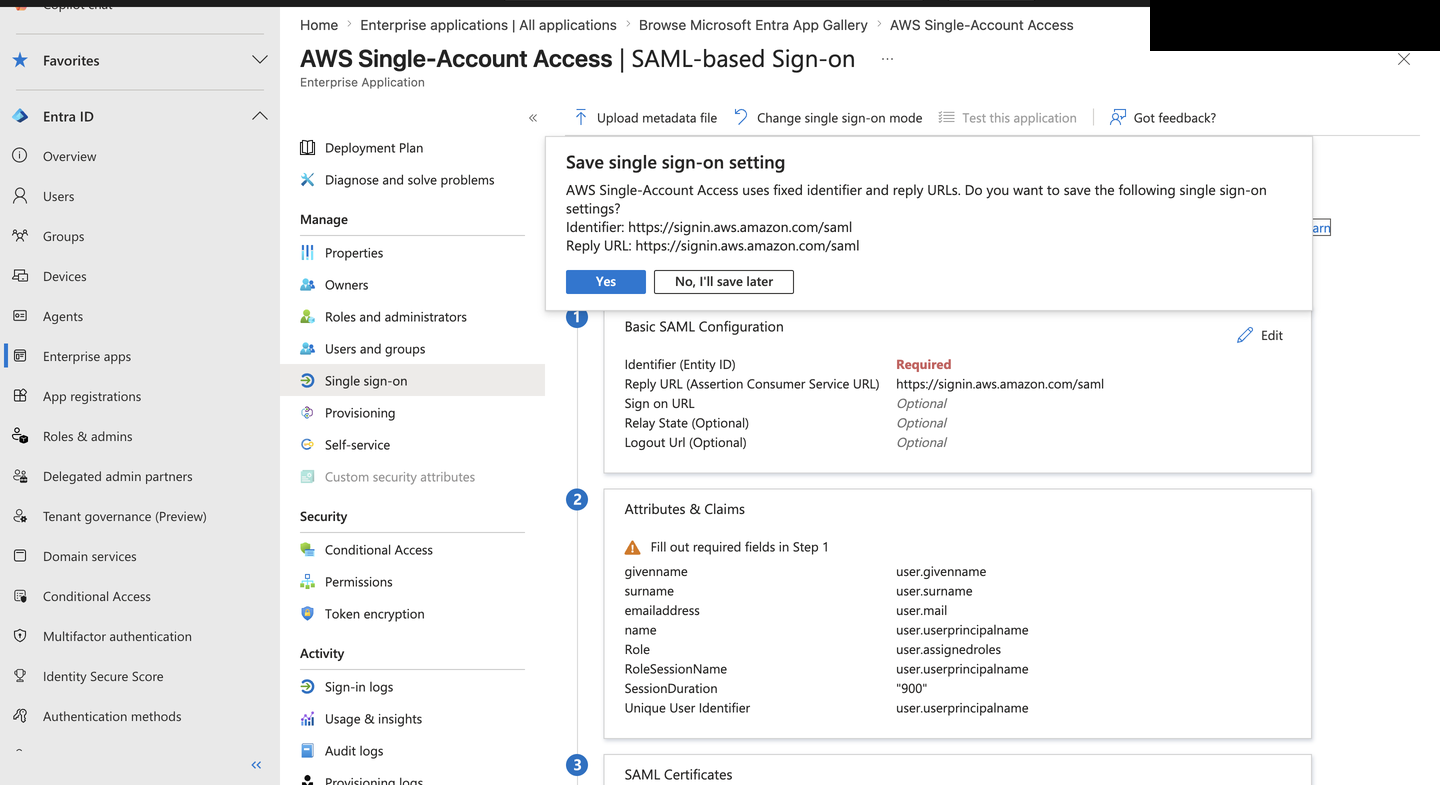
- Configured SAML 2.0 settings via the Entra gallery workflow
Identifier / Entity ID fixed by AWS gallery · Reply URL (ACS):
https://signin.aws.amazon.com/saml - Mapped user attributes into the SAML assertion UPN as unique identifier · given name, surname, email · Role ARN mapped to the AWS IAM role
- Set session duration to 900 seconds for shorter federated sessions
- Managed the token signing certificate lifecycle RS256, expires 2029
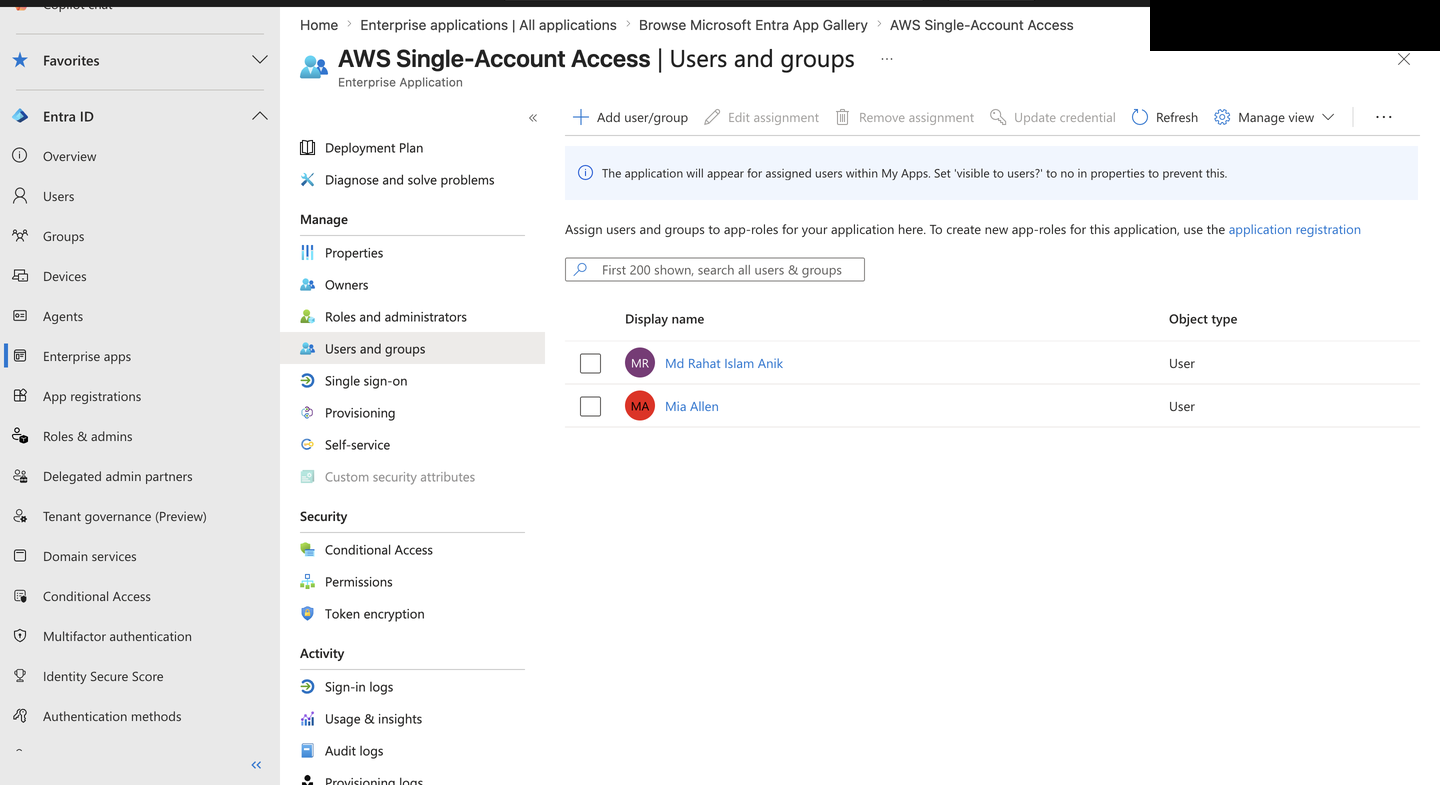
- Assigned users to the application for access control
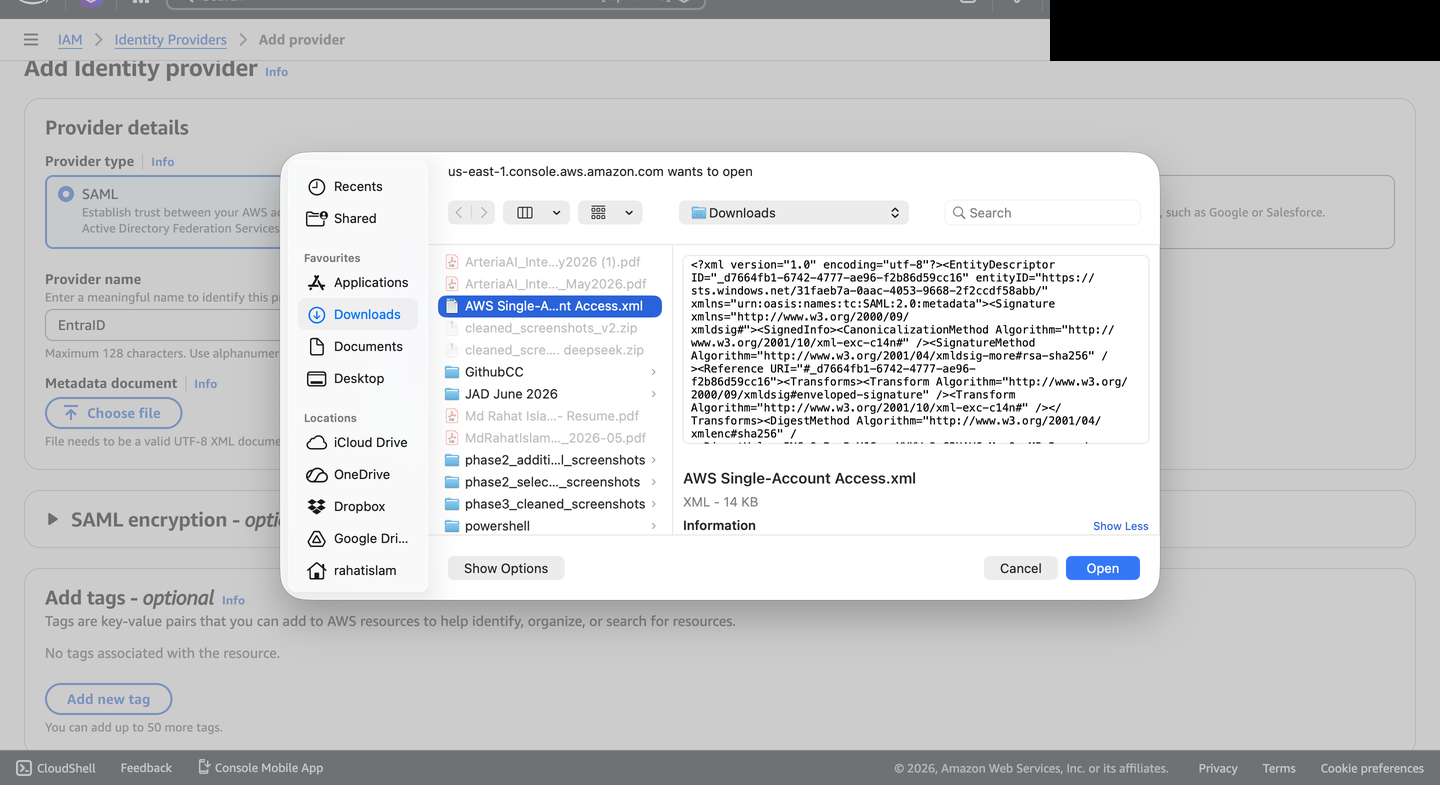
- Exported Federation Metadata XML for AWS trust configuration
Amazon Web Services
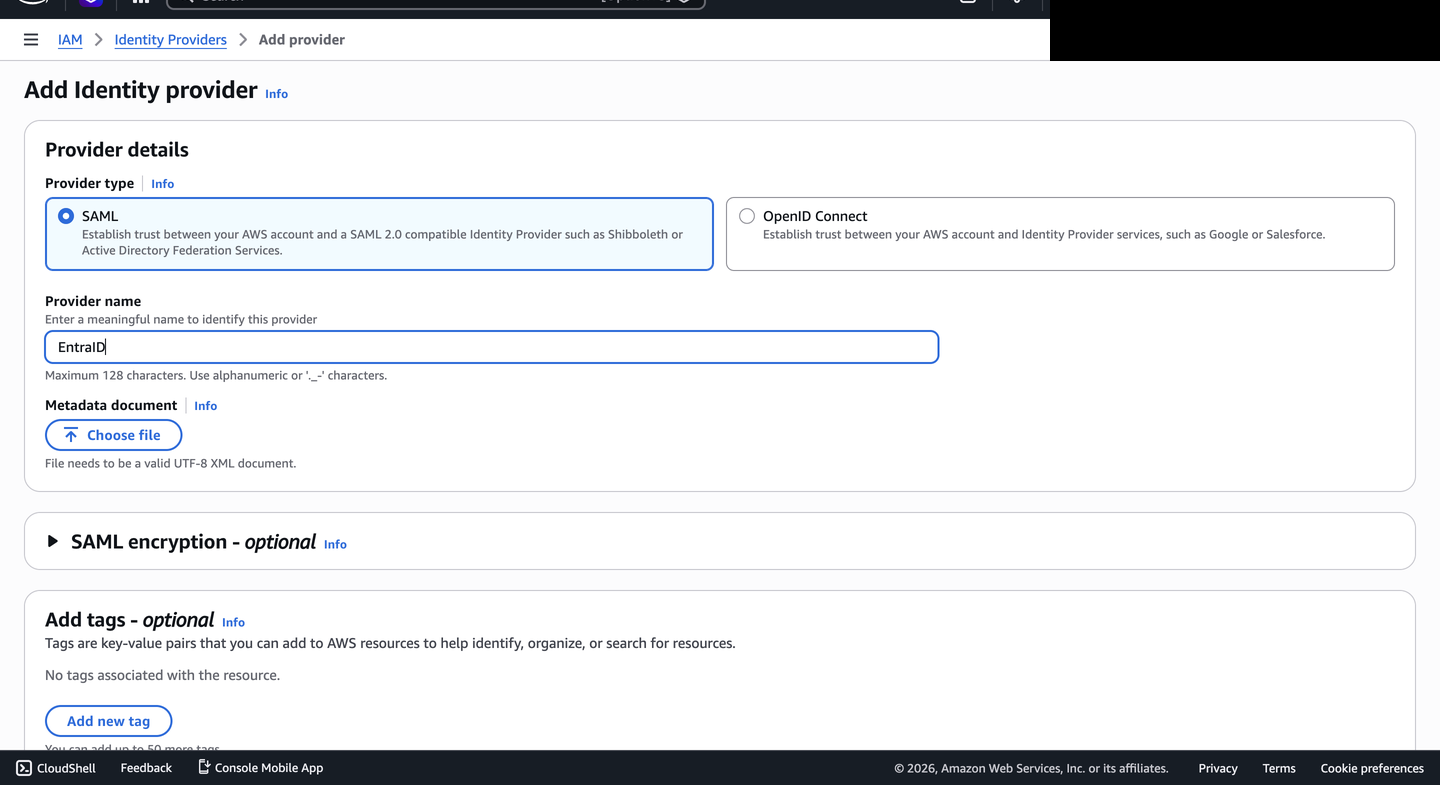
Service Provider- Registered EntraID as a trusted SAML 2.0 identity provider in AWS IAM
- Uploaded the Federation Metadata XML to establish cryptographic trust
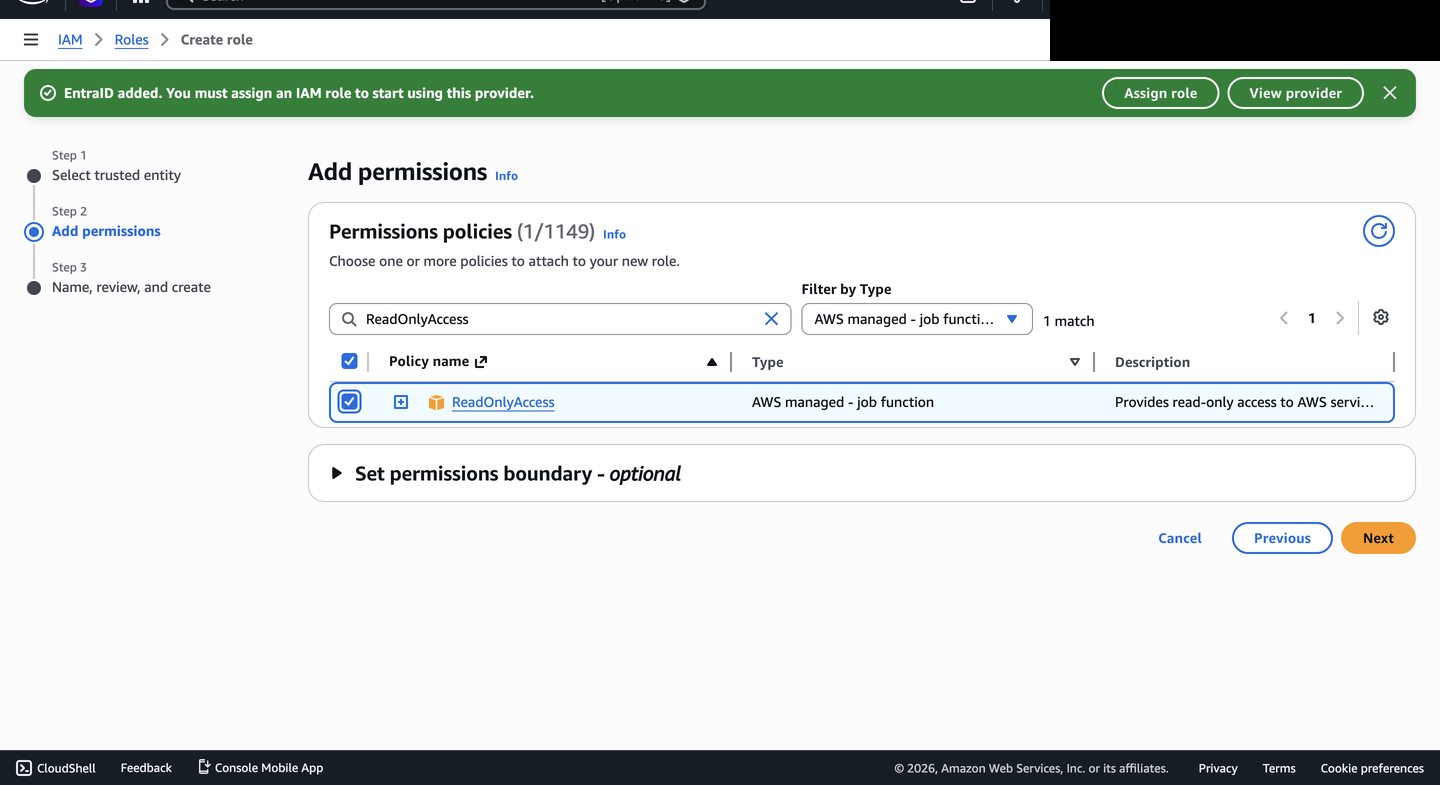
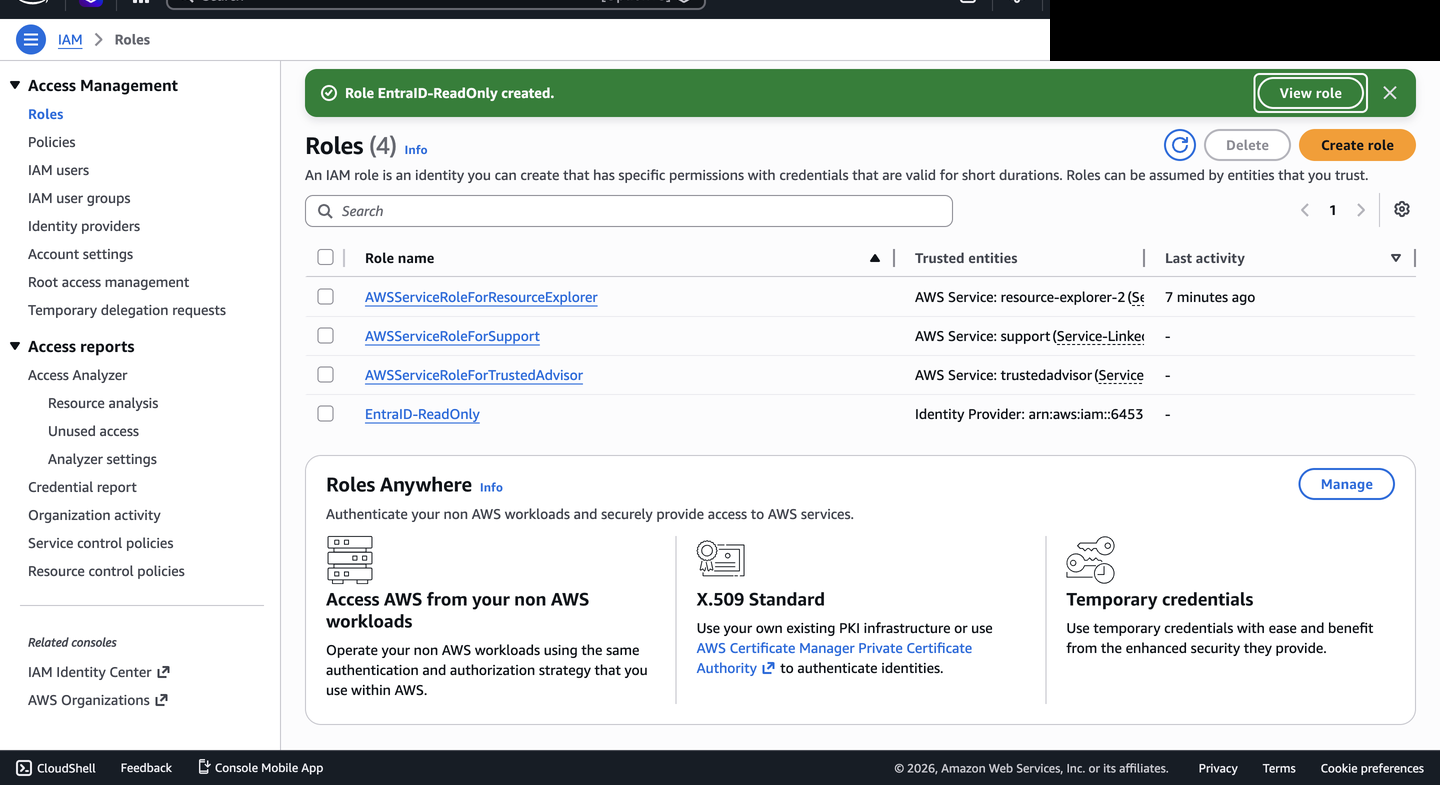
- Created the
EntraID-ReadOnlyIAM role with a SAML 2.0 federation trust policy - Mapped the full Role ARN back into Entra ID attribute claims
Relevance to Regulated Industries
Why It MattersIn Canadian financial institutions operating under OSFI E-21 and FINTRAC expectations, cross-platform identity federation is a common control pattern for reducing unmanaged access. When engineering and DevOps teams access AWS using separate credentials, the organization faces three risks: orphaned accounts when staff leave, split audit trails across two platforms, and inconsistent MFA or Conditional Access enforcement.
Federating AWS access through Entra ID addresses these risks by making Entra ID the front door for authentication. A production rollout would still need assignment removal, Conditional Access, session lifetime, AWS role trust, and CloudTrail monitoring validated together — this lab demonstrates the federation path and documents the next evidence needed for production-grade assurance.
Tech Stack
Components| Component | Technology |
|---|---|
| Identity Provider (IdP) | Microsoft Entra ID (Azure AD) |
| Service Provider (SP) | Amazon Web Services IAM |
| Federation Protocol | SAML 2.0 |
| Role Mapping | IAM Role ARN via SAML attribute claim |
| Certificate | RS256 Token Signing Certificate |
| Access Policy | AWS ReadOnlyAccess (managed) |
Key Concepts Demonstrated
PrinciplesSAML 2.0 Federation
The industry standard for enterprise SSO between cloud platforms.
Zero Trust Identity
No implicit trust — every access request verified through the central identity provider.
Least Privilege Access
ReadOnlyAccess policy grants the minimum required permissions.
Certificate Lifecycle Management
Token signing certificate tracked with expiry monitoring.
Attribute-Based Access Control
AWS role assignment driven directly by Entra ID attribute claims.
Audit Trail
Identity-provider sign-in evidence is centralized in Entra ID; AWS-side CloudTrail evidence is a planned validation item.
Validation Boundaries
Status| Area | Status | Notes |
|---|---|---|
| Entra enterprise application | Configured | AWS Single-Account Access application shown in Entra ID |
| SAML sign-on settings | Configured | AWS gallery workflow and ACS URL documented |
| AWS IAM identity provider | Configured | AWS IAM SAML provider and trust path shown |
| AWS IAM role | Configured | ReadOnlyAccess role created for federated access |
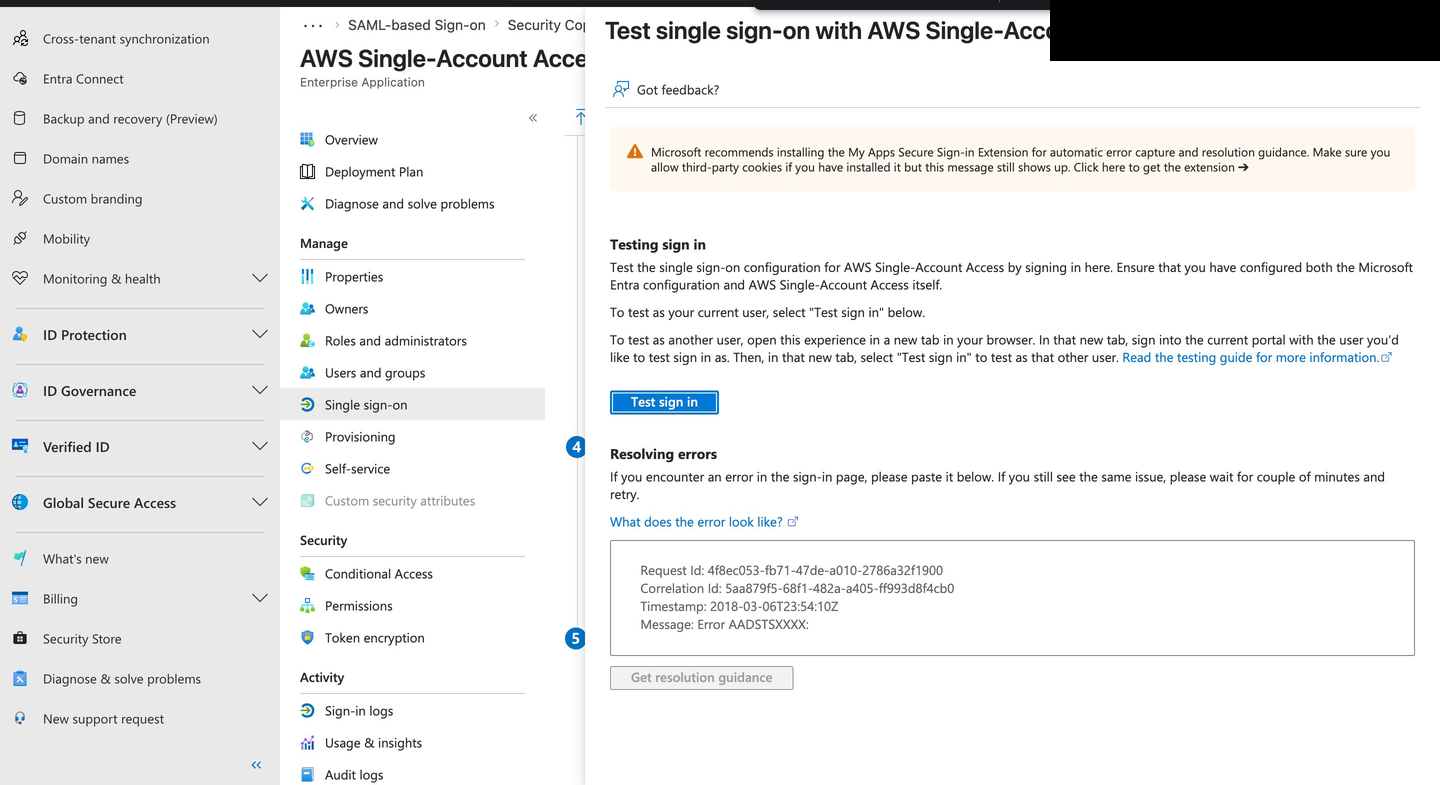
| Federated console access | Tested | AWS console access shown after SSO flow |
| Conditional Access / MFA policy | Not evidenced | Future enhancement |
| Deprovisioning test | Not evidenced | Future enhancement |
| CloudTrail sign-in evidence | Not evidenced | Future enhancement |
| Production deployment | Not claimed | Self-directed lab case study |
Build Evidence
ScreenshotsEntra ID Configuration
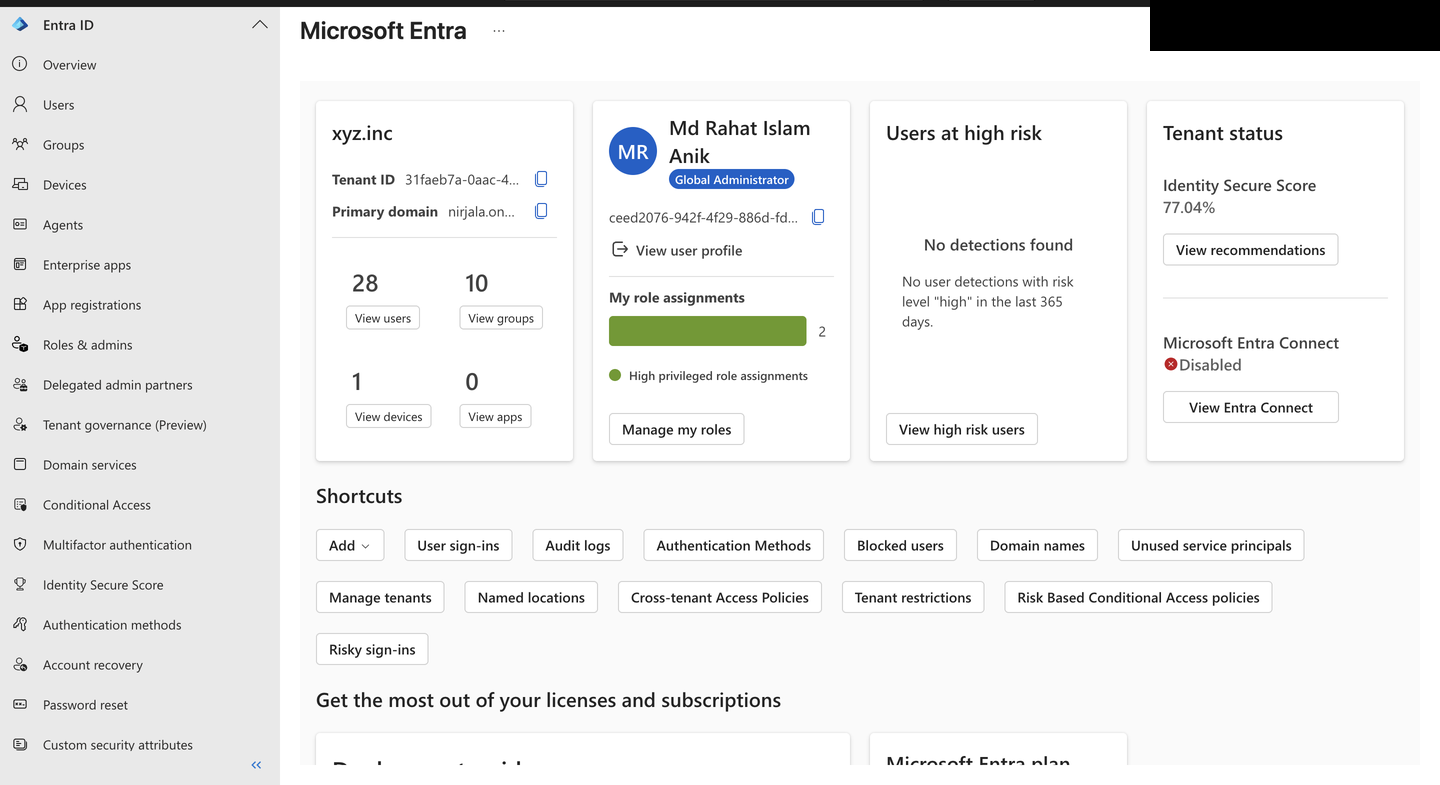
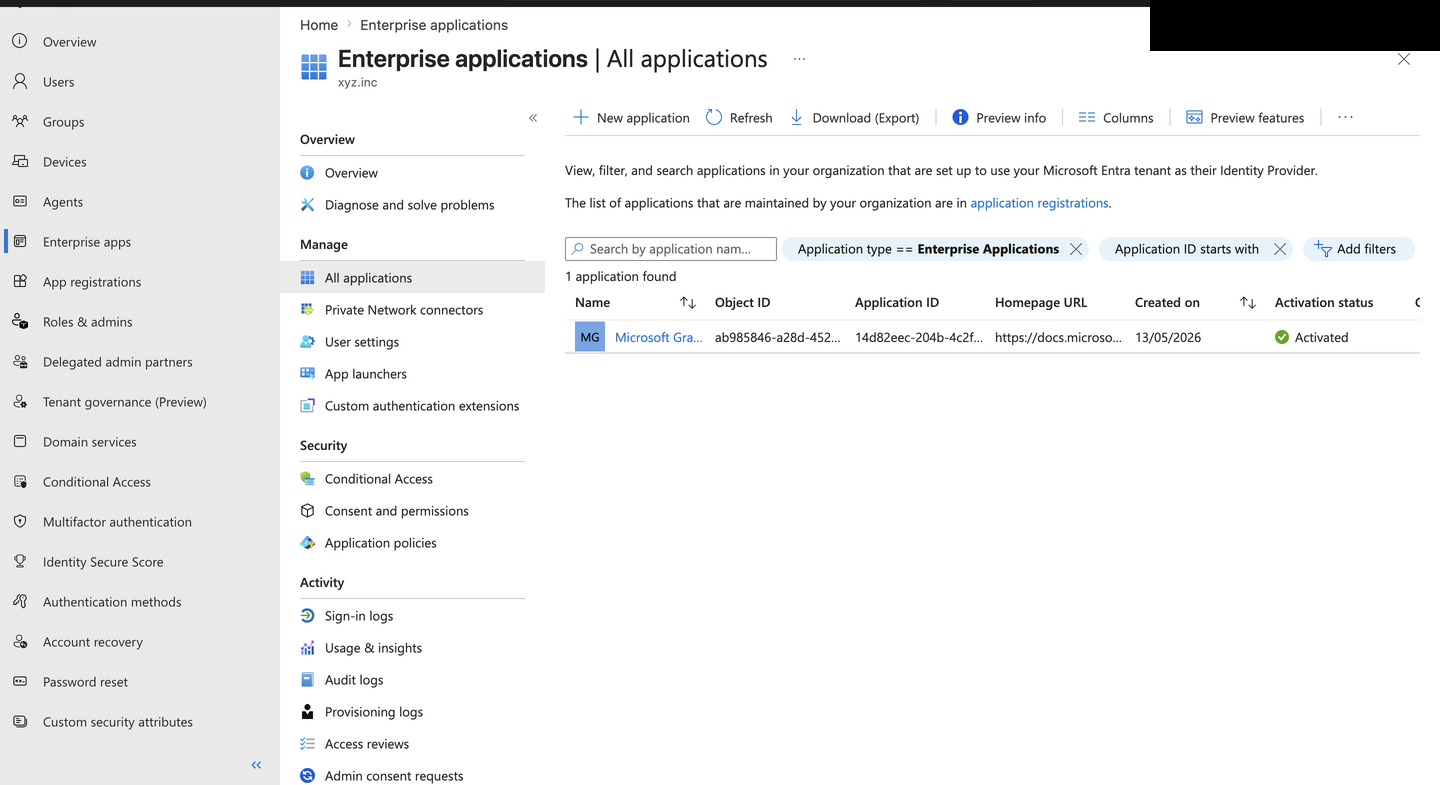
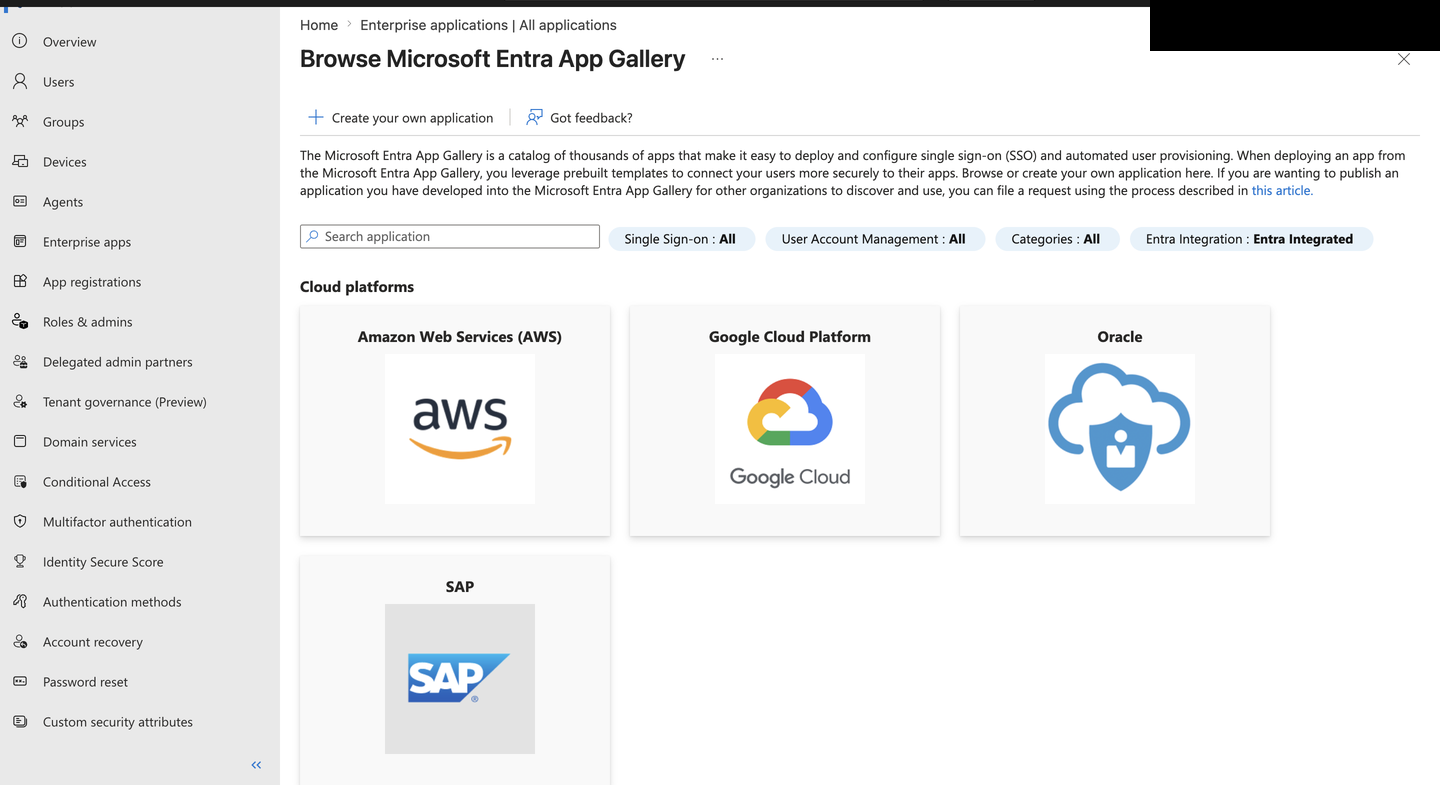
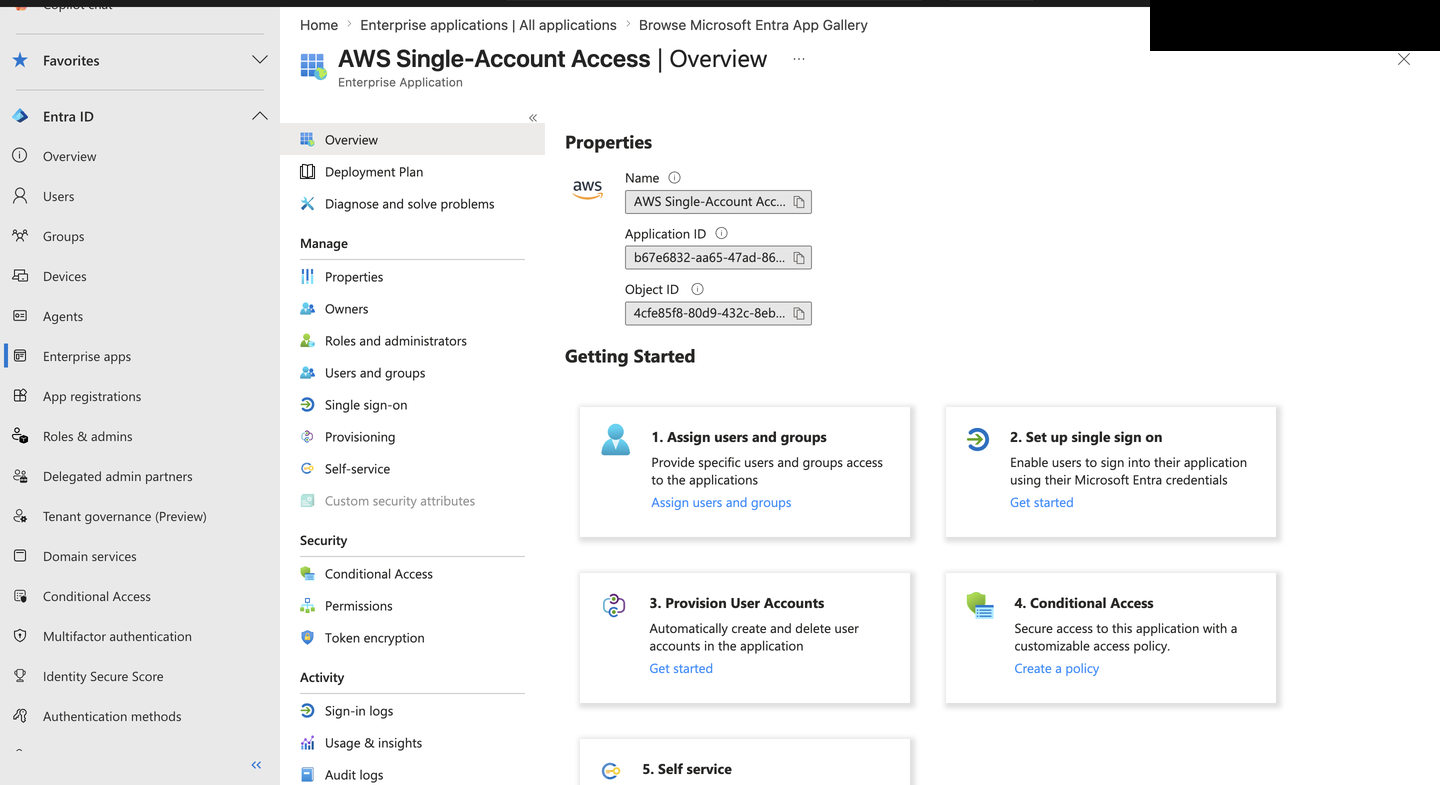
AWS IAM Configuration
Final Configuration & Proof
Security Note
DisclosureThe Federation Metadata XML used in this integration is not included in this repository. It contains tenant-specific configuration data — identity provider URLs, certificate information, and directory identifiers — that is not suitable for public repositories. Available on request.