Portfolio Project · 2026

Enterprise IT Network Diagnostics Toolkit

A multi-script PowerShell toolkit for enterprise network diagnostics, security auditing, and automated HTML reporting — built for real IT support workflows.

PowerShell 7+ macOS · Cross-Platform DNS · Connectivity · Ports · Wi-Fi · SSL Rogue Device Detection HTML Reports $0 Cost
View on GitHub View HTML Reports LinkedIn
9
PowerShell Scripts
8
HTML Reports
27
Diagnostic Files
26
Screenshots
The Problem & Solution
Network issues make up the majority of IT helpdesk tickets. Without structure, diagnostics are slow, inconsistent, and undocumented.

❌ Without This Toolkit

  • Manual commands run one by one
  • Results scattered across terminal
  • Nothing documented for tickets
  • No repeatable process
  • Rogue devices go undetected
  • Cert expiry caught too late
  • No baseline for comparison

✅ With This Toolkit

  • 9 structured diagnostic scripts
  • Professional HTML reports per run
  • Ticket-ready evidence output
  • Repeatable, consistent workflow
  • ARP-based rogue device detection
  • SSL cert expiry with day countdown
  • Latency baseline + jitter analysis
Scripts
All 9 scripts run on macOS PowerShell 7+ and generate self-contained HTML reports.
#ScriptWhat It Diagnoses
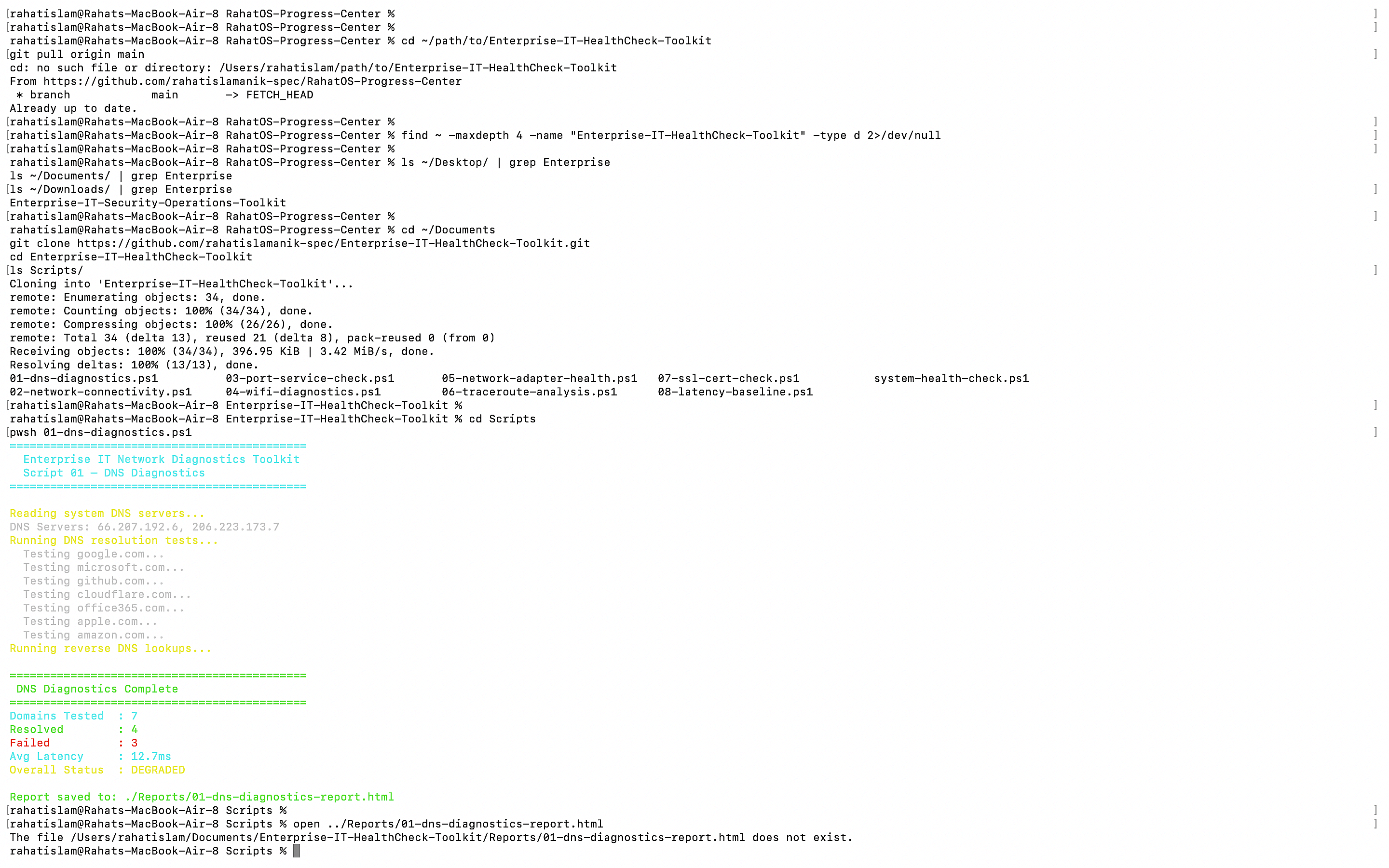
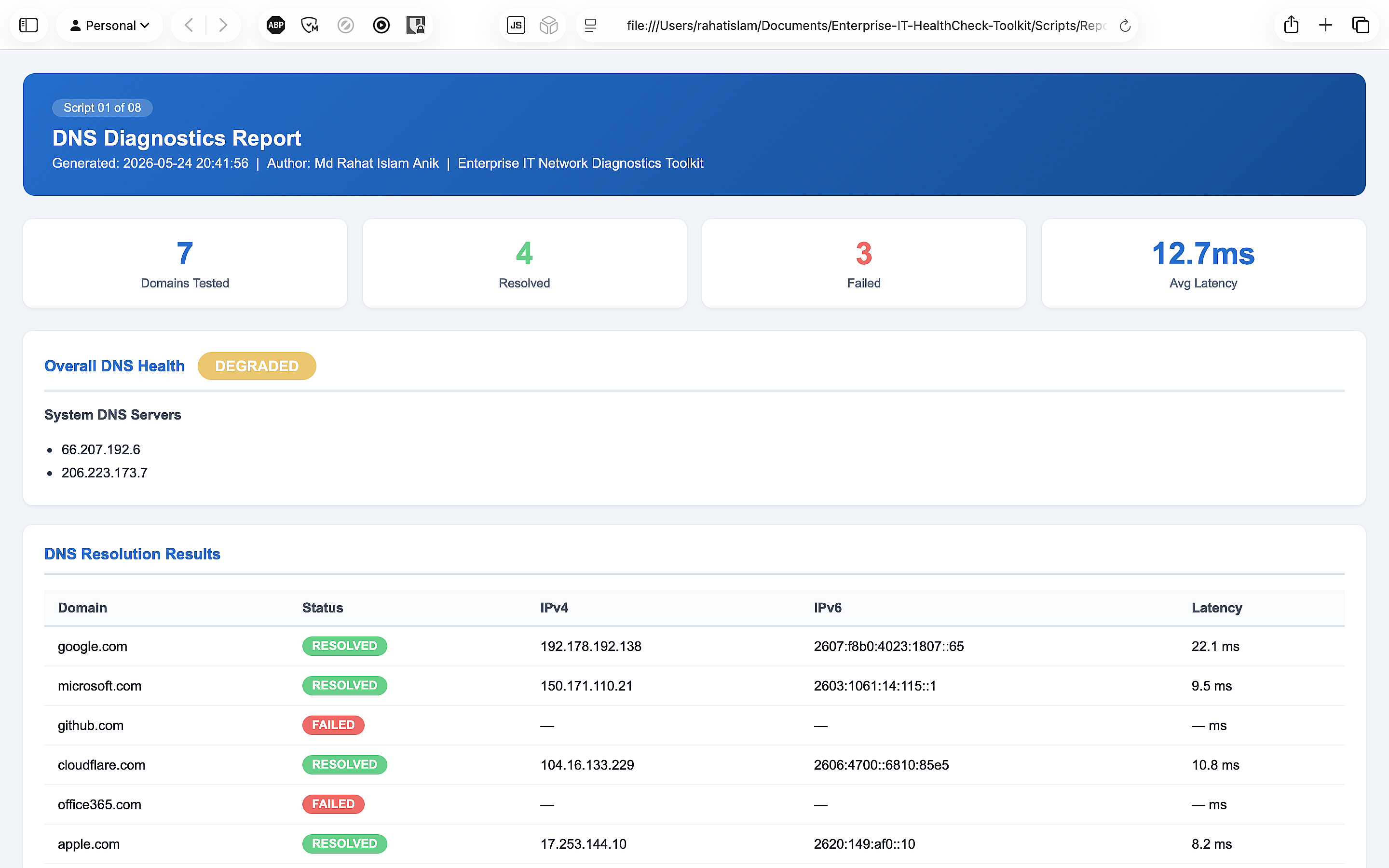
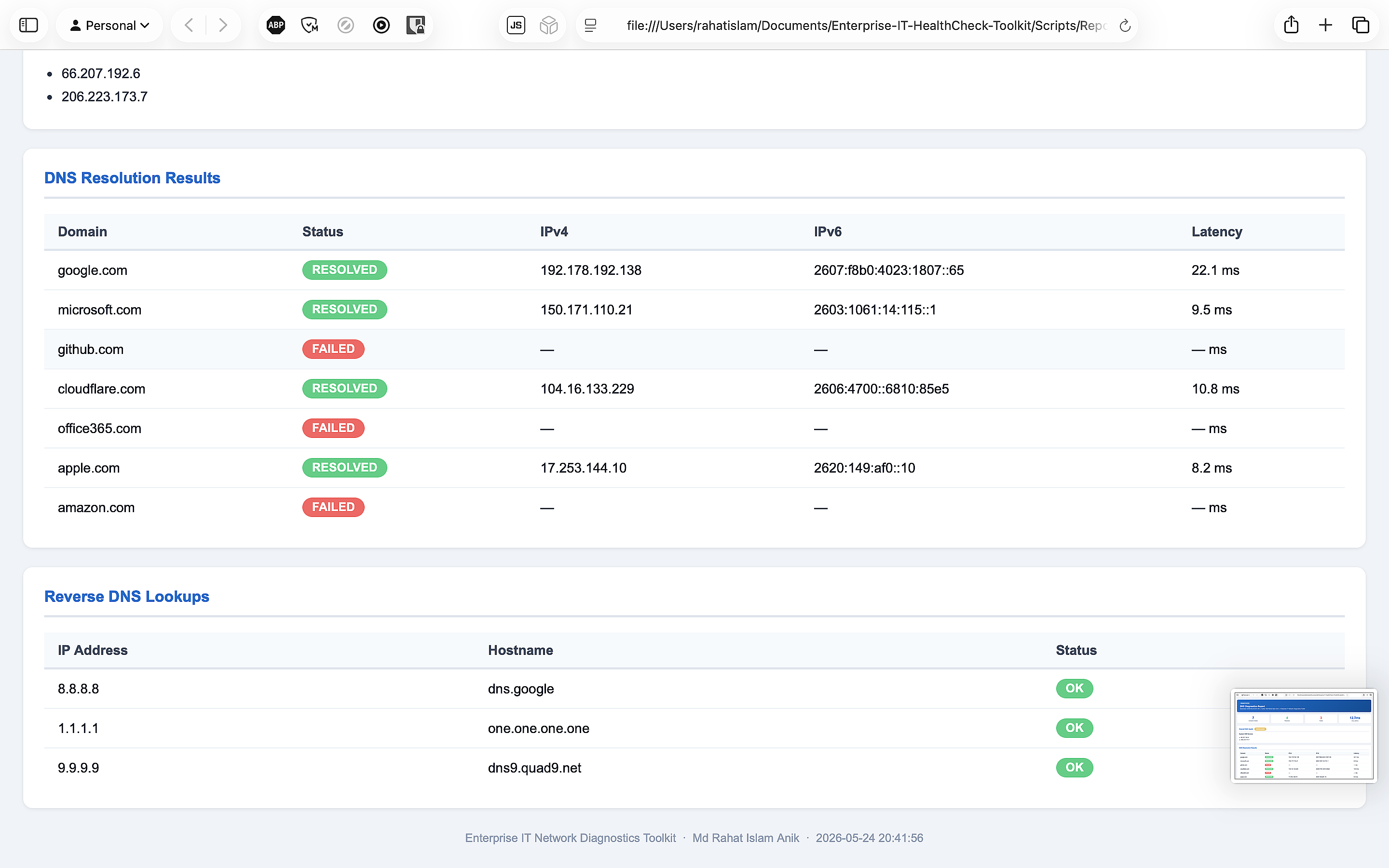
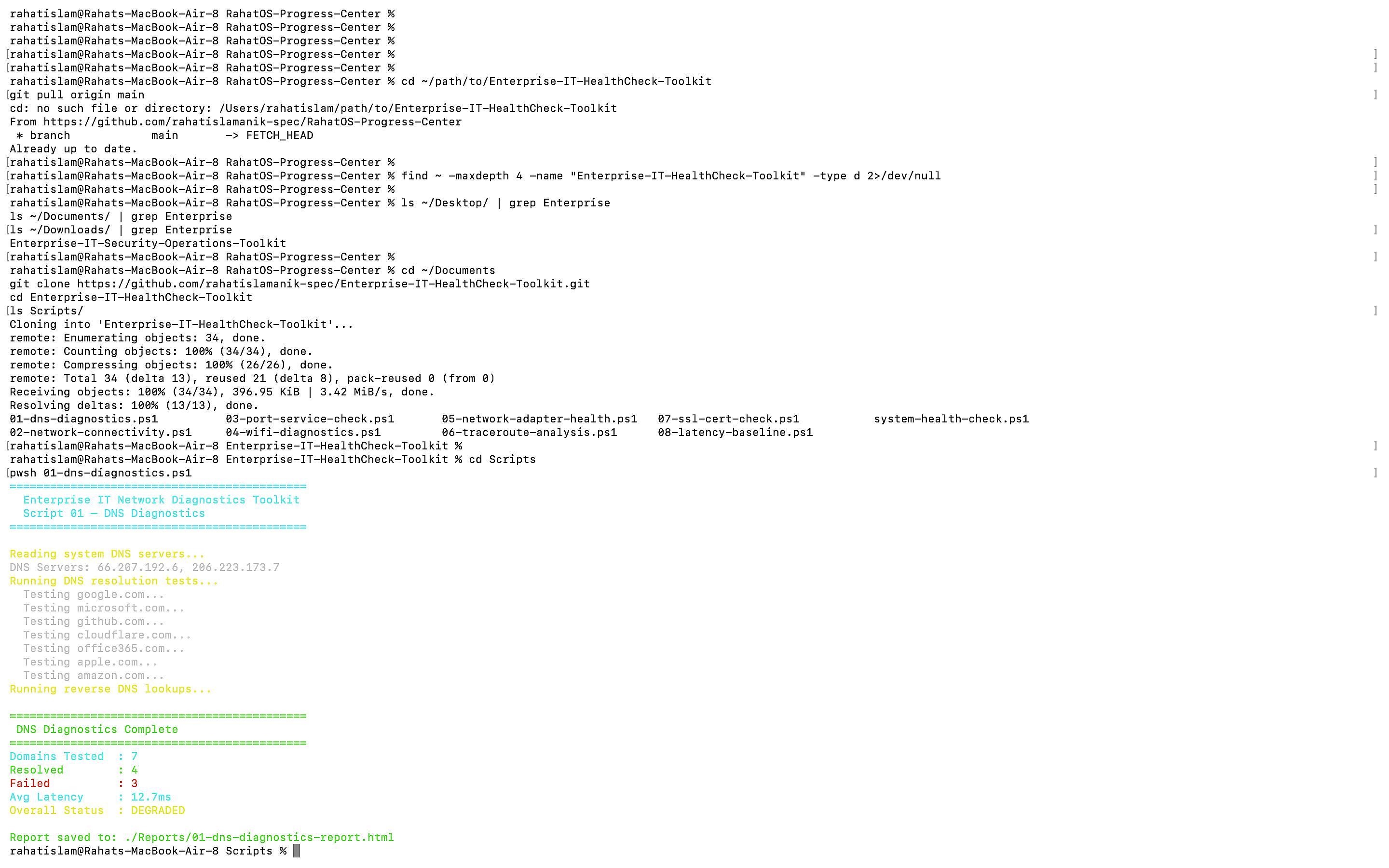
01 01-dns-diagnostics.ps1 DNS resolution for 7 domains · reverse lookups · system DNS server check · failure detection
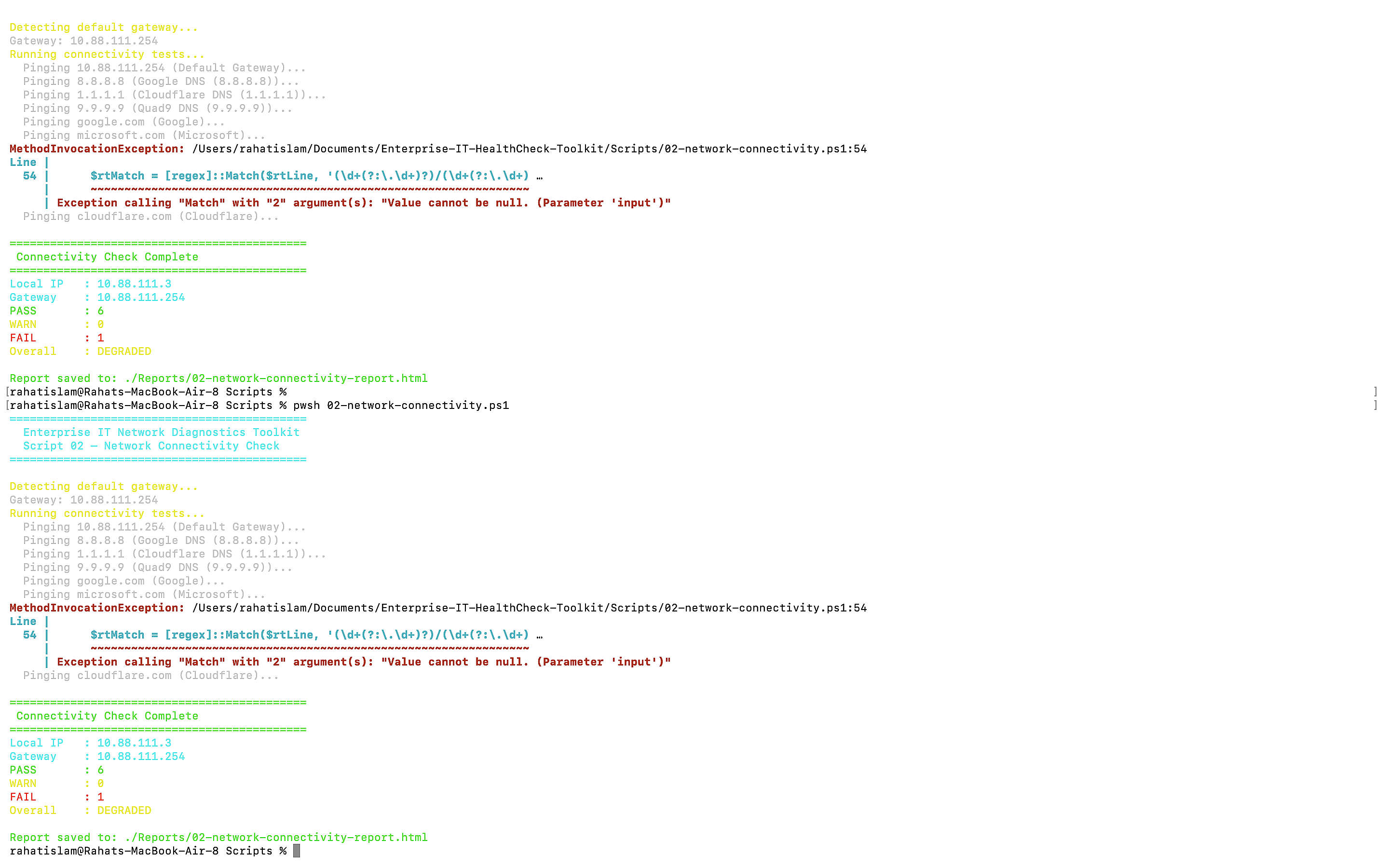
02 02-network-connectivity.ps1 Gateway reachability · internet connectivity · packet loss · RTT min/avg/max per host
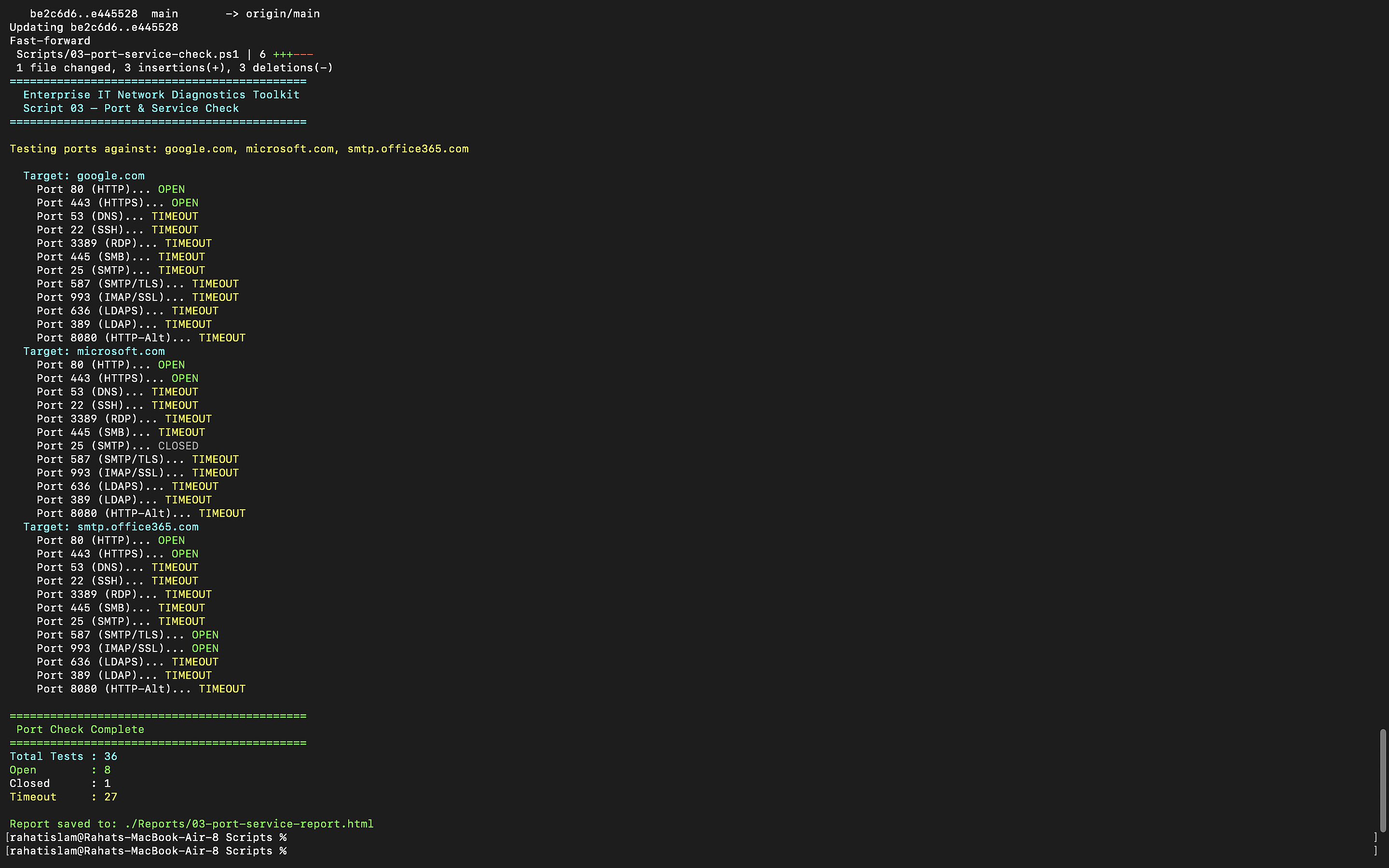
03 03-port-service-check.ps1 36 port tests across 3 targets · HTTP/S · RDP · SMB · SMTP · LDAP · SSH · IMAP/SSL
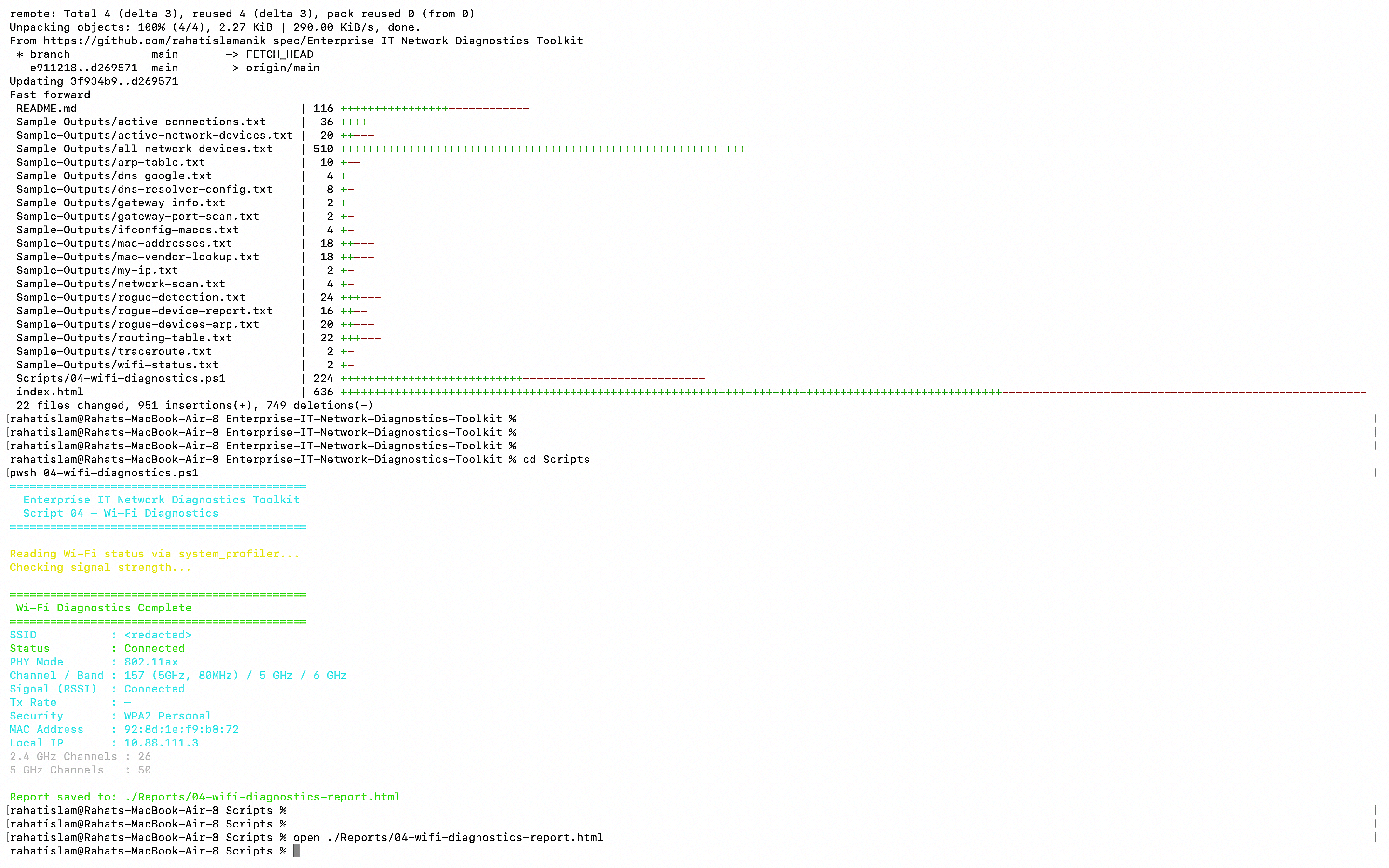
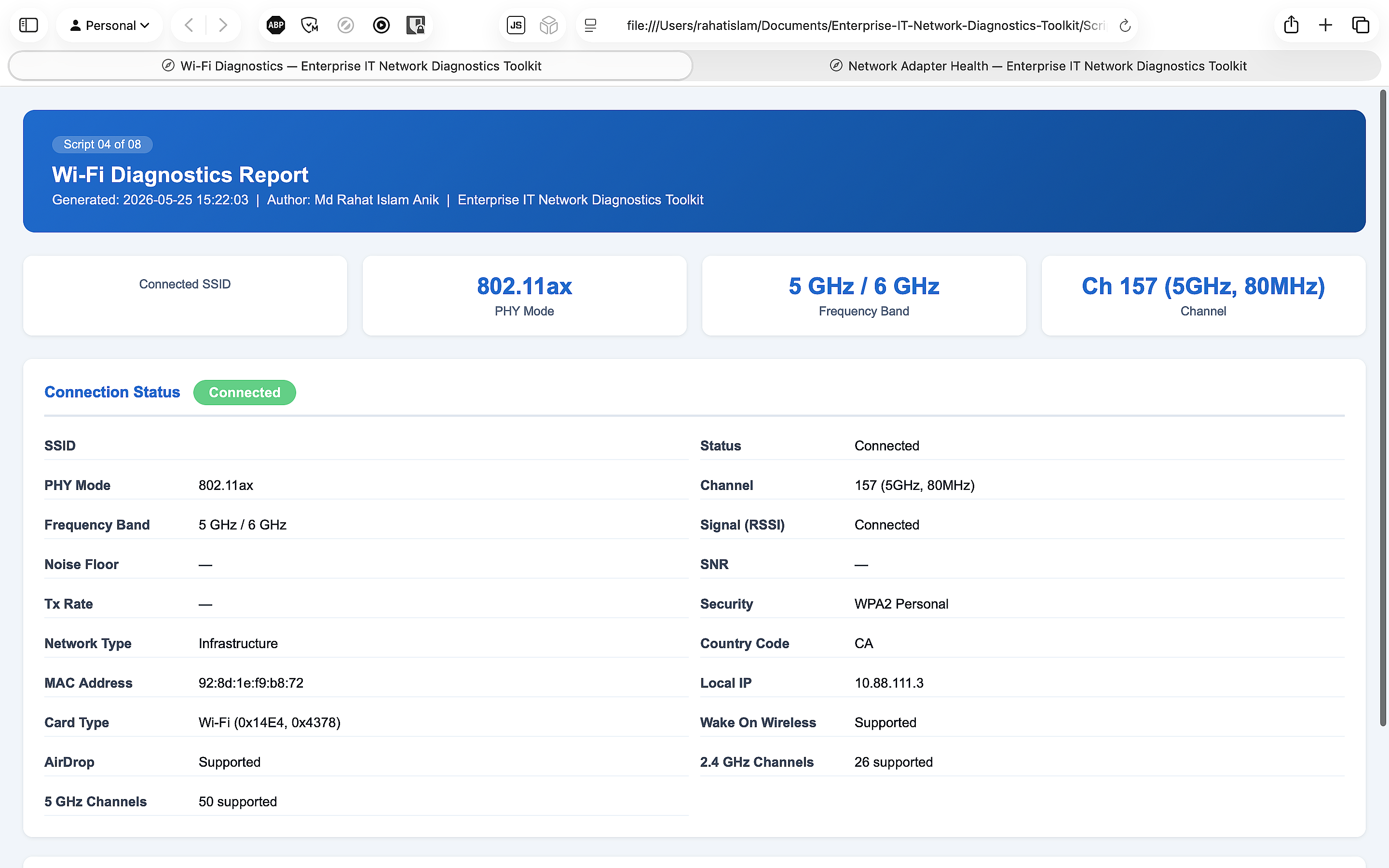
04 04-wifi-diagnostics.ps1 SSID · RSSI signal strength · SNR · channel · frequency band · nearby network scan
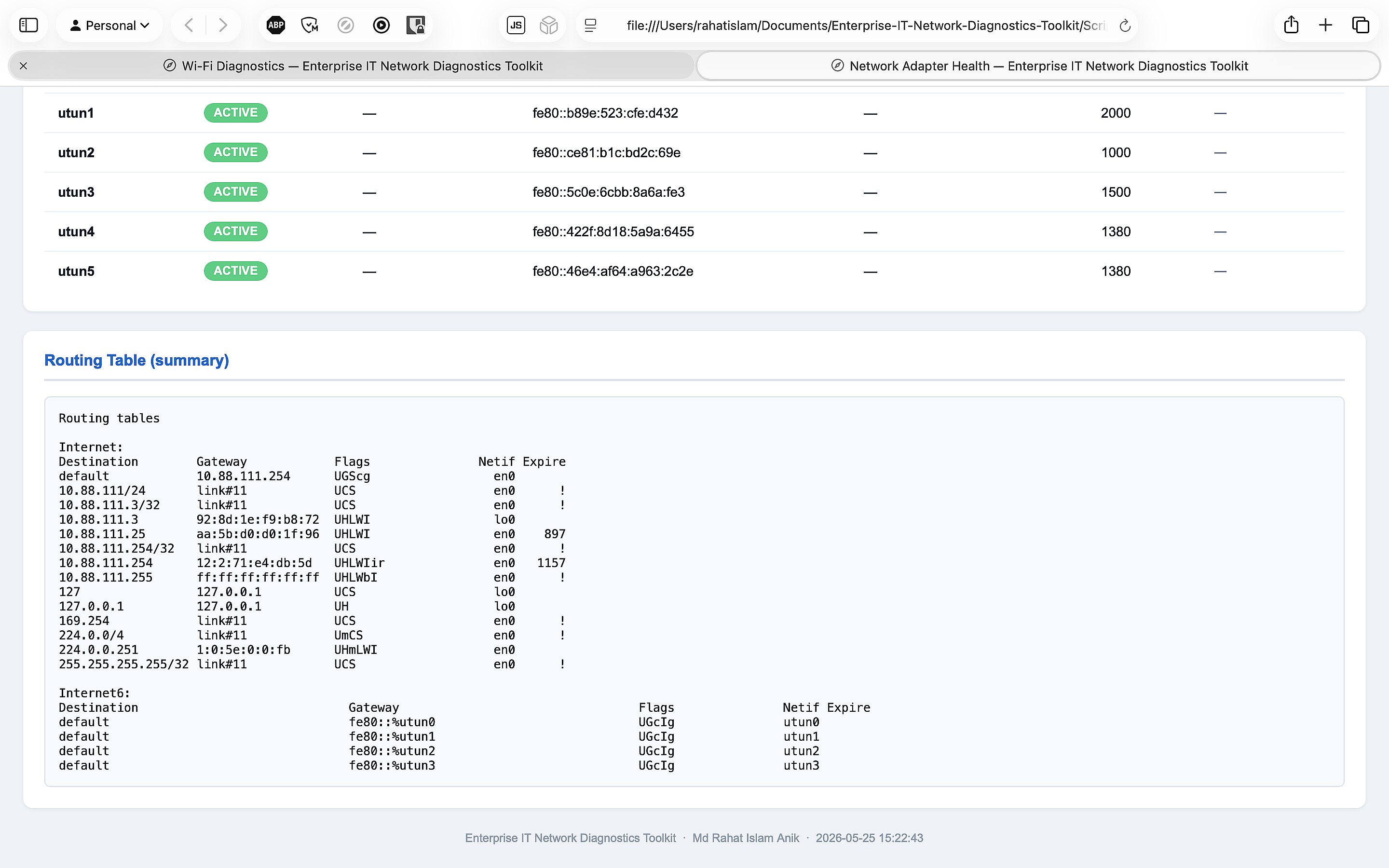
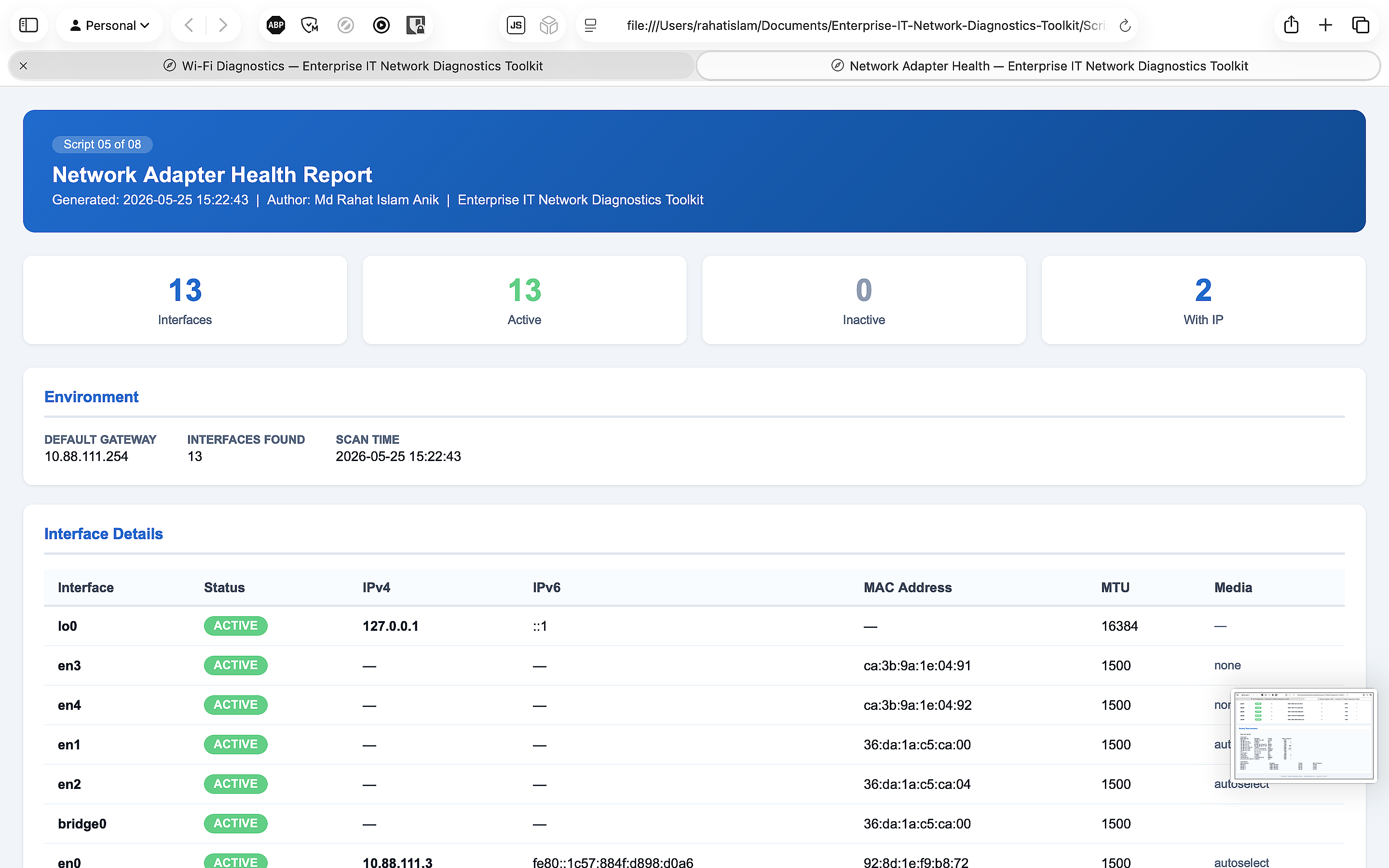
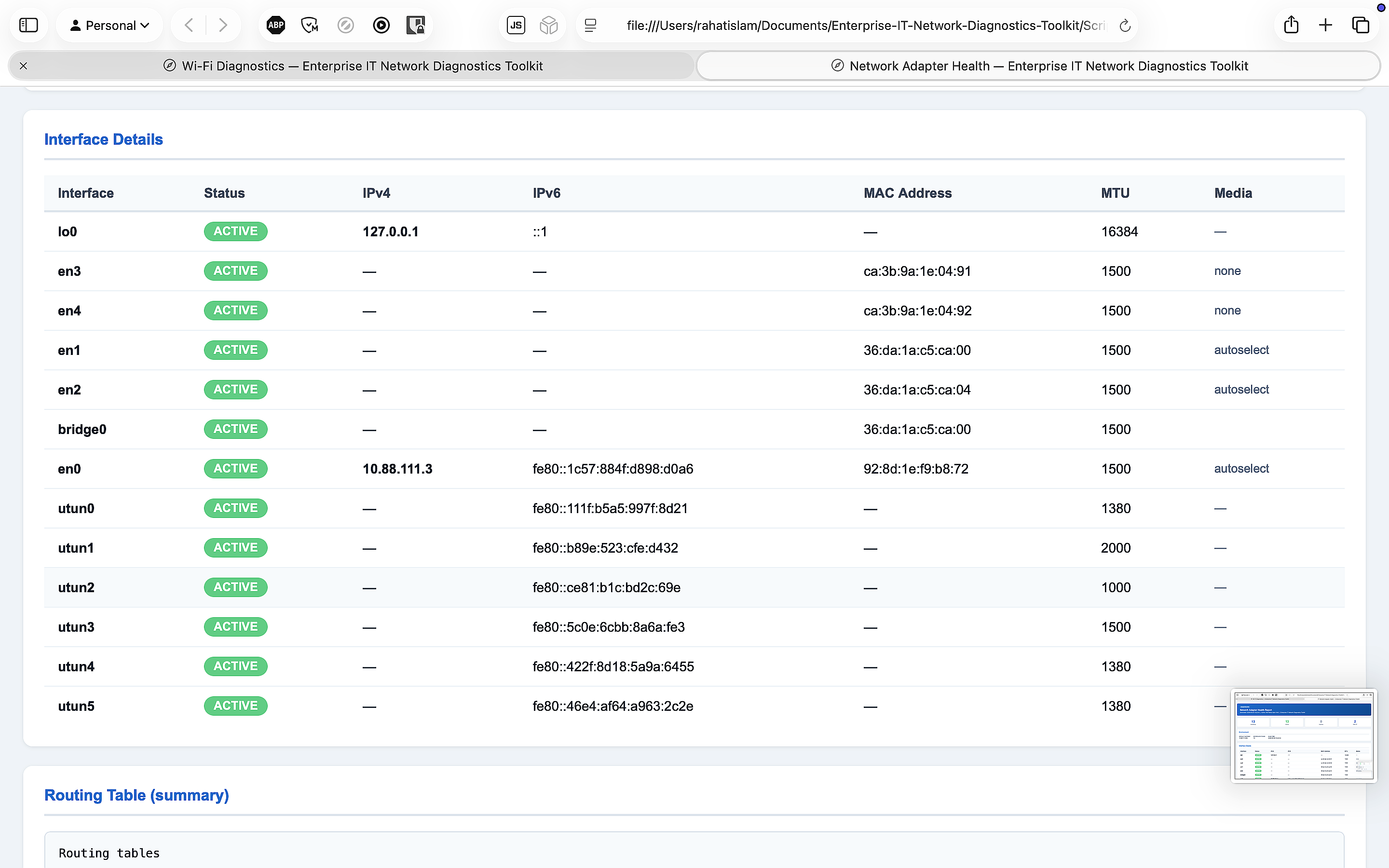
05 05-network-adapter-health.ps1 All network interfaces · IP/MAC/MTU · active/inactive status · routing table summary
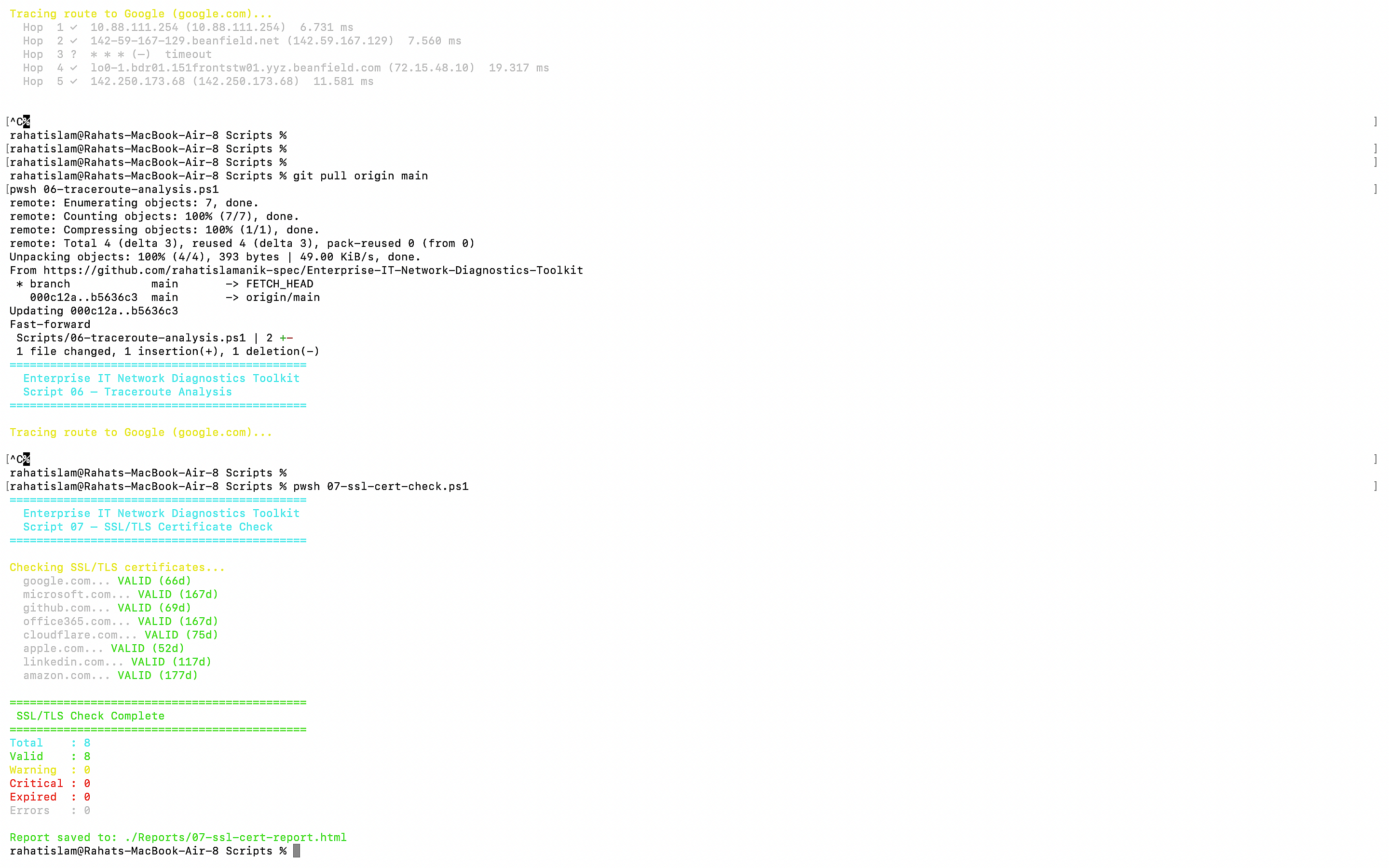
06 06-traceroute-analysis.ps1 Hop-by-hop path to 3 destinations · per-hop RTT · timeout detection · 20-hop max
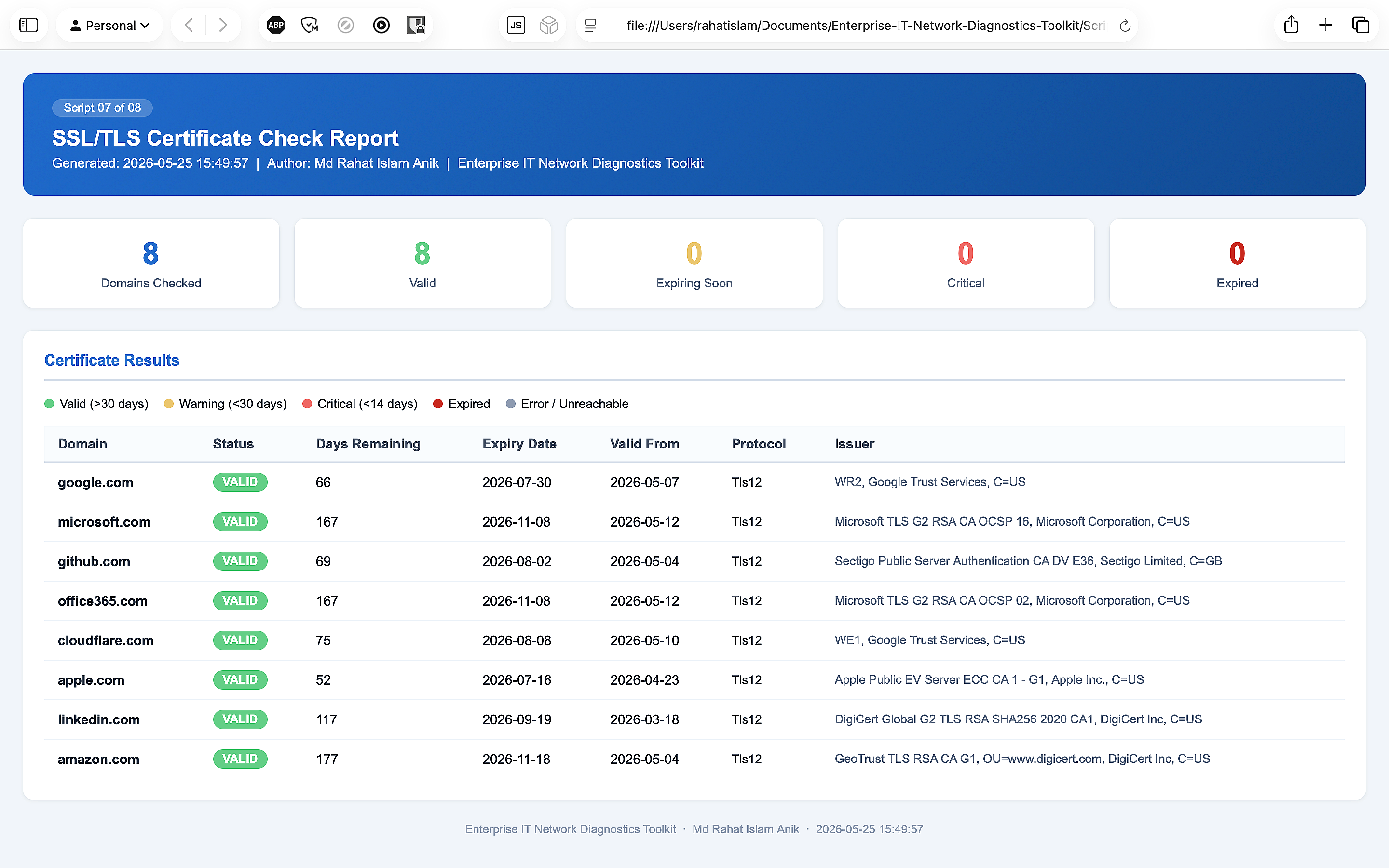
07 07-ssl-cert-check.ps1 SSL/TLS certs for 8 domains · expiry dates · days remaining · issuer · protocol version
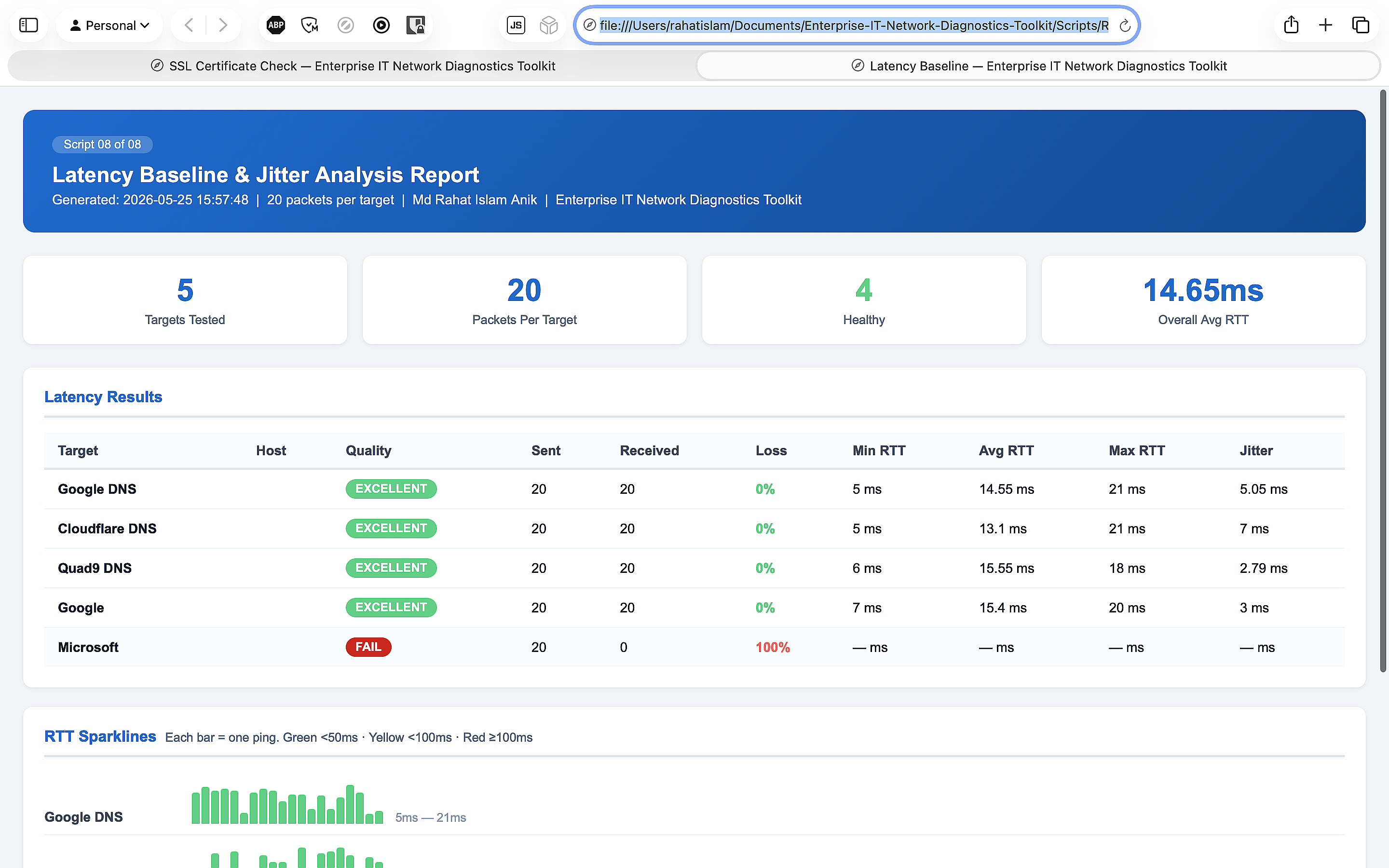
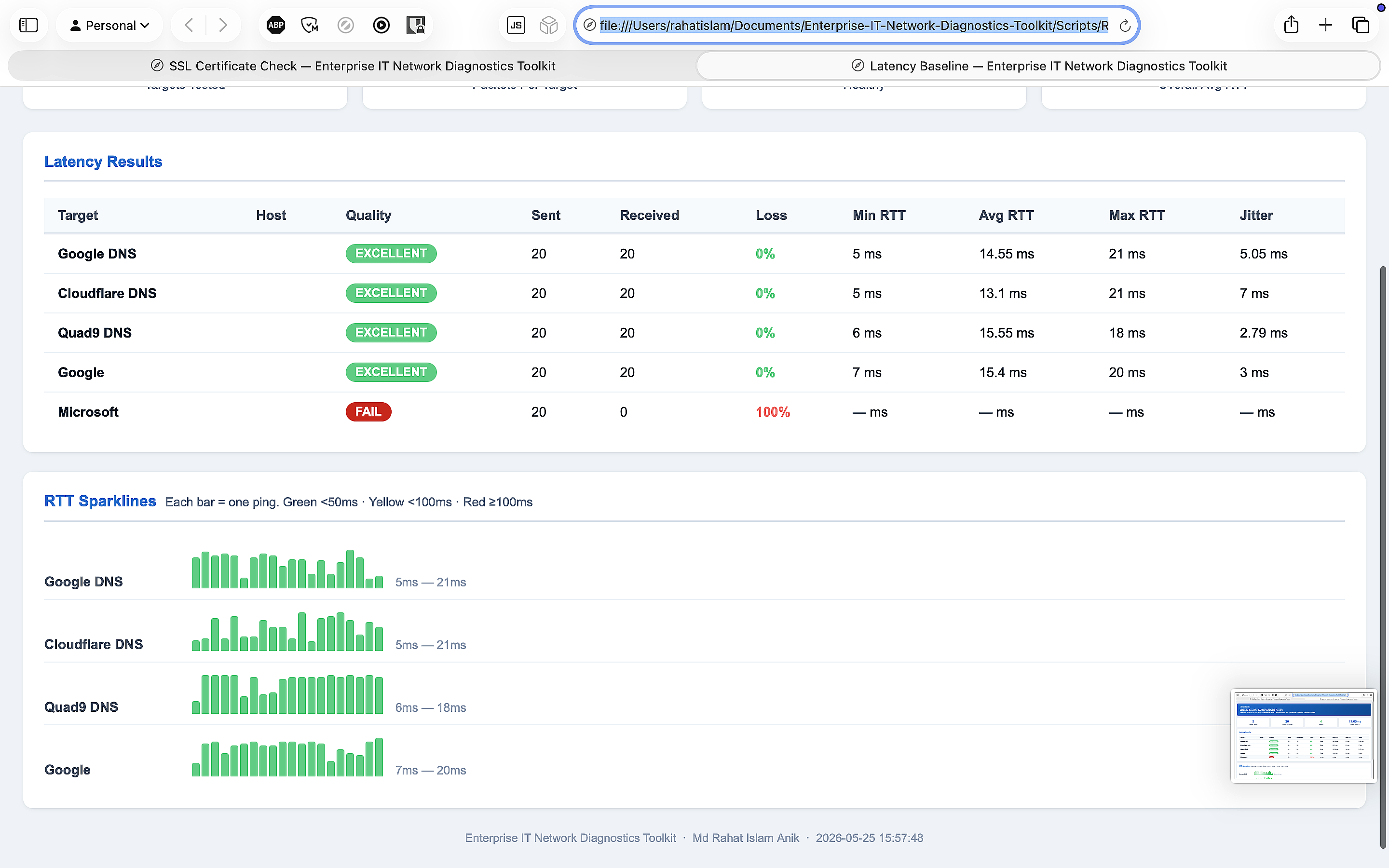
08 08-latency-baseline.ps1 20-ping baseline to 5 hosts · jitter calculation · packet loss % · RTT sparklines
09 system-health-check.ps1 Hostname · OS version · disk usage · IP address · DNS config · ping test · HTML report
Sample Outputs
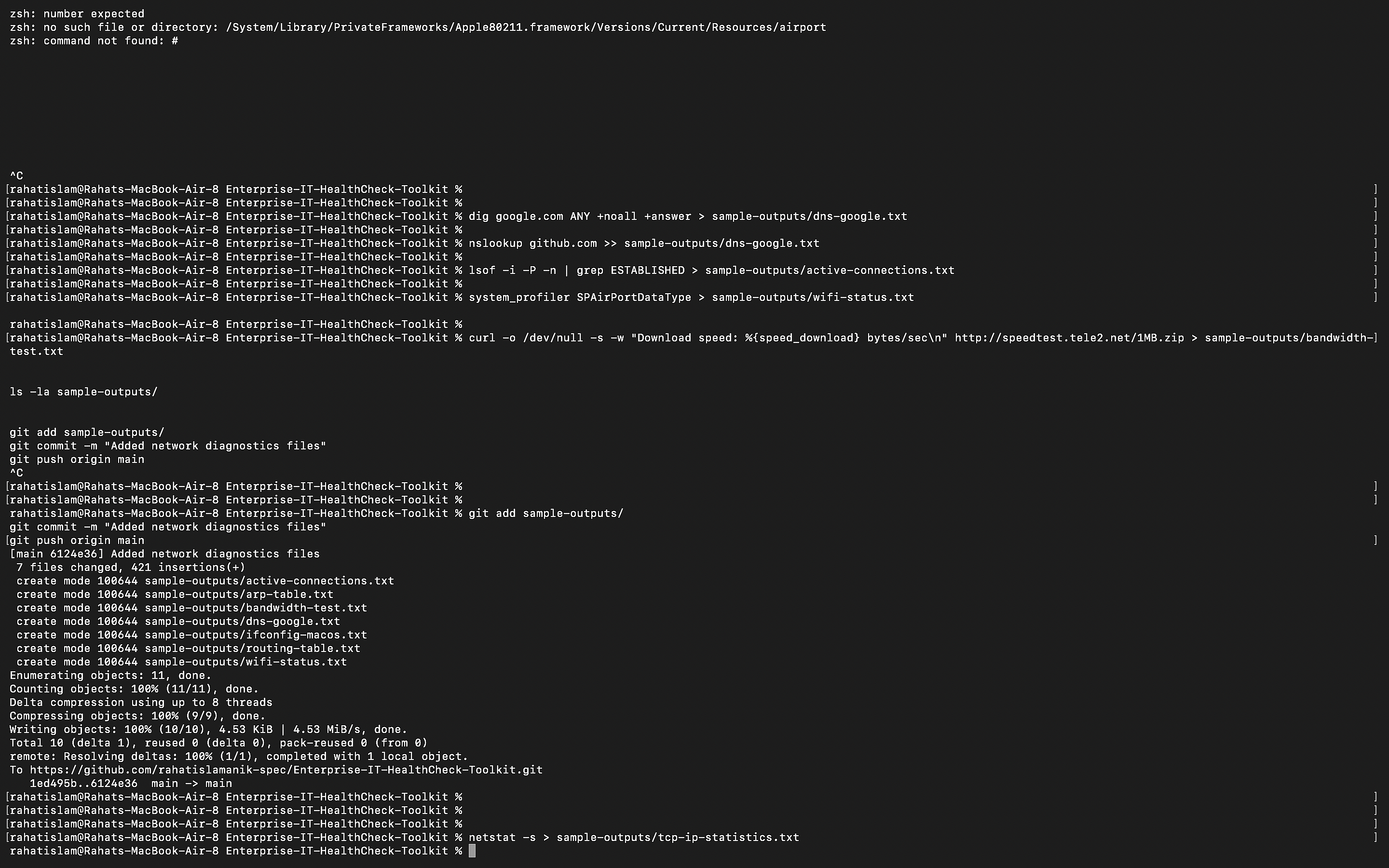
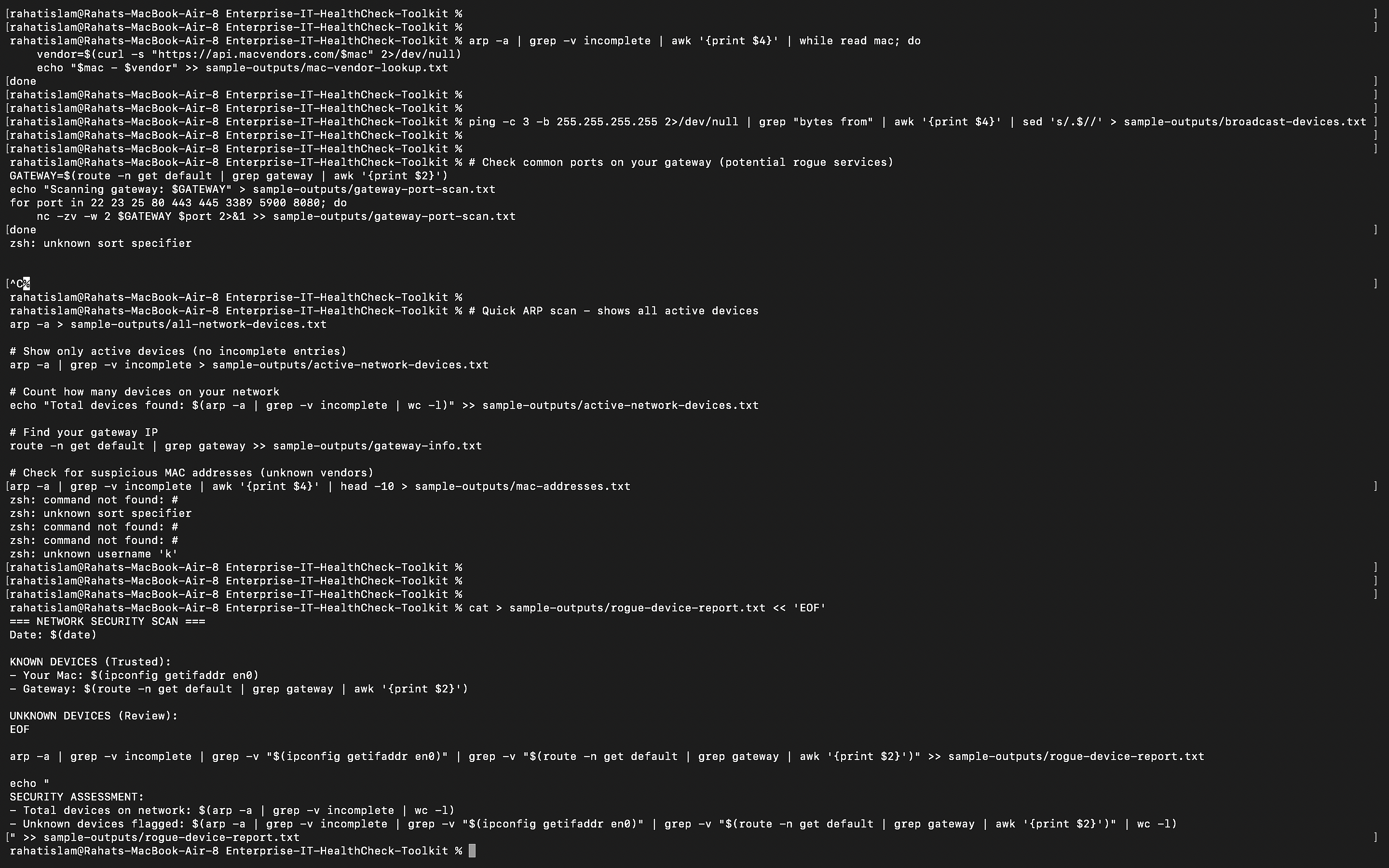
27 diagnostic files collected from a live network environment — sanitized for privacy. Real commands, real results.

Network Configuration

  • ifconfig-macos.txt
  • routing-table.txt
  • arp-table.txt
  • gateway-info.txt
  • my-ip.txt
  • interface-traffic.txt

Performance Metrics

  • latency-jitter.txt
  • bandwidth-test.txt
  • traceroute.txt
  • mtu-test.txt
  • dns-google.txt
  • dns-resolver-config.txt

Protocol Statistics

  • tcp-ip-statistics.txt
  • multicast-groups.txt
  • active-connections.txt
  • port-53-test.txt
  • wifi-status.txt

Security Audits

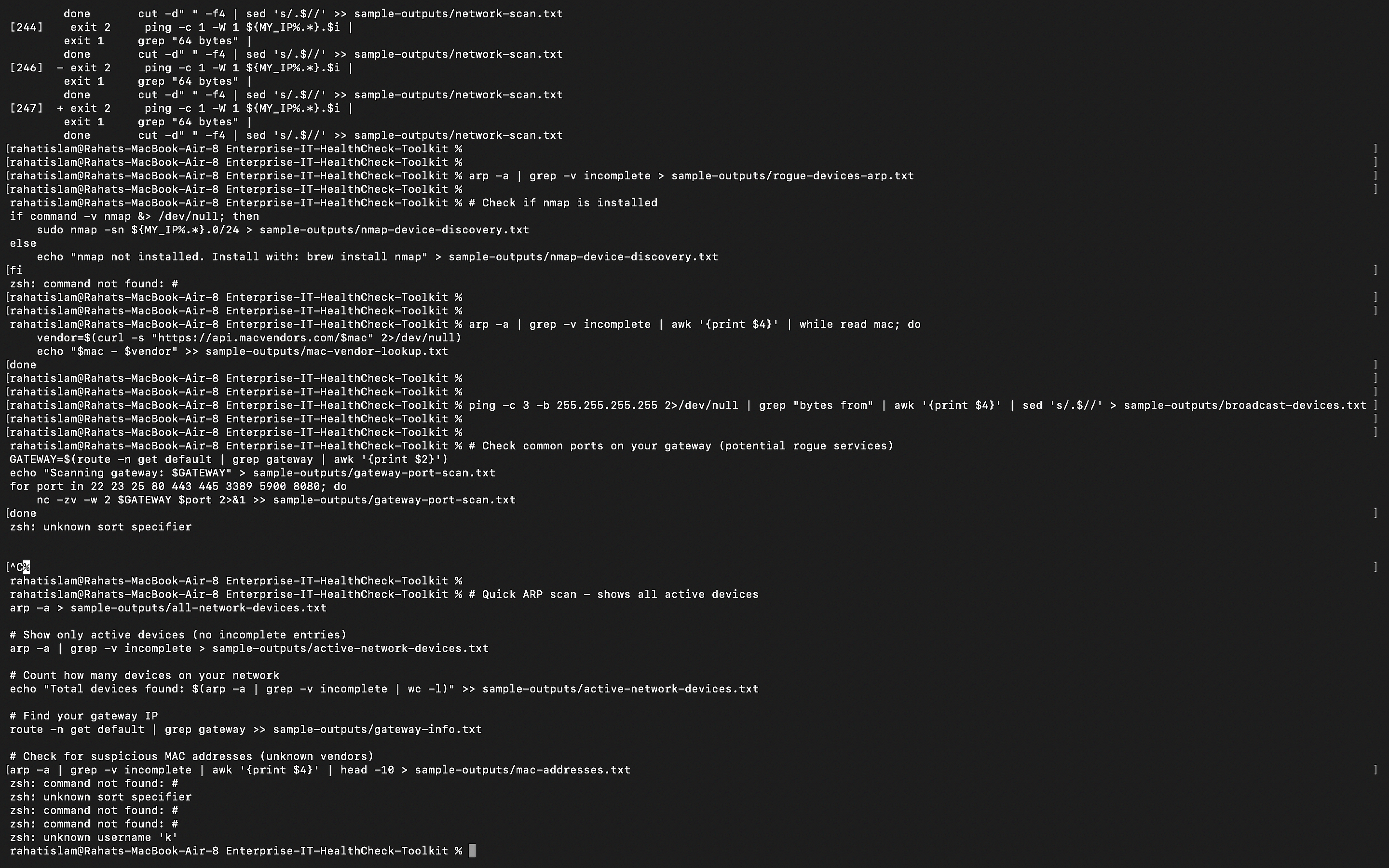
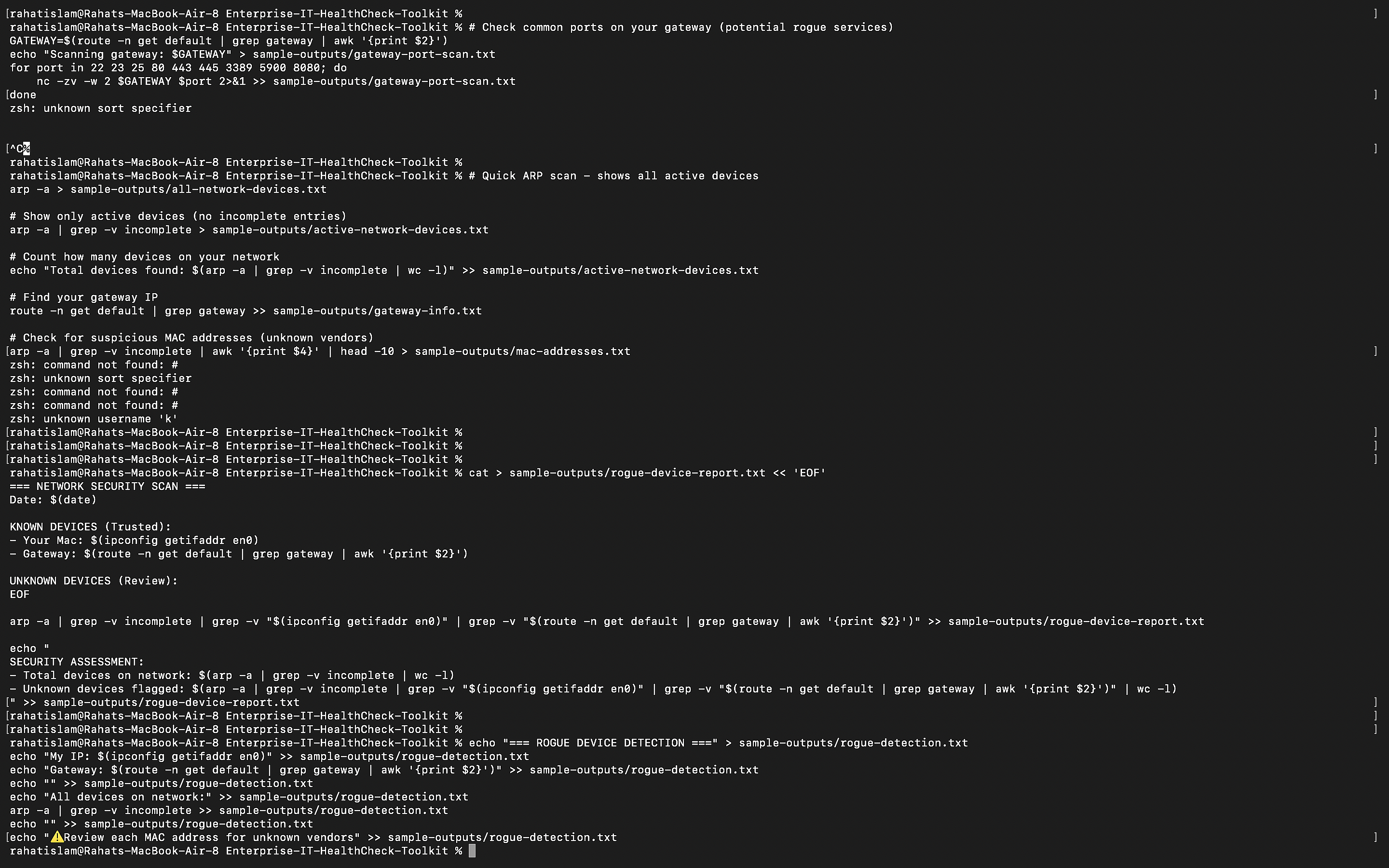
  • rogue-device-report.txt
  • rogue-detection.txt
  • rogue-devices-arp.txt
  • mac-vendor-lookup.txt
  • gateway-port-scan.txt

Device Discovery

  • network-scan.txt
  • all-network-devices.txt
  • active-network-devices.txt
  • broadcast-devices.txt
  • mac-addresses.txt
  • nmap-device-discovery.txt

Commands Used

  • ifconfig · netstat · arp
  • dig · nslookup · scutil
  • ping · traceroute · nc
  • lsof · nmap · curl
  • route · networksetup
Visual Evidence
15 screenshots documenting the full workflow — from script execution to HTML reports to repository structure.
PowerShell Start
PowerShell — Script Start
PowerShell Running
PowerShell — Script Running
DNS Output
DNS Diagnostics Output
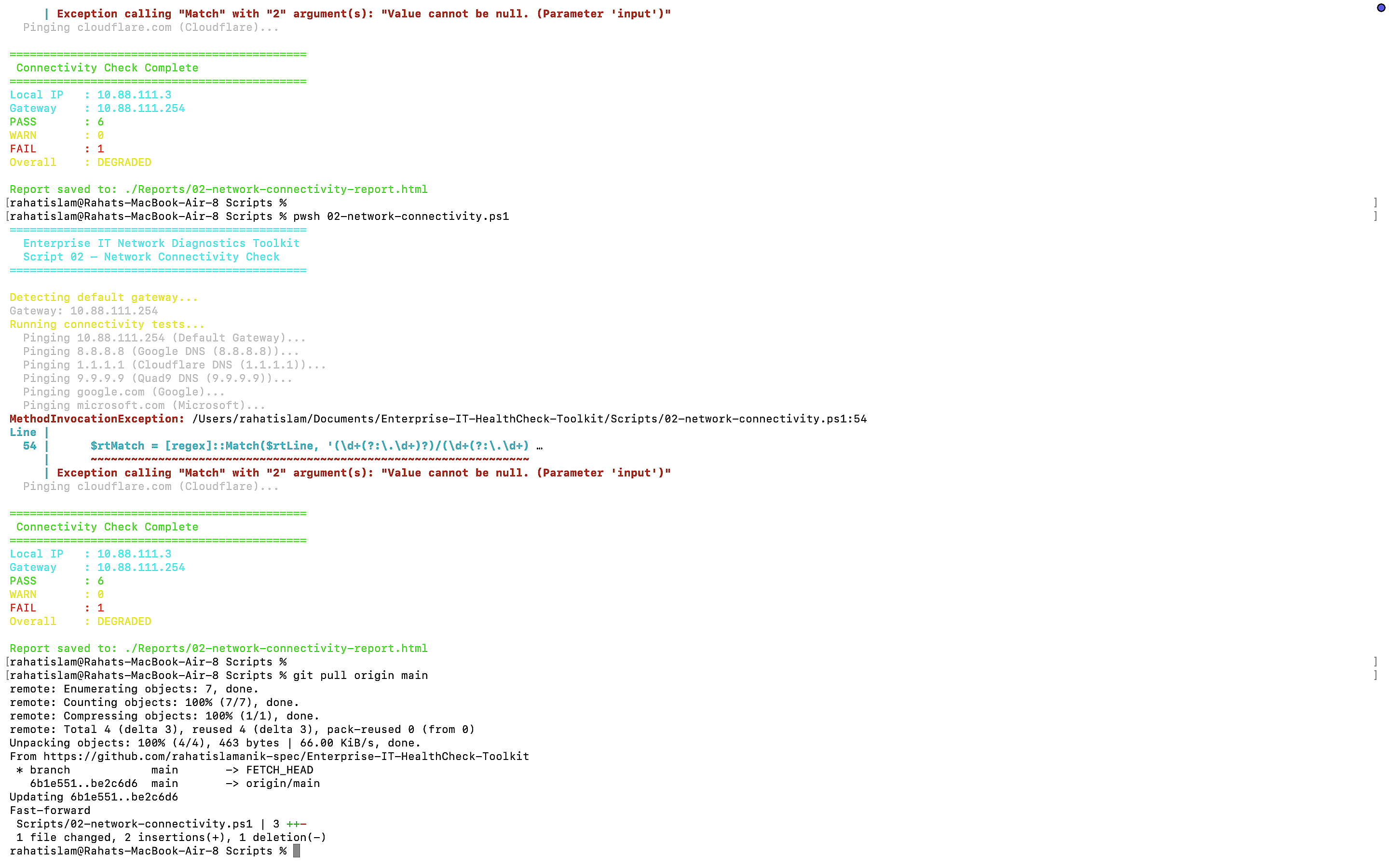
Connectivity Output
Connectivity Test Output
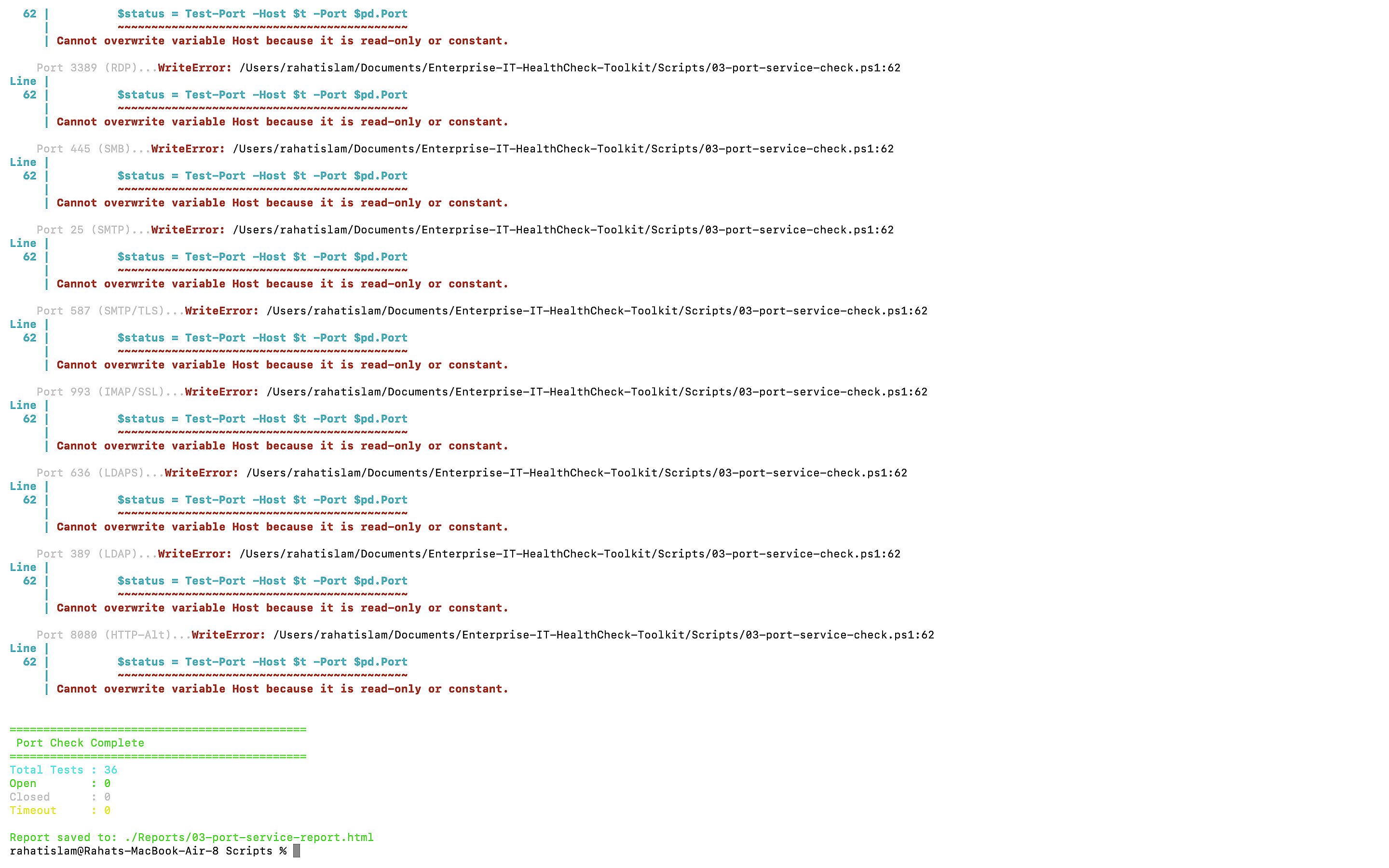
Port Scan
Port & Service Check
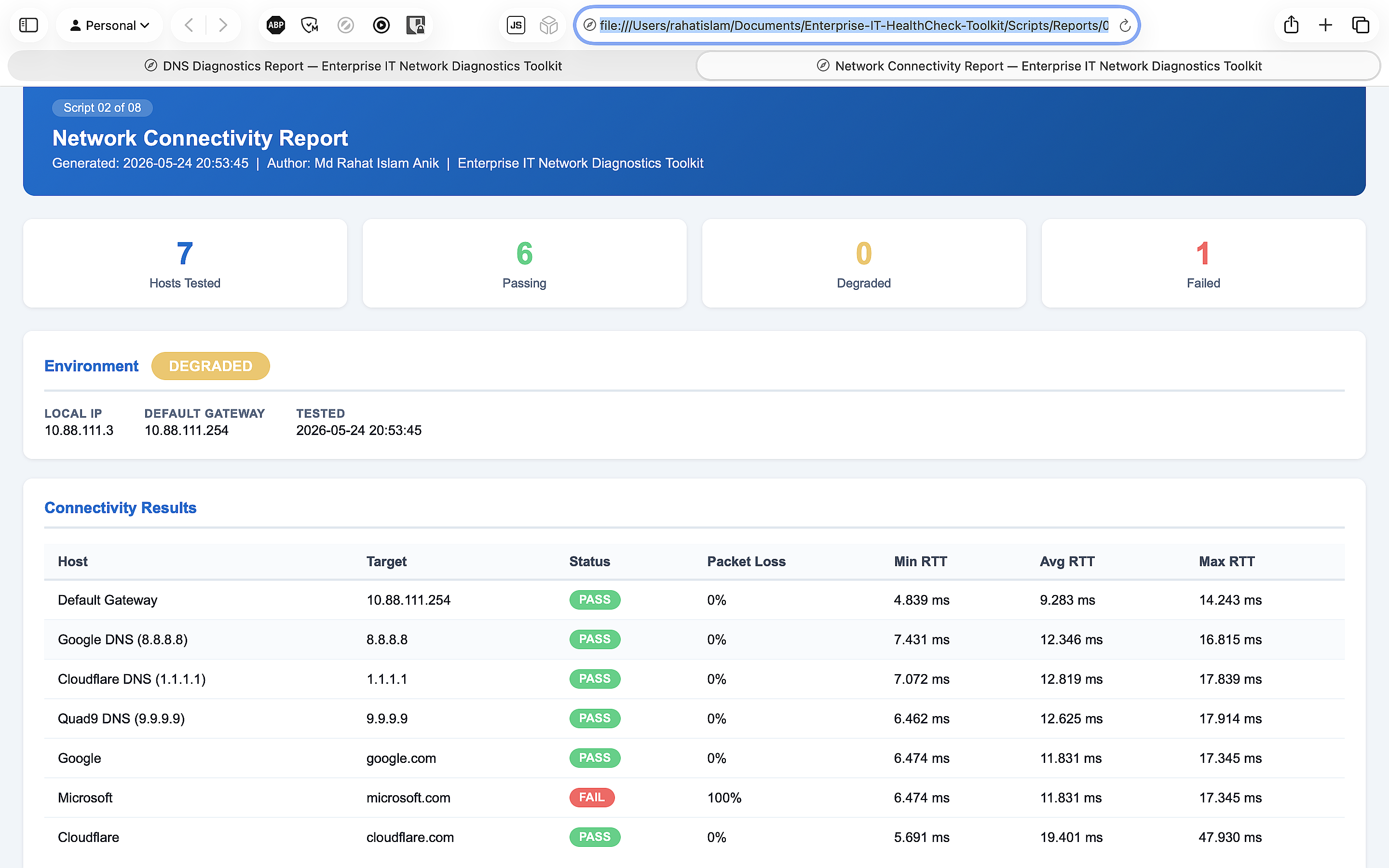
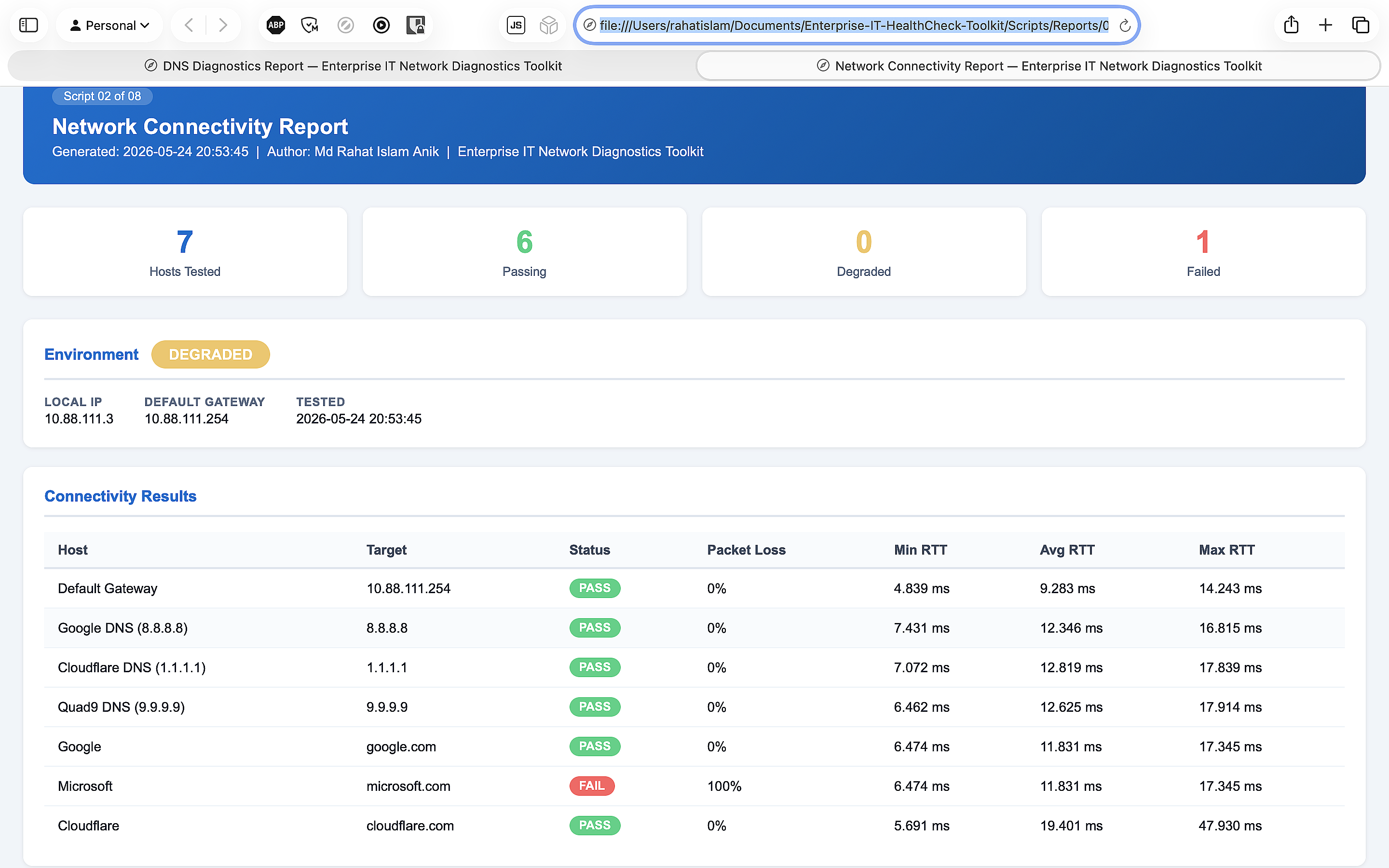
HTML Report
HTML Report — Generated
HTML Browser
HTML Report — Browser View
Network Commands
Network Commands Run
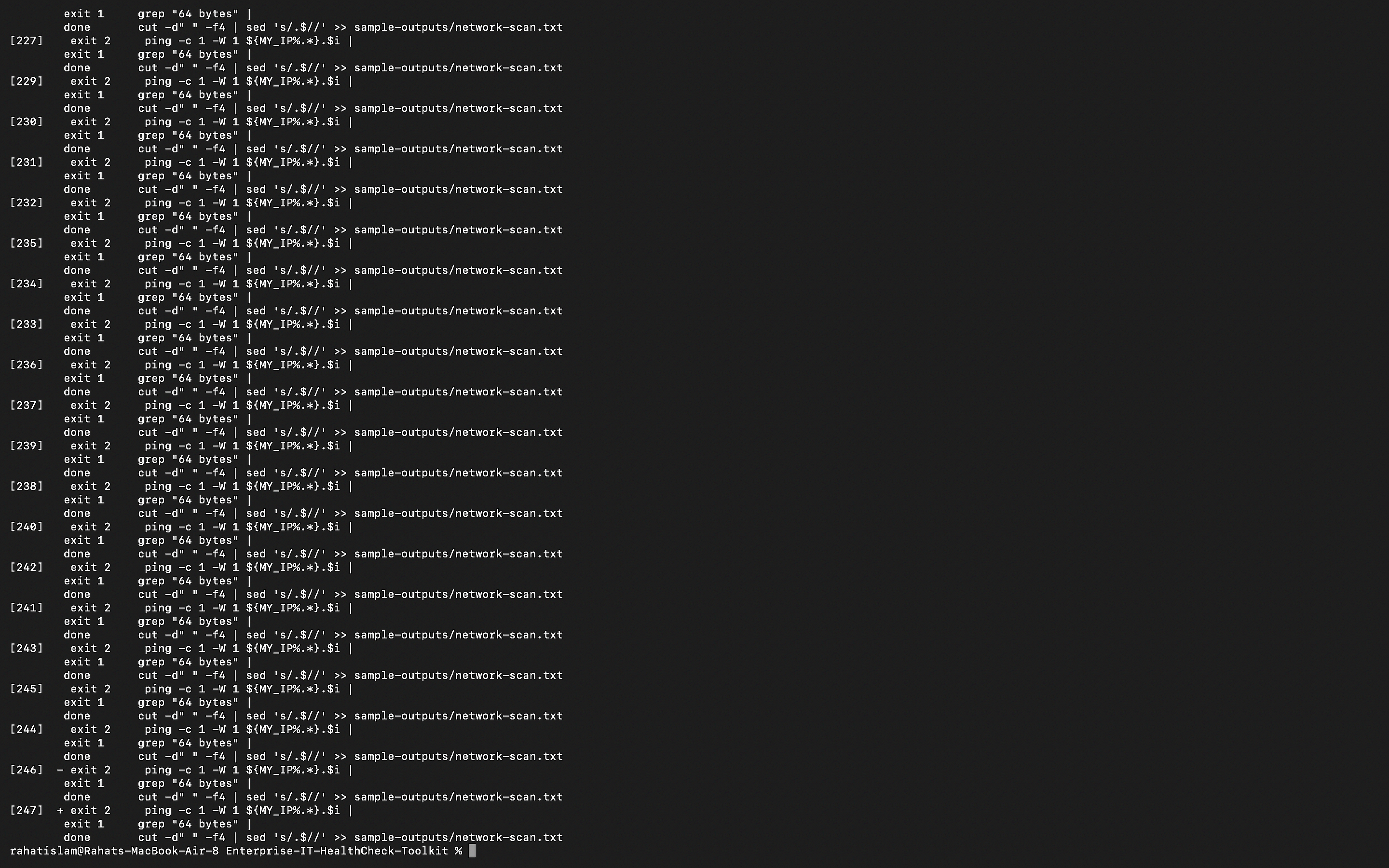
Rogue Device Detection
ARP Scan
ARP Network Scan
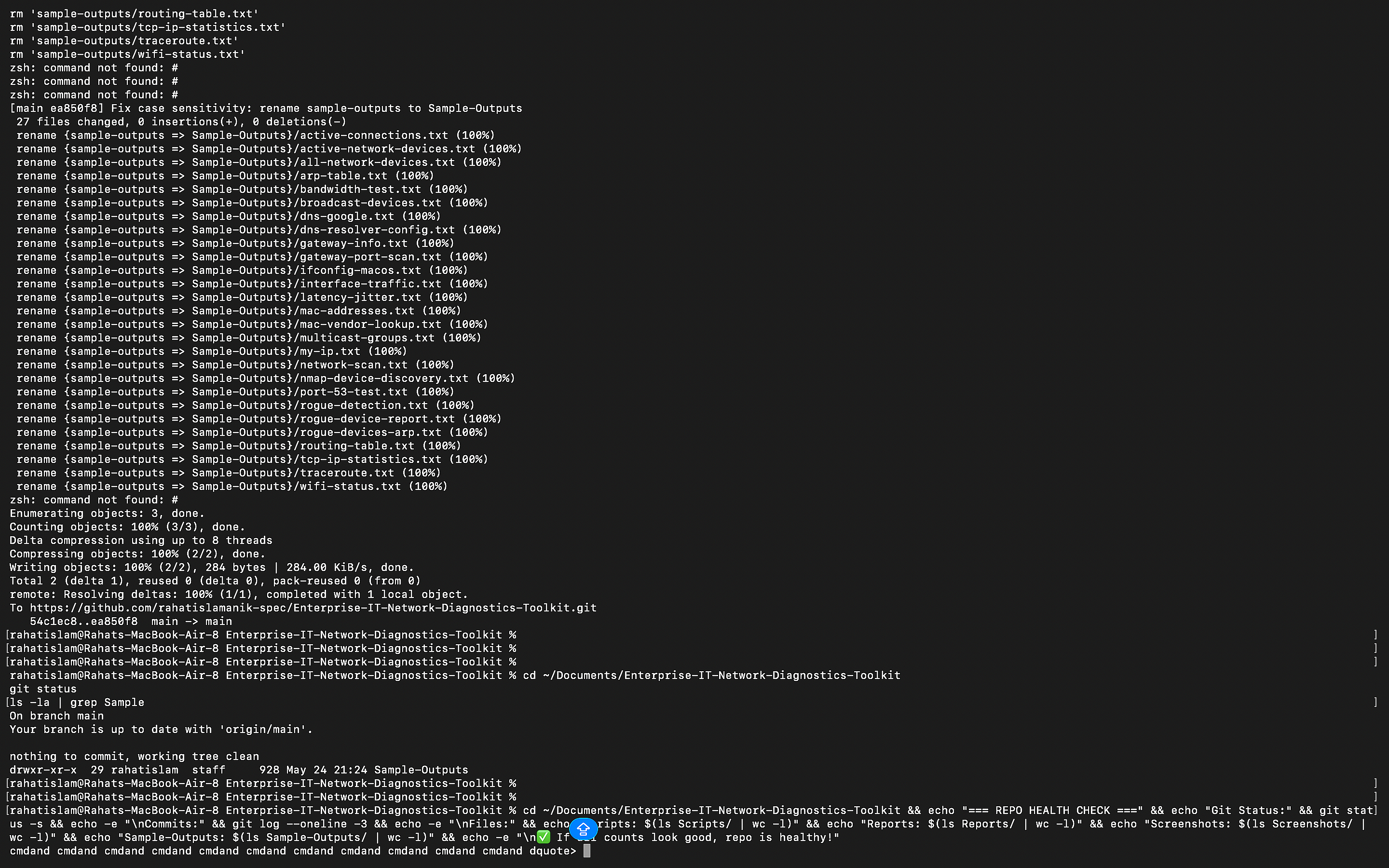
Git History
Git Commit History
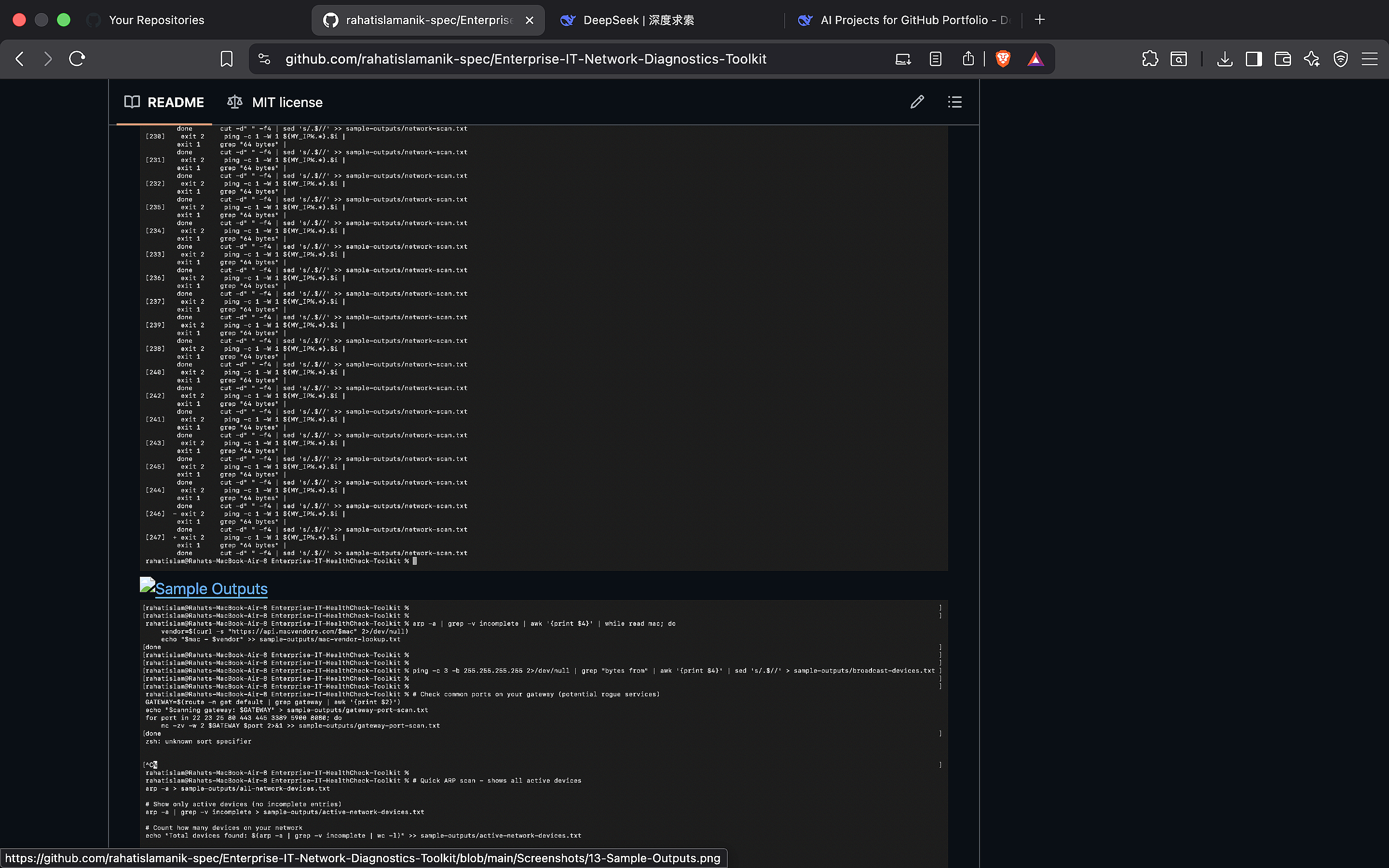
GitHub Repo
GitHub Repository
Sample Outputs
Sample Outputs Folder
Security Files
Security Audit Files
Project Structure
Project Structure
Live Site
Live Site — Browser
Repo Structure
Repo Final Structure
Wi-Fi Script
Script 04 — Wi-Fi Terminal
Adapter Report
Script 05 — Adapter Report
Interfaces Table
Network Interfaces Table
SSL Report
Script 07 — SSL Cert Report
Latency Report
Script 08 — Latency Report
Reports Gallery
HTML Reports Gallery
Report Detail
HTML Report Detail
Skills Demonstrated
Technical capabilities evidenced by this project.
PowerShell Scripting Network Diagnostics DNS Troubleshooting Port Scanning Wi-Fi Analysis SSL/TLS Certificates Latency & Jitter Analysis Rogue Device Detection ARP Monitoring MAC Vendor OSINT HTML Report Generation Git Version Control IT Support Documentation Security Auditing Cross-Platform Automation Cisco Networking Principles TCP/IP Protocol Analysis Traceroute Path Analysis

Scripting

PowerShell 7+ (cross-platform)

Platform

macOS · Windows · Linux

Reporting

Self-contained HTML output

Network Tools

ping · traceroute · arp · dig · nc · nmap

Version Control

Git · GitHub · GitHub Pages

Cost

$0 — Zero paid tools

Md Rahat Islam Anik

Cloud Computing & Network Administration · George Brown College · May 2026
AZ-900 · MS-900 · Cisco Networking Essentials · Anthropic AI Certifications