Meridian-Institute-M365-Lab
Phase 3 — Microsoft Defender XDR Security Audit
Meridian Institute — Microsoft 365 Security Operations Lab Simulated enterprise environment using a dedicated Microsoft 365 Developer Tenant with sanitized public identifiers
📋 Project Overview
This phase implements an automated Microsoft Defender XDR security posture audit using PowerShell and Microsoft Graph. The objective is to assess the Meridian Institute’s security posture across Secure Score, identity risk, security alerts, and authentication activity — producing structured CSV reports for governance and compliance review.
Business Problem
Security teams in modern organizations need continuous visibility into:
- How their security posture compares against Microsoft’s recommended controls
- Whether any users are flagged as risky by Microsoft’s identity protection signals
- Active security alerts requiring investigation and remediation
- Authentication patterns — failed sign-ins that may indicate brute force or compromised accounts
- Which security controls are implemented vs outstanding
Without automated auditing, this visibility requires manual navigation across multiple admin portals — Defender, Entra ID, Purview — with no structured output or historical comparison.
Solution
A single PowerShell script connecting to Microsoft Graph that performs a complete security posture audit — Secure Score, control profiles, risky users, security alerts, and sign-in activity — exported to 3 structured CSV reports.
🛠️ Technologies Used
| Tool | Purpose |
|---|---|
| Microsoft Defender XDR | Security incidents, alerts, and Secure Score |
| Microsoft Graph API | Security data retrieval |
| PowerShell 7+ | Script execution and report generation |
| Entra ID Identity Protection | Risky user detection |
| Azure AD Sign-in Logs | Authentication activity analysis |
| Get-MgSecuritySecureScore | Secure Score data |
| Get-MgSecuritySecureScoreControlProfile | Security control inventory |
| Get-MgRiskyUser | Identity risk signals |
| Get-MgSecurityAlert | Security alert enumeration |
| Get-MgAuditLogSignIn | Sign-in activity audit |
Required Graph Scopes: SecurityEvents.Read.All, SecurityActions.Read.All, IdentityRiskyUser.Read.All, Policy.Read.All, AuditLog.Read.All, Directory.Read.All
🔧 Script — defender-xdr-security-audit.ps1
Performs 5 sequential security audit checks:
1. Secure Score Audit Retrieves the tenant’s current Microsoft Secure Score — a weighted measure of security posture across identity, devices, apps, and data. Captures current score, maximum possible score, and percentage.
2. Security Control Profile Inventory Enumerates all 446 available security controls — documenting category, action type, service, maximum score contribution, implementation tier, user impact, and associated threats.
3. Risky User Detection Queries Microsoft Identity Protection for users flagged as risky — capturing risk level (low/medium/high), risk state, risk detail, and last updated timestamp. Requires Entra ID P2 licensing for full functionality.
4. Security Alert Audit Retrieves all active security alerts from Microsoft Defender — capturing title, severity, status, category, creation date, and provider. Alerts represent active threats or suspicious activity requiring investigation.
5. Sign-in Activity Analysis Pulls the last 50 sign-in events from the audit log — distinguishing successful from failed authentications. Failed sign-ins (Error Code ≠ 0) flag potential brute force attempts, account lockouts, or MFA failures.
📊 Lab Audit Results
From the Meridian Institute M365 Developer Tenant:
| Finding | Result | Status |
|---|---|---|
| Secure Score | 238.26 / 413 (57.7%) | ✅ Active baseline |
| Security Controls Available | 446 | ✅ Full inventory |
| Risky Users | 0 | ✅ Clean |
| Security Alerts | 0 | ✅ Clean |
| Sign-ins (Last 7 Days) | 50 | ✅ Active tenant |
| Failed Sign-ins | 13 | ⚠️ Requires investigation |
Key findings:
Secure Score 57.7% — A score of 238.26 out of 413 indicates a solid security baseline with significant room for improvement. The 446 available controls provide a clear roadmap for security hardening initiatives.
13 failed sign-ins — Out of 50 sign-in attempts in 7 days, 13 (26%) failed. This rate warrants investigation — failed sign-ins can indicate incorrect passwords, MFA challenges, Conditional Access blocks, or external brute force attempts. In a production environment this would trigger an alert and investigation workflow.
0 risky users and 0 alerts — The tenant has no currently flagged identity risks or active security incidents, confirming a clean security state at the time of audit.
📁 Repository Structure
phase-3-defender-xdr/
├── scripts/
│   └── defender-xdr-security-audit.ps1
├── reports/
│   ├── secure-score-controls-2026-05-31.csv
│   ├── risky-users-2026-05-31.csv
│   └── security-alerts-2026-05-31.csv
├── screenshots/
└── README.md
📸 Implementation Screenshots
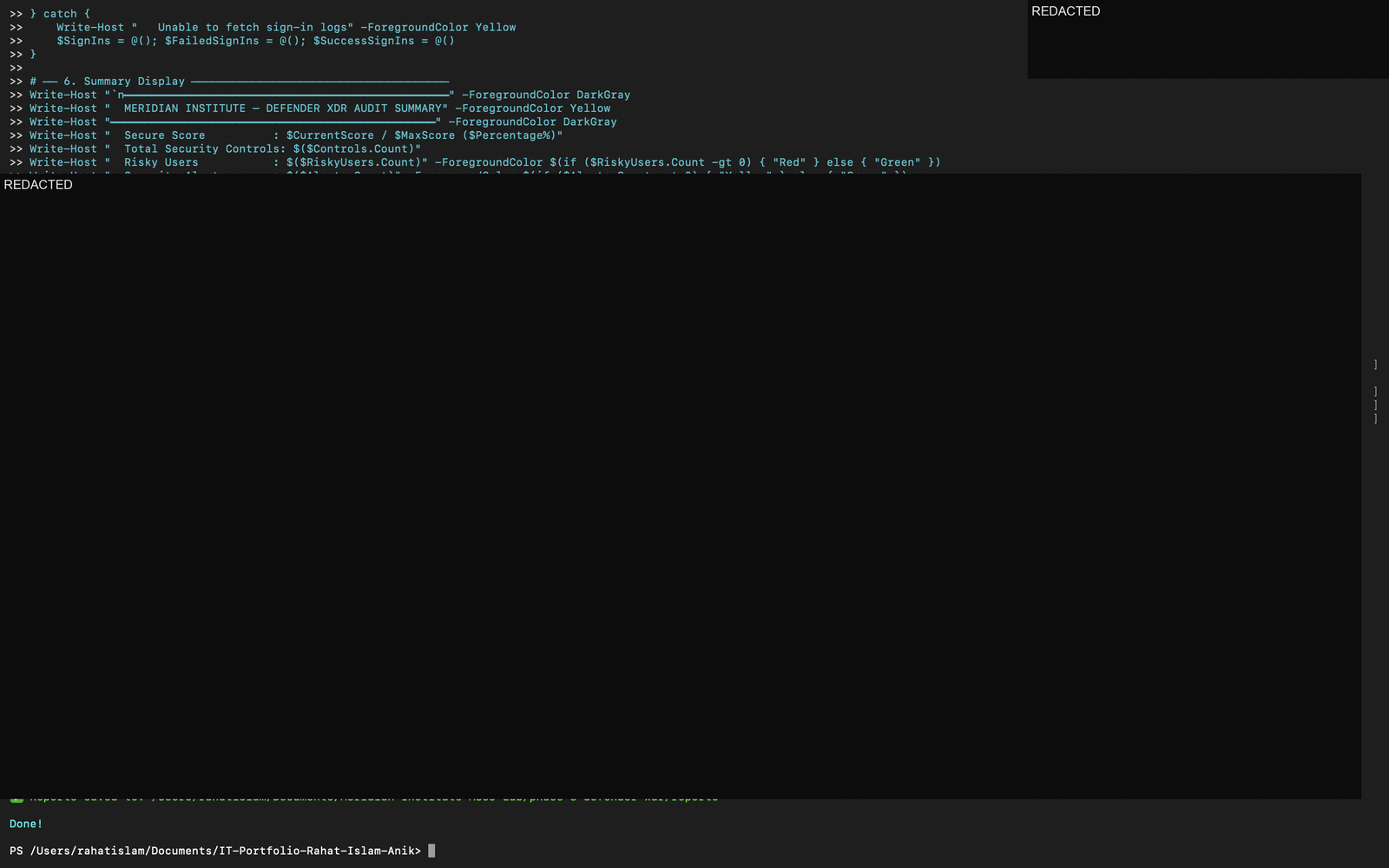
1. Script Execution — Full Audit Summary
Complete script execution showing Microsoft Graph connection, all 5 audit sections, and the final Defender XDR summary — Secure Score 238.26/413, 13 failed sign-ins detected.
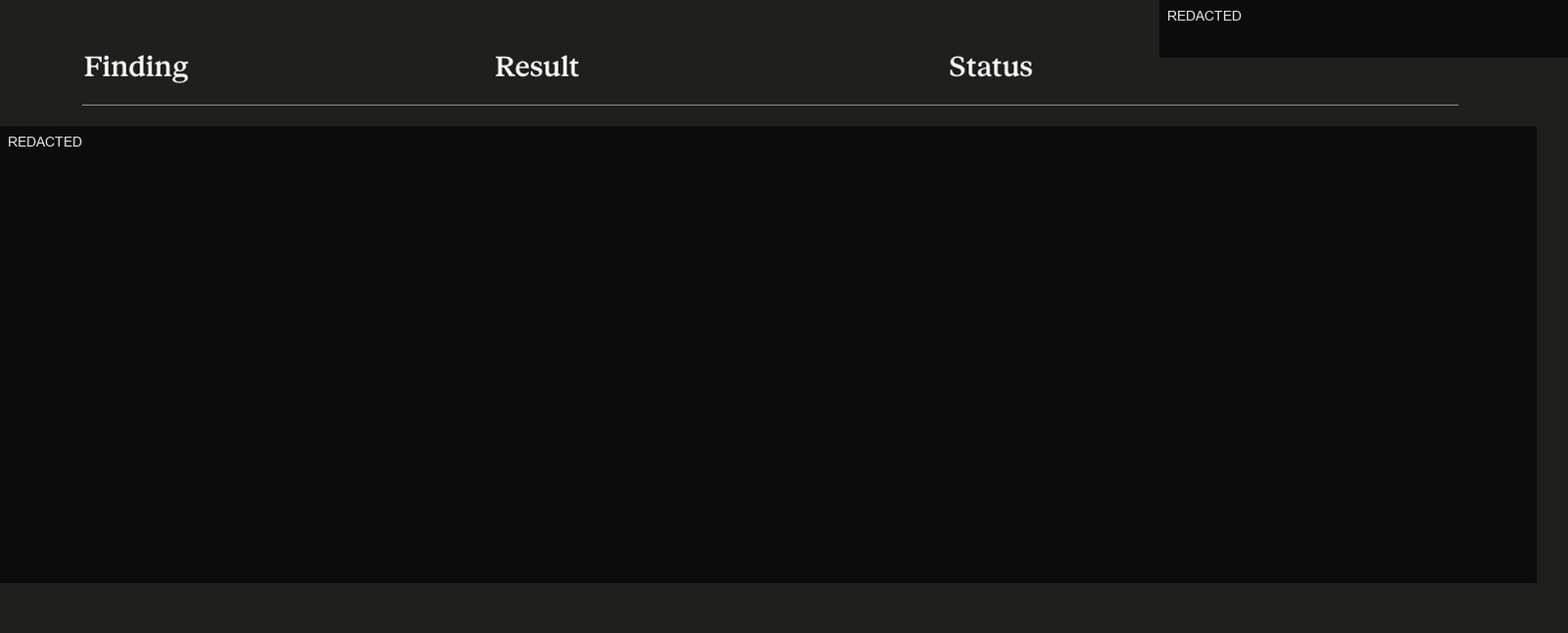
2. Audit Findings Table
PowerShell audit output showing the structured findings table used to summarize Secure Score, risky users, security alerts, and sign-in activity.
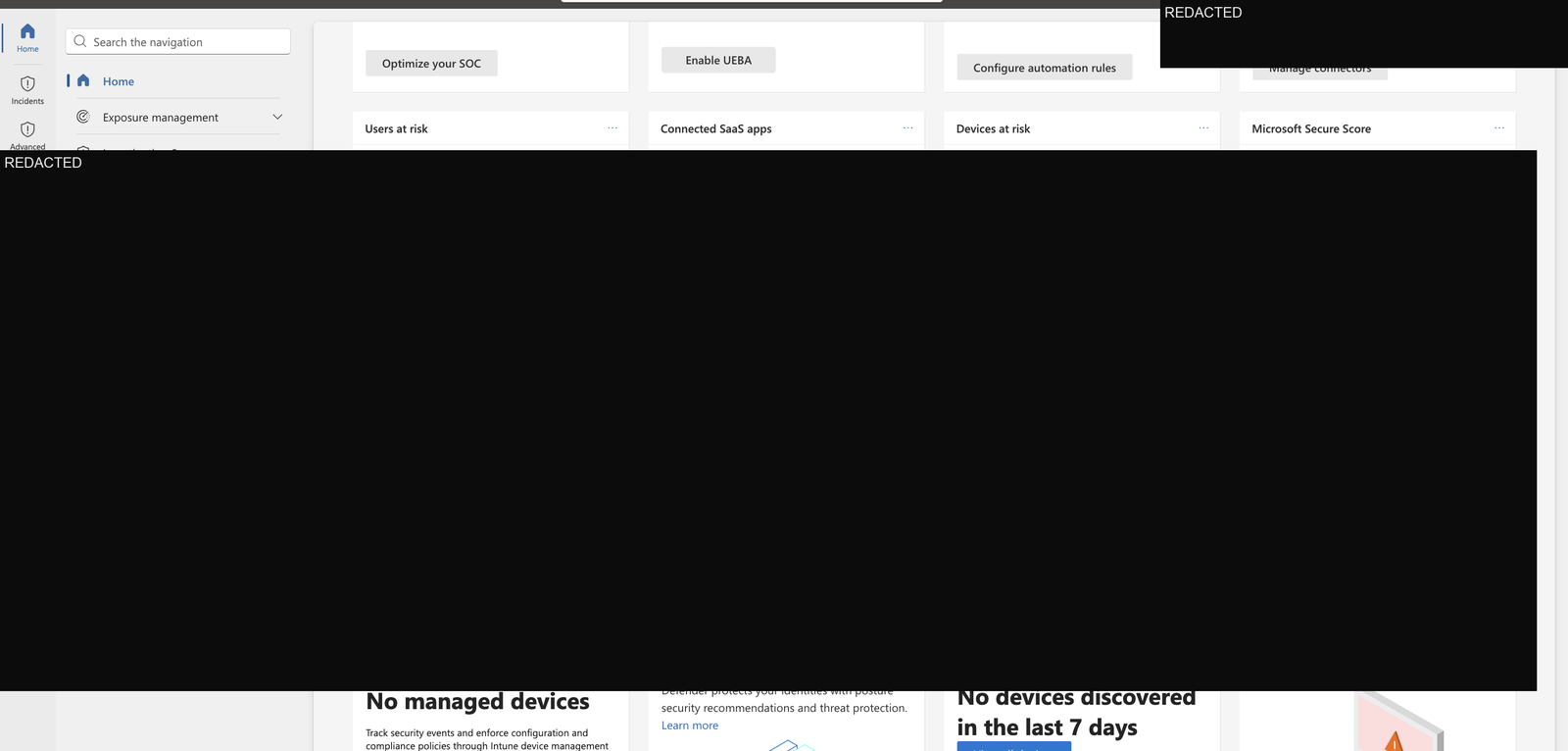
3. Microsoft Defender — Overview Dashboard
Microsoft Defender XDR portal showing the security operations overview for the Meridian Institute tenant.
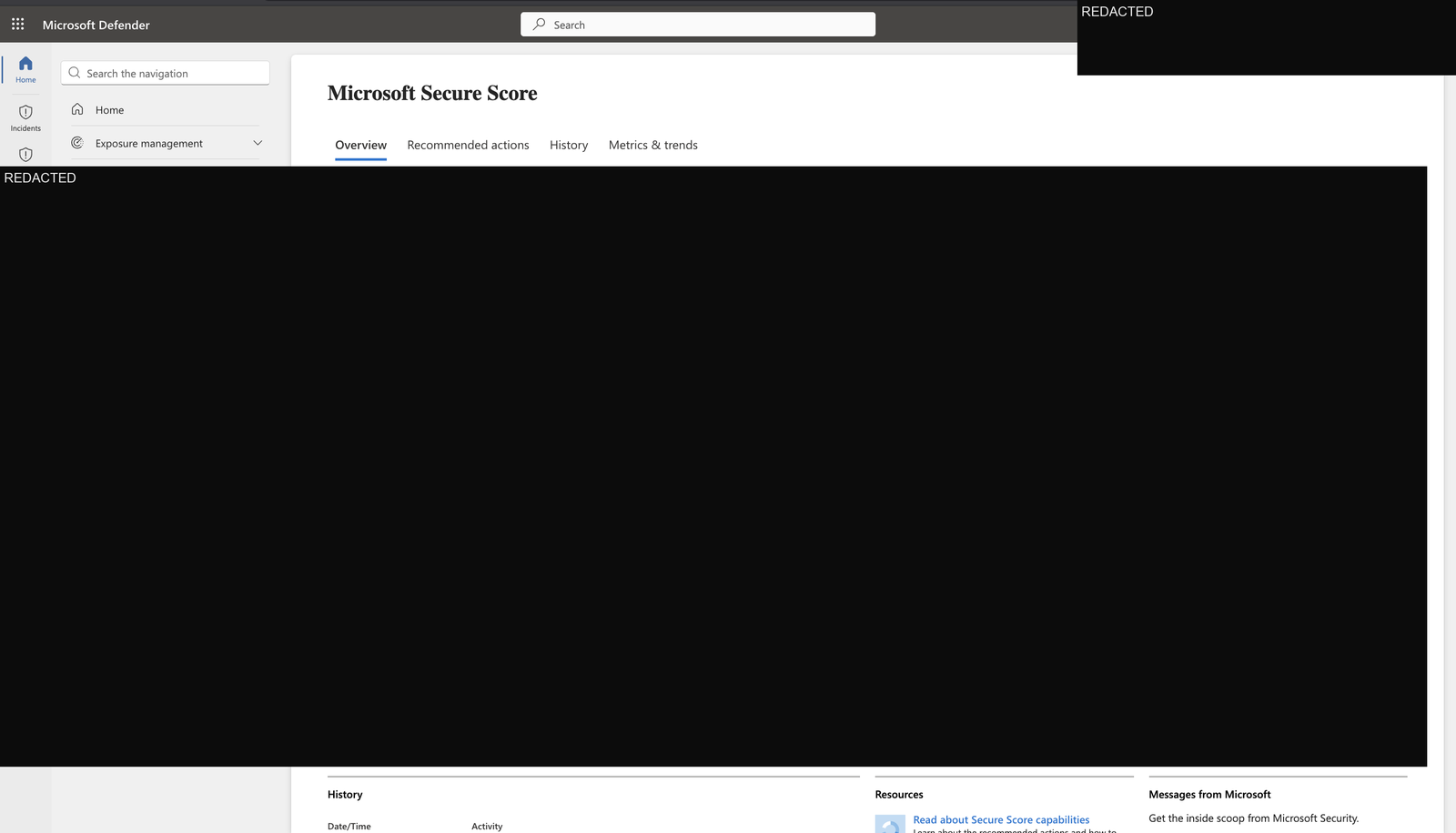
4. Microsoft Secure Score
Secure Score dashboard showing the tenant’s current score of 238.26 / 413 (57.7%) with improvement recommendations.
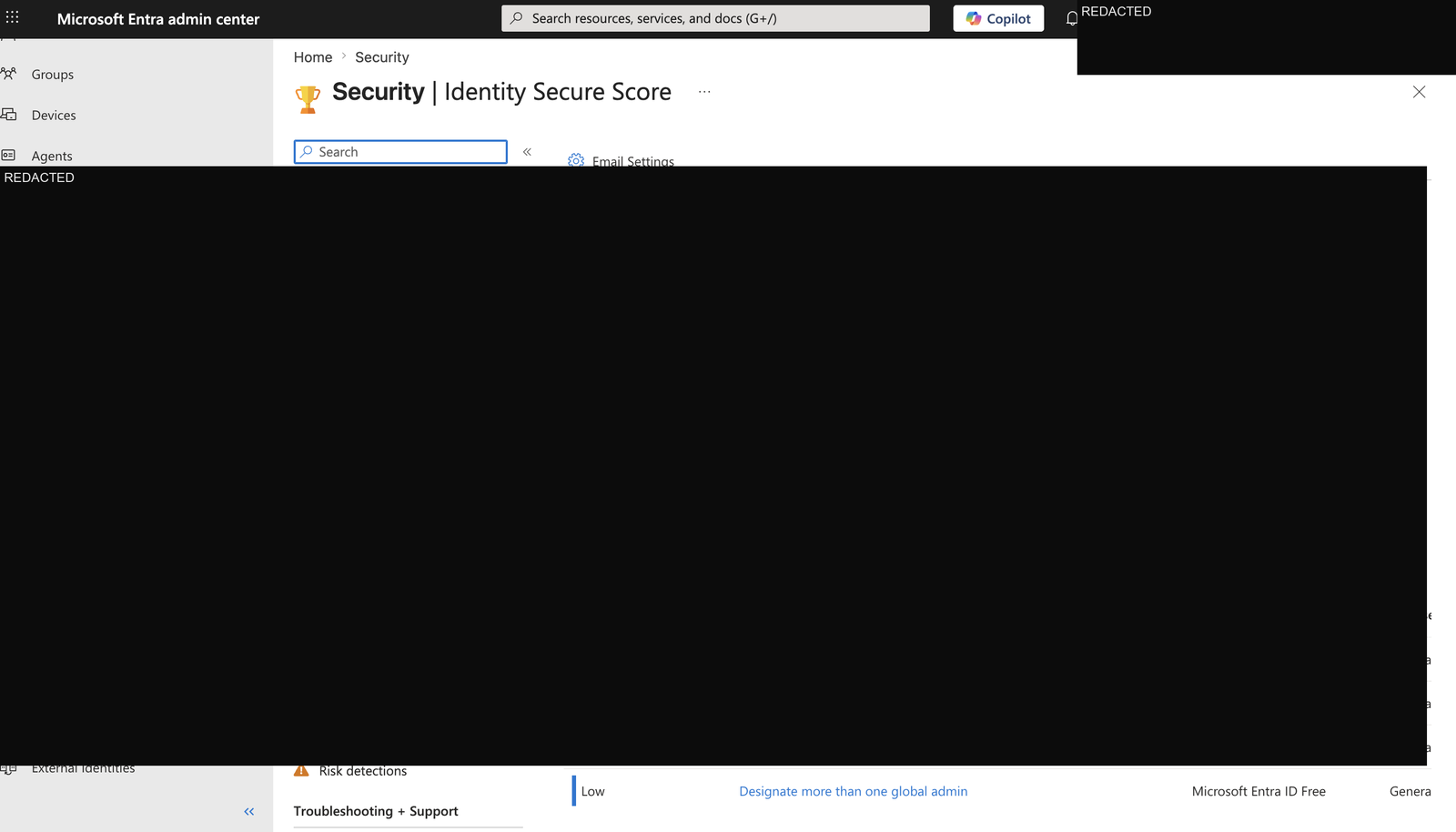
5. Entra ID — Identity Secure Score
Identity Secure Score view showing the identity security posture used alongside the Defender XDR audit findings.
🎯 Key Outcomes
- ✅ Secure Score baseline established: 238.26 / 413 (57.7%)
- ✅ 446 security controls inventoried — full improvement roadmap available
- ✅ 0 risky users — clean identity risk posture
- ✅ 0 security alerts — no active incidents
- ⚠️ 13 failed sign-ins detected — authentication anomaly flagged for investigation
- ✅ 3 CSV reports exported via PowerShell and Microsoft Graph
💼 Real-World Relevance
Defender XDR security audits are a standard responsibility for:
- M365 Administrators — maintaining Secure Score above organizational benchmarks
- Security Operations teams — triaging alerts and risky user signals daily
- IT Managers — reporting security posture to leadership and compliance teams
- Cloud Administrators — implementing Secure Score recommendations
The 13 failed sign-ins finding directly maps to a real SOC workflow: investigate the source IPs, check if accounts are targeted, verify Conditional Access is blocking appropriately, and determine if MFA is enforcing correctly.
🔗 Related Phases
| Phase | Topic |
|---|---|
| Phase 1 | Tenant Provisioning & Identity Governance |
| Phase 2 | Endpoint Security & Compliance |
| Phase 3 | Defender XDR Security Audit ← You are here |
Built by Md Rahat Islam Anik — Cloud Computing & Network Administration Graduate, George Brown Polytechnic LinkedIn • GitHub