Meridian-Institute-M365-Lab
Phase 5 — Endpoint Compliance & Conditional Access Audit
Meridian Institute — Microsoft 365 Security Operations Lab Simulated enterprise environment using a dedicated Microsoft 365 Developer Tenant with sanitized public identifiers
📋 Project Overview
This phase implements an automated Endpoint Compliance and Conditional Access audit using PowerShell and Microsoft Graph. The objective is to assess the Meridian Institute’s device governance posture — documenting all Conditional Access policies, Intune compliance policies, and managed device status across the tenant.
Business Problem
Without a structured audit process, IT administrators have no centralized view of:
- Which Conditional Access policies are active vs report-only vs disabled
- What compliance requirements are configured across device platforms
- How many devices are compliant vs non-compliant at any point in time
- Whether CA policies align with the organization’s Zero Trust security requirements
Solution
A PowerShell script connecting to Microsoft Graph that audits all CA policies, Intune compliance policies, and managed devices — producing 3 structured CSV reports for governance review.
🛠️ Technologies Used
| Tool | Purpose |
|---|---|
| Microsoft Graph API | CA policy and device data retrieval |
| PowerShell 7+ | Script execution and report generation |
| Microsoft Entra ID | Conditional Access policy engine |
| Microsoft Intune | Device compliance policy management |
| Get-MgIdentityConditionalAccessPolicy | CA policy enumeration |
| Get-MgDeviceManagementDeviceCompliancePolicy | Compliance policy enumeration |
| Get-MgDeviceManagementManagedDevice | Device inventory |
Required Graph Scopes: Policy.Read.All, DeviceManagementConfiguration.Read.All, Directory.Read.All
🔧 Script — endpoint-compliance-audit.ps1
Performs 3 sequential audit checks:
1. Conditional Access Policy Audit Enumerates all CA policies — capturing policy name, state (enabled/report-only/disabled), target users, target applications, grant controls (MFA, compliant device), and session controls.
2. Intune Compliance Policy Audit Enumerates all device compliance policies — capturing policy name, target platform (Windows, iOS, macOS, Android), creation date, and description.
3. Managed Device Inventory Queries all Intune-managed devices — capturing device name, OS, version, compliance state, assigned user, last sync time, and management agent.
📊 Lab Audit Results
From the Meridian Institute M365 Developer Tenant:
| Finding | Result | Status |
|---|---|---|
| Total CA Policies | 9 | ✅ Comprehensive coverage |
| Enabled Policies | 0 | ✅ Report-only mode (safe lab) |
| Report-Only Policies | 9 | ✅ All policies in monitoring mode |
| Disabled Policies | 0 | ✅ No orphaned policies |
| Intune Compliance Policies | 3 | ✅ Multi-platform coverage |
| Managed Devices | 0 | ✅ Expected in lab environment |
Key findings:
9 Conditional Access policies — all in Report-Only mode. This is best practice for a lab environment — policies are fully configured and monitored but not enforced, preventing accidental lockouts during testing. In a production deployment, high-priority policies (MFA for admins, block legacy auth) would be moved to Enabled.
This audit shows 9 policies because it includes the additional BYOD web-only access policy added after the initial Phase 2 build. The lab intentionally preserves template-based and custom MFA variants as evidence; a production tenant would consolidate overlapping policies before enforcement.
3 Intune compliance policies — covering the three device platforms configured in Phase 2: iOS/iPadOS BYOD, Windows Standard, and Windows Faculty/Staff. These policies define the compliance requirements devices must meet before CA policies grant access.
0 managed devices — expected in a developer tenant with no physical devices enrolled. In production, this view would show all enrolled endpoints with their compliance status.
📁 Repository Structure
phase-5-endpoint-compliance/
├── scripts/
│   └── endpoint-compliance-audit.ps1
├── reports/
│   ├── conditional-access-policies-2026-06-02.csv
│   ├── intune-compliance-policies-2026-06-02.csv
│   └── managed-devices-2026-06-02.csv
├── screenshots/
└── README.md
📸 Implementation Screenshots
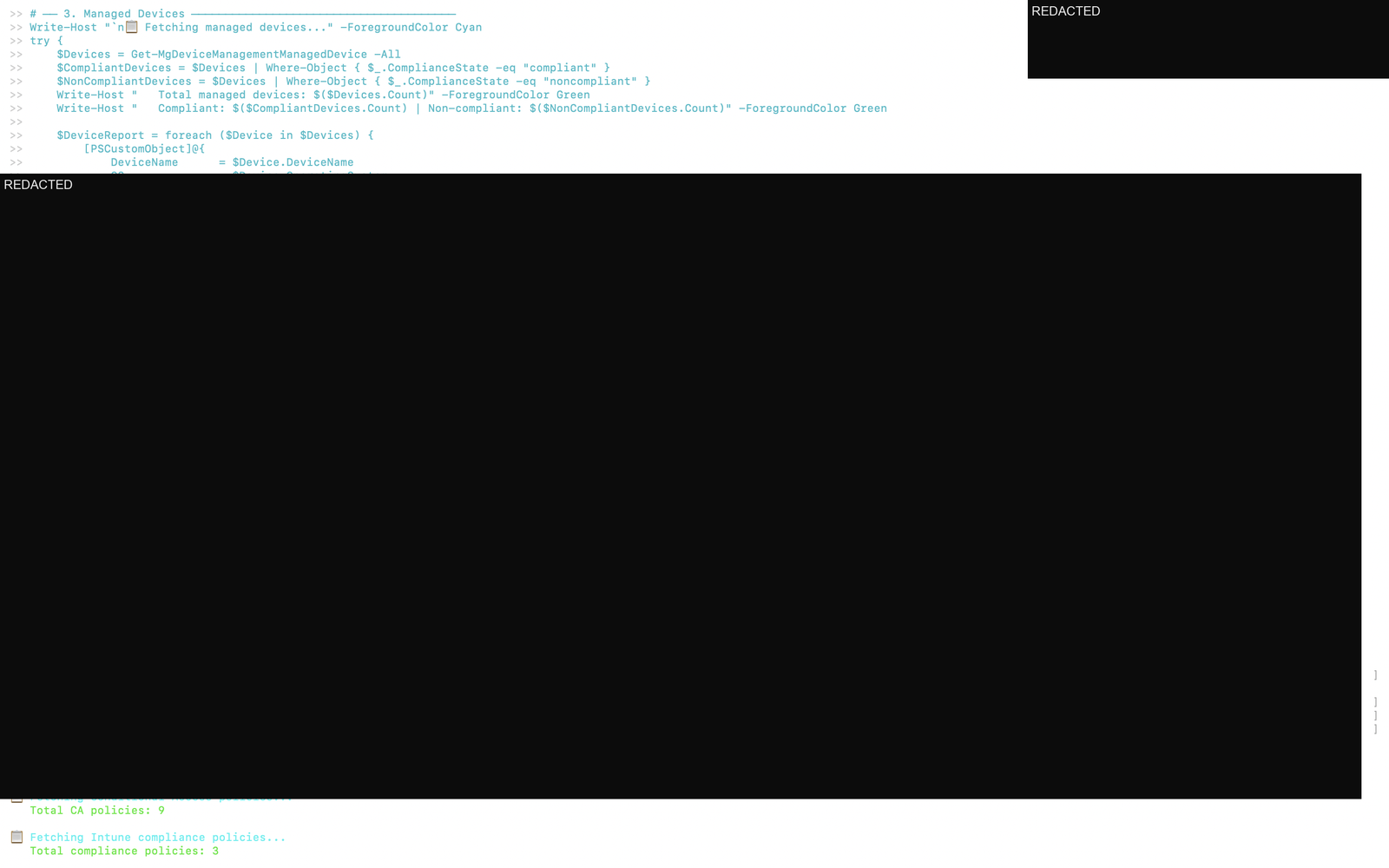
1. Script Execution — Audit Summary
Full script execution showing Microsoft Graph connection, CA policy enumeration (9 policies), Intune compliance policy fetch (3 policies), and managed device query.
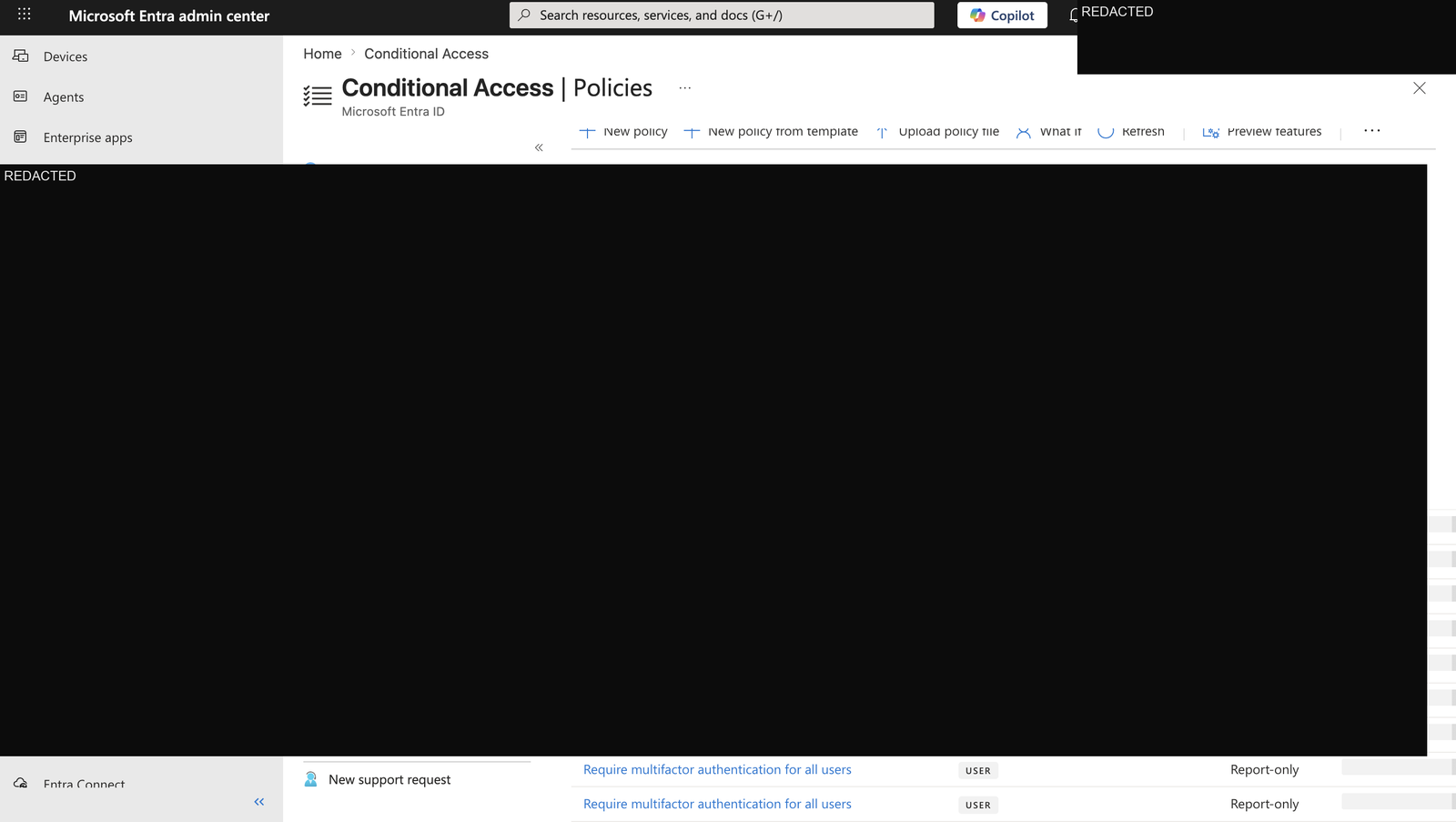
2. Conditional Access Policies — Entra Portal
Microsoft Entra ID Conditional Access portal showing all 9 policies in report-only state — MFA requirements, device compliance access review, and legacy authentication blocking strategy.
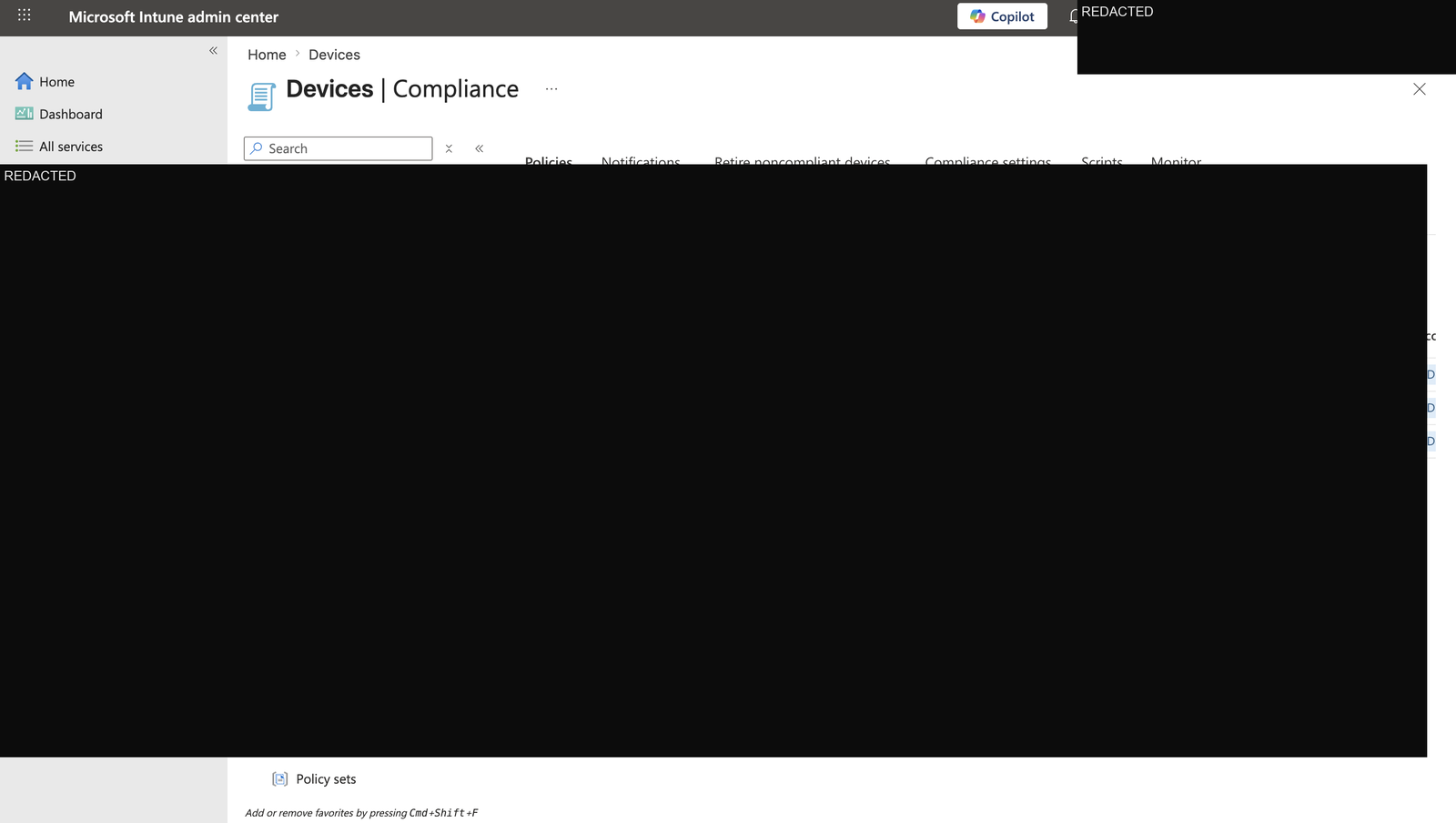
3. Intune Compliance Policies
Microsoft Intune compliance policies showing the 3 platform-specific policies configured for Meridian Institute — iOS BYOD, Windows Standard, and Windows Faculty/Staff.
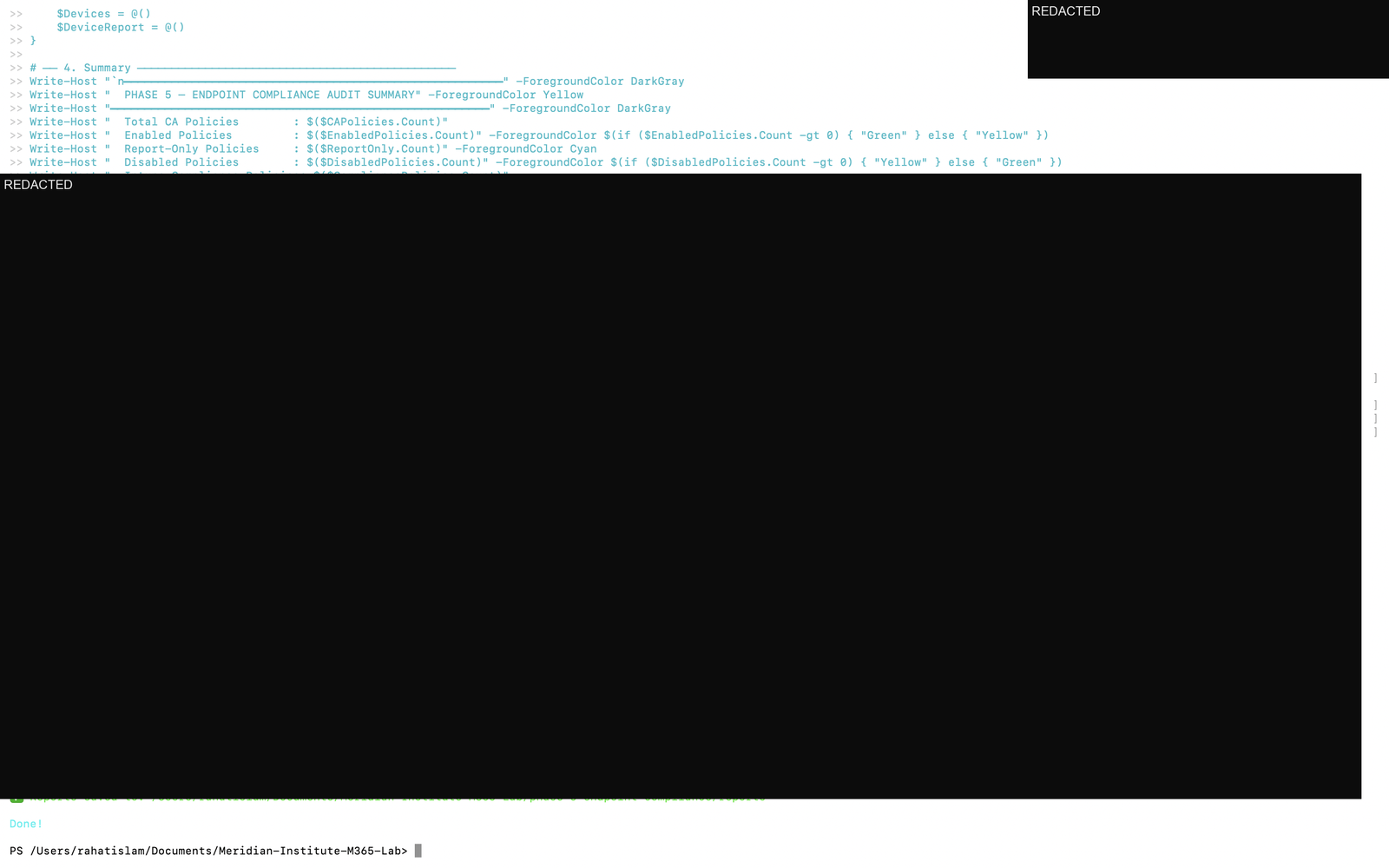
4. PowerShell Audit Summary Output
Terminal output showing the completed audit summary and report-generation status.
🎯 Key Outcomes
- ✅ 9 Conditional Access policies audited — full policy inventory with state classification
- ✅ 3 Intune compliance policies documented — multi-platform device governance
- ✅ All CA policies in Report-Only mode — safe monitoring without enforcement risk
- ✅ 0 disabled policies — clean policy hygiene, no orphaned configurations
- ✅ 3 CSV reports exported via PowerShell and Microsoft Graph
- ✅ Compliance posture baseline established for Phase 6 zero-touch deployment design
💼 Real-World Relevance
Endpoint compliance auditing is a core responsibility for:
- M365 Administrators — ensuring CA policies are correctly configured, monitored, and safely moved toward enforcement
- Security Operations teams — monitoring device compliance posture daily
- IT Managers — reporting compliance coverage to leadership
- Cloud Administrators — validating Zero Trust access controls are in place
The report-only CA policy finding is particularly valuable — it demonstrates understanding of safe policy deployment practices. Moving policies from report-only to enabled is a deliberate, staged process in production environments.
🔗 Related Phases
| Phase | Topic |
|---|---|
| Phase 1 | Identity & Security Operations Baseline |
| Phase 2 | Endpoint, Compliance & Access Security |
| Phase 3 | Defender XDR Security Audit |
| Phase 4 | User Onboarding Automation |
| Phase 5 | Endpoint Compliance & CA Audit ← You are here |
| Phase 6 | Zero-Touch Deployment Architecture |
Built by Md Rahat Islam Anik — Cloud Computing & Network Administration Graduate, George Brown Polytechnic LinkedIn · GitHub · Portfolio